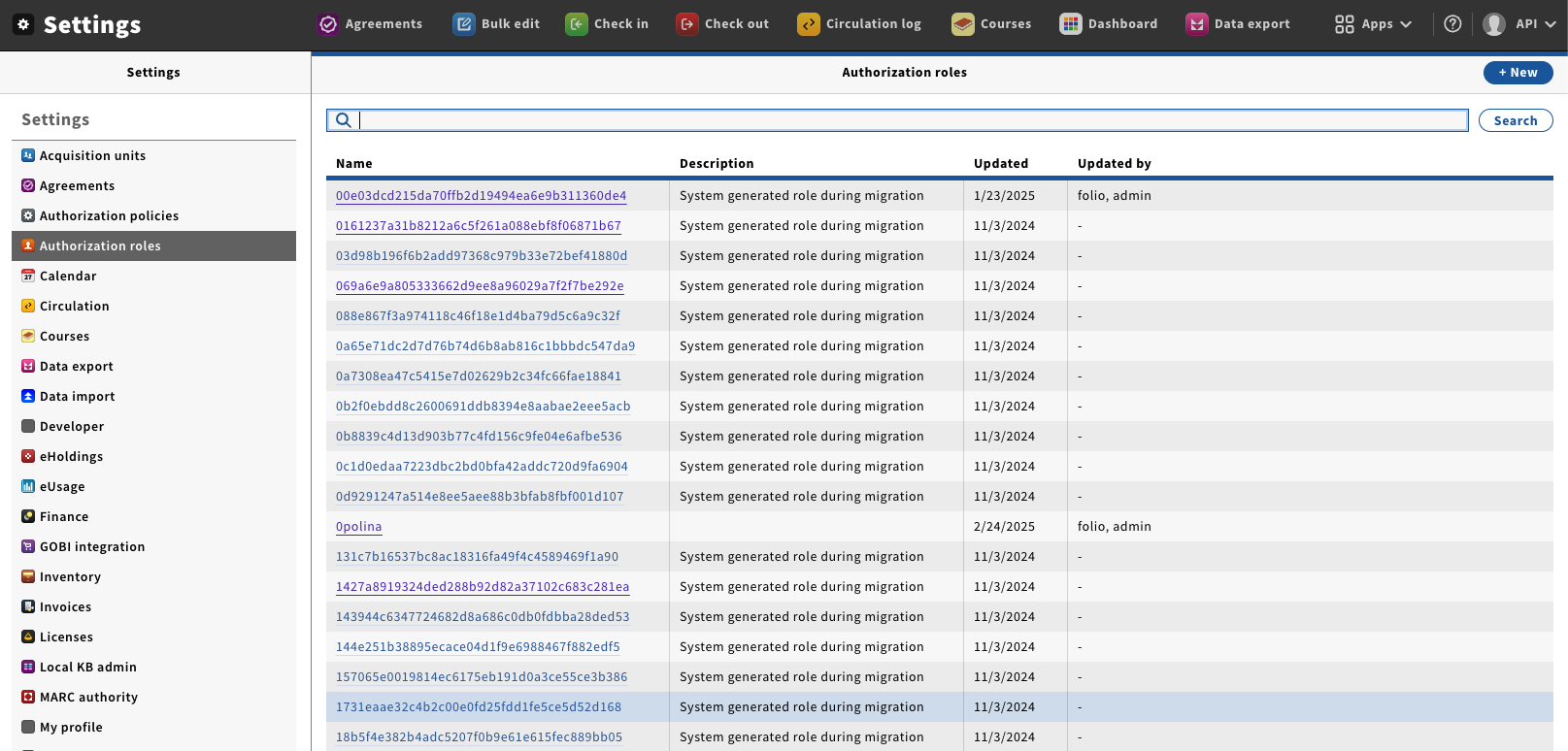
Go to “Settings” → “Authorization roles”, this will pen the Role management window.
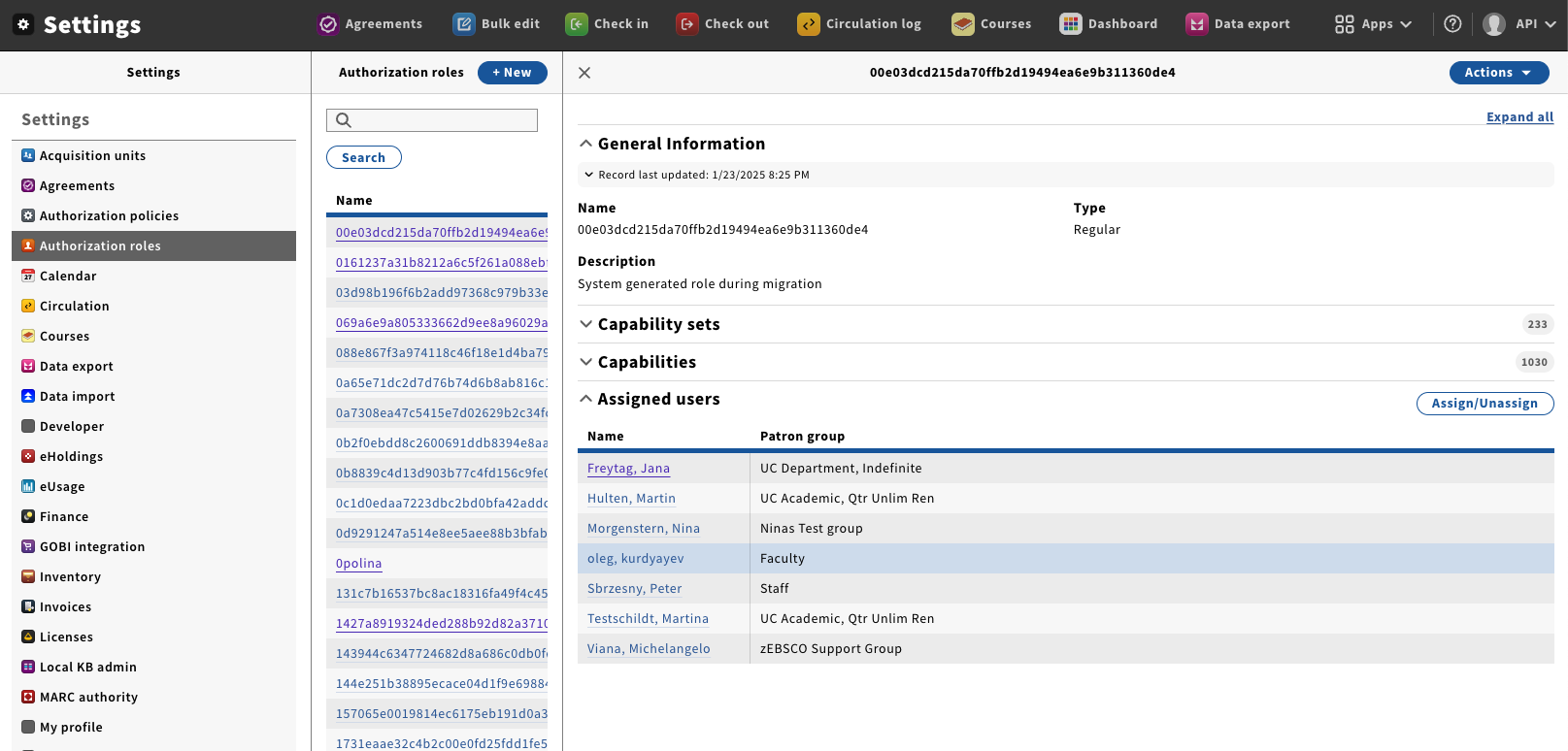
Click on the name of Role you wish to edit; this will open the detail's pane.
The different sections shown on this panel are:
Capability Sets—The currently assigned Capability sets
Capabilities—The currently assigned Capabilities.
Assigned users—The users who currently have this Role assigned to them. You can also add and remove this role to Users from this section.
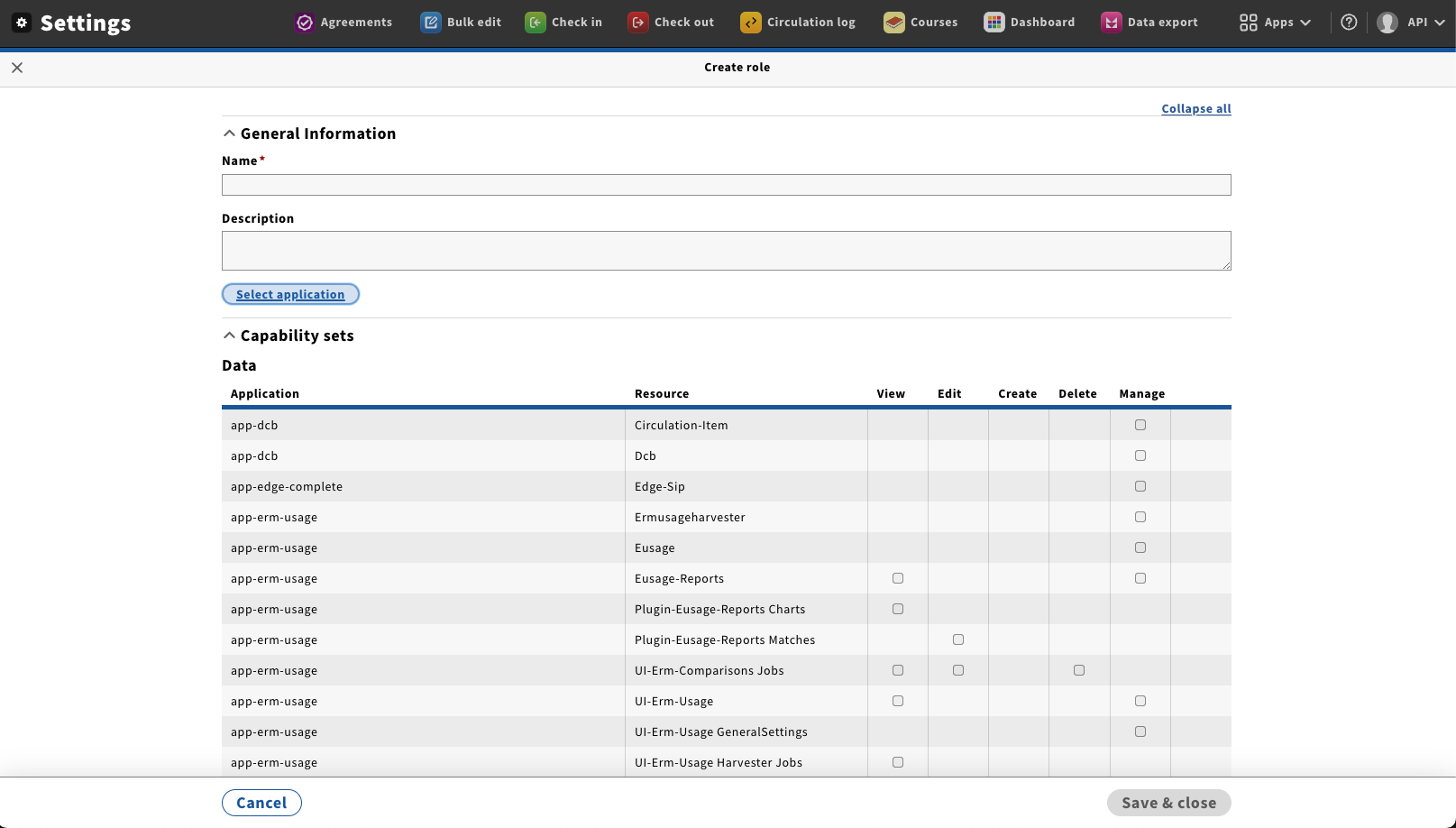
From the Action menu select “Edit”; this will open the New / Edit role screen.
This menu also allows you to Duplicate and Delete a role. At this time you should only try to delete a role if you know it will not be used again and as long as there are no Users assigned to it.