 Sign-up for free online course on ANSYS simulations!
-
Created by
 user-ab9f4, last updated on May 20, 2011
2 minute read
user-ab9f4, last updated on May 20, 2011
2 minute read
Author: John Singleton, Cornell University
Problem Specification
1. Pre-Analysis & Start-Up
2. Geometry
3. Mesh
4. Setup (Physics)
5. Solution
6. Results
7. Verification and Validation
Exercises
6. Results
Temperature
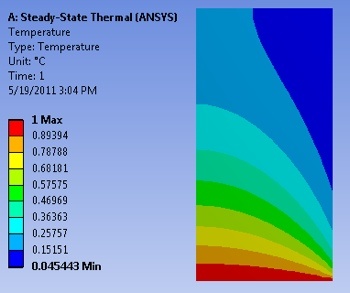
Click Here for Higher Resolution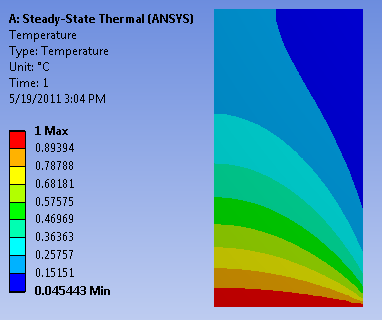
Total Heat Flux
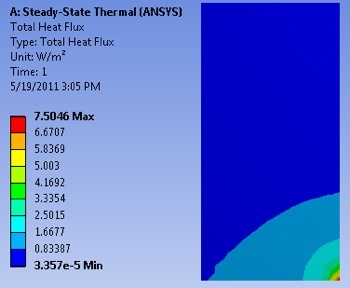
Click Here for Higher Resolution
X Direction Heat Flux
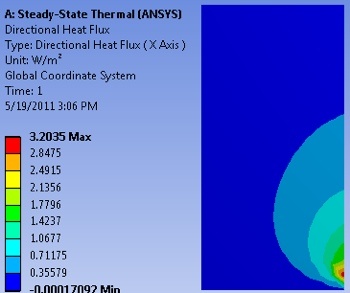
Click Here for Higher Resolution
Temperature along Y=1m line
At this point we are interested in extracting the temperature values along the horizontal line, y=1m. First, (Right Click) Model > Insert > Construction Geometry as shown below.
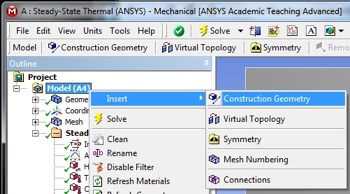
Click Here for Higher Resolution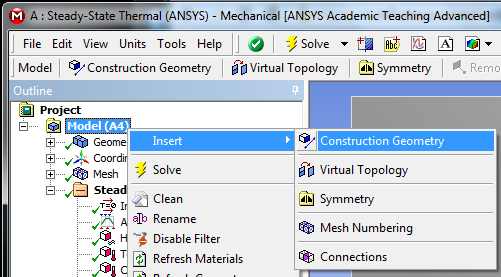
Next, (Right Click) Construction Geometry > Insert > Path as shown in the following image.
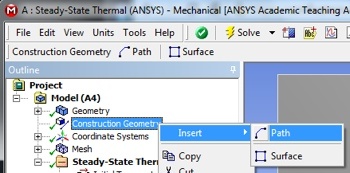
Click Here for Higher Resolution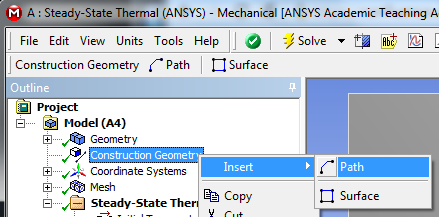
Then, set Number of Sampling Points to 100, set Start X Coordinate to 0, set Start Y Coordinate to 1, set End X Coordinate to 1, and set End Y Coordinate to 1 as shown below.
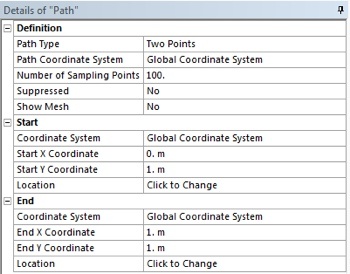
Click Here for Higher Resolution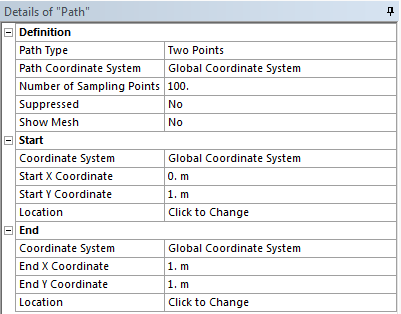
At this point another temperature output must be created. In order to create the temperature output (Right Click) Solution > Insert > Thermal > Temperature. In the "Details of Temperature 2" table set the Scoping Method to Path as shown below. Then, set Path to Path. Your "Details of Temperature 2" table should now look like the following image.
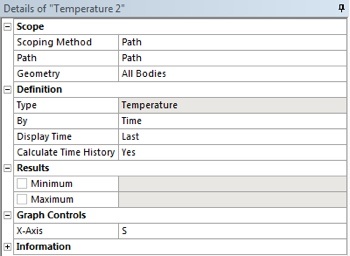
Click Here for Higher Resolution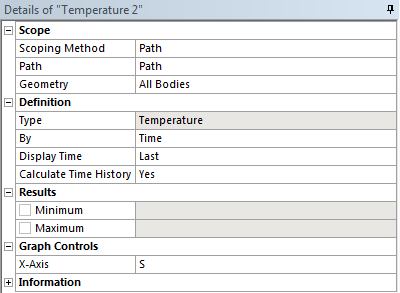
Save
Save the project now. Do not close Mechanical.
Go to Step 7: Verification and Validation
See and rate the complete Learning Module
Go to all ANSYS Learning Modules