*** This version of Confluence is for testing only and contains a copy of content from June 29th 2026. No changes will be preserved. ***

 user-9cca3, last updated on Dec 08, 2009
1 minute read
user-9cca3, last updated on Dec 08, 2009
1 minute read
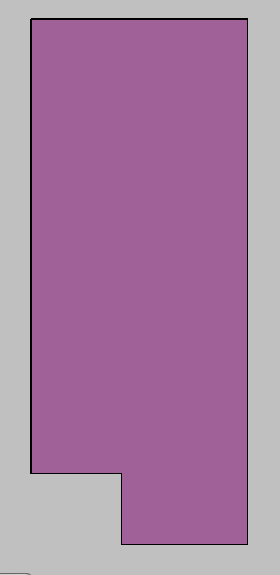
Baffle with Drawn Port
The program draws square ports on alternating sides of the lower baffles. The ports must be drawn on alternating sides so that when the plant in running, water does not have the opportunity to flow in a straight path through the flocculator (thus bypassing the mixing.)
1) Create a new layer "baffle ports."
2) Draw the ports with the calculated dimensions at the appropriate locations. The the thick side of the port is drawn 0.5*zc farther left than the baffle so that the additional thickness is centered around the baffle. The port locations are assigned iteratively (an outer loop iterates from channel to channel, while an inner loop iterates from baffle to baffle) according to x-, y-, and z-dimension locations calculated in the flocculator 2 MathCAD program.
3) Union all of the ports.
4) Thaw the "baffle" layer so that it may be edited
5) Subtract all of the ports. This may be done in a single command since the ports have been unioned.
6) Freeze all layers.