*** This version of Confluence is for testing only and contains a copy of content from June 29th 2026. No changes will be preserved. ***

 user-3cacb, last updated by user-0a60b on Aug 30, 2009
2 minute read
user-3cacb, last updated by user-0a60b on Aug 30, 2009
2 minute read
In this tutorial, you will learn how to use "Edit Rules" configuration. Once you click the edit rules button, a dialog box will pop-up. The default of the interface is on the Set Points tab.
Click on the edit rules tab to edit rules.
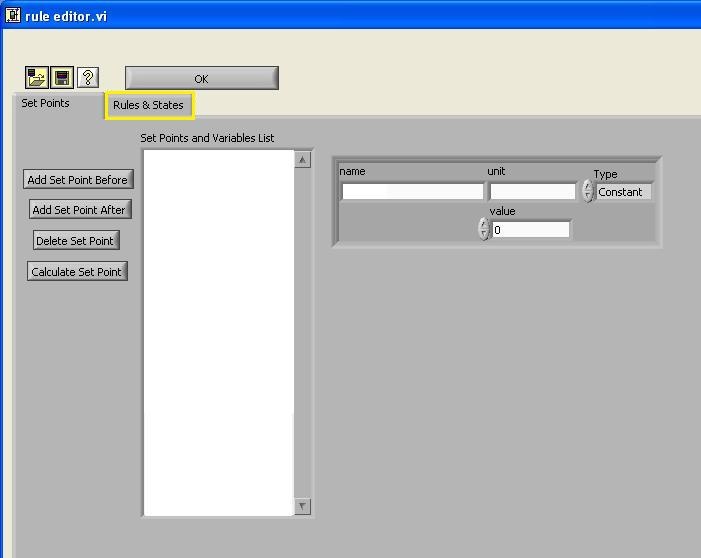
The first step that you need to do is to add a new set point by clicking "Add Set Point" button. ON and OFF set points are added and set for 1 and 0, respectively.
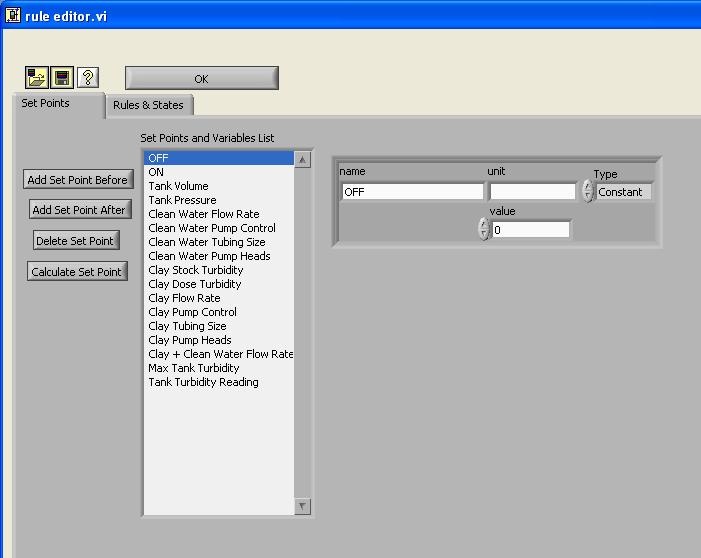
Figure 2 OFF set point
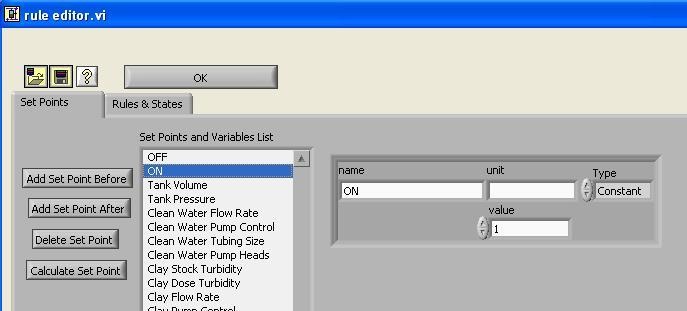
Figure 3 ON set point
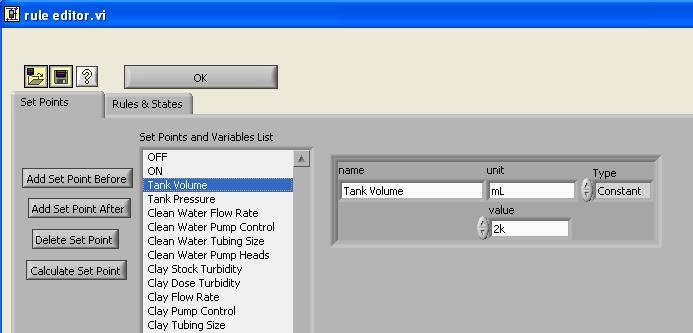
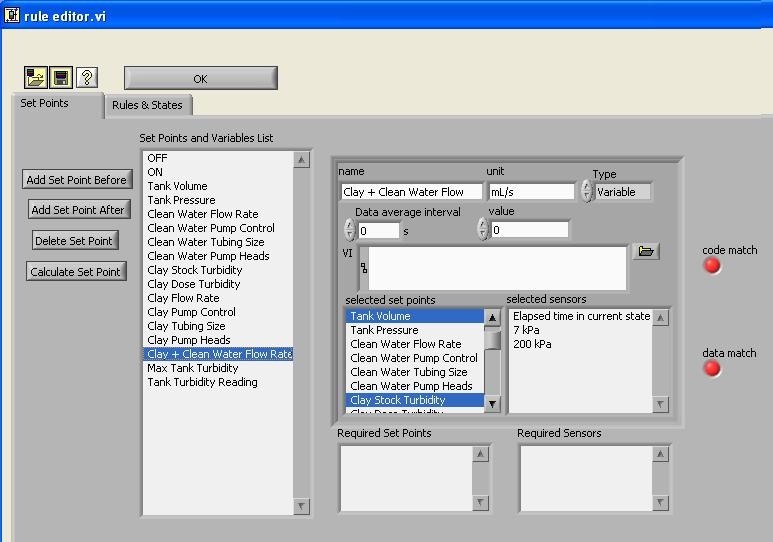
As you can see in the column, other important set points are added, depending on the experiments that are going to be conducted. The Tube Floc team is mostly dealing with alum and clay concentration, therefore, it is important to include set points for these components. The type is set as constant, such as the tank volume, tubing size, stock concentration, etc and others are set as variable, which allow the set point to be adjusted according to the other conditions. One of examples is shown here: Tank Volume
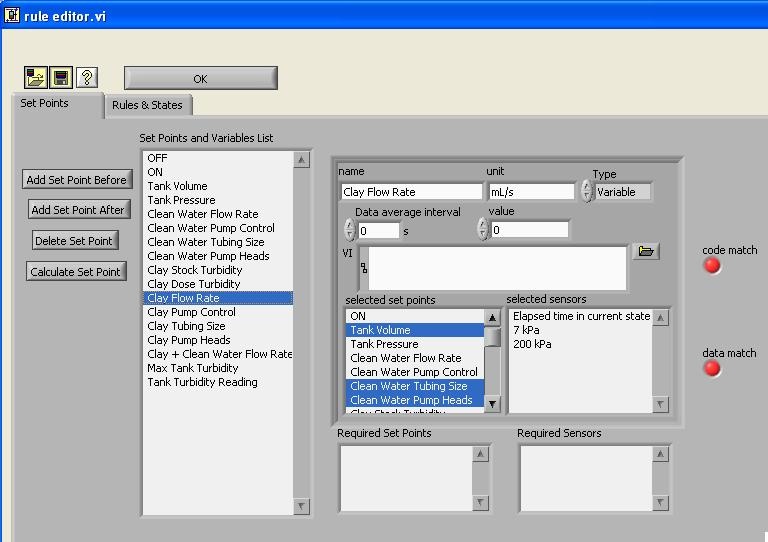
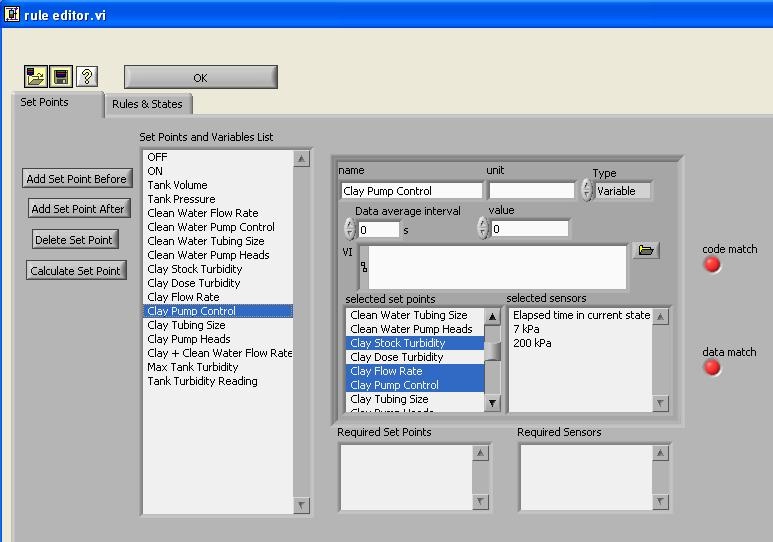
Figure 4 Clay Flow Rate Setup
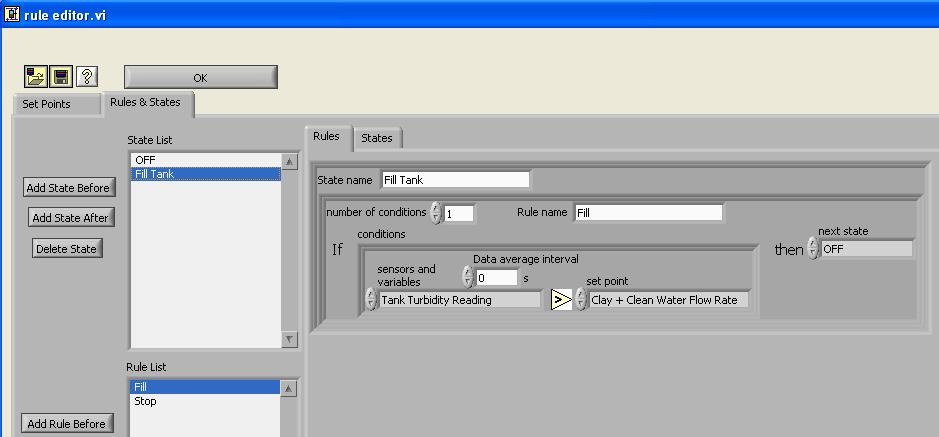
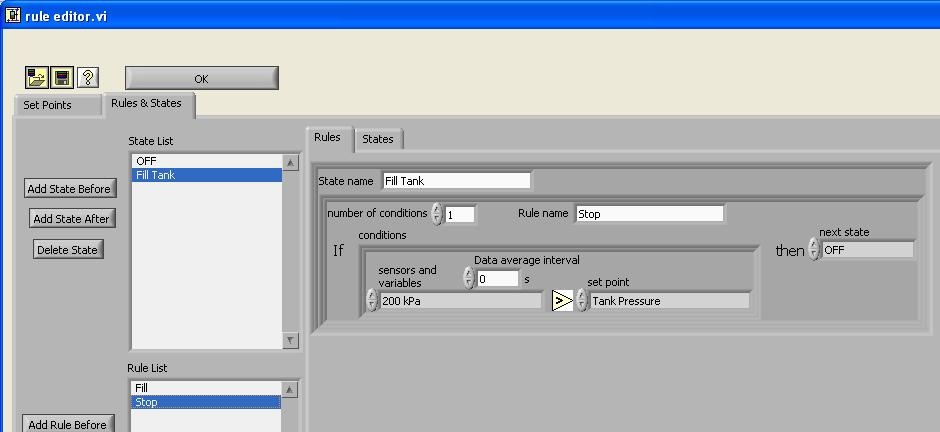
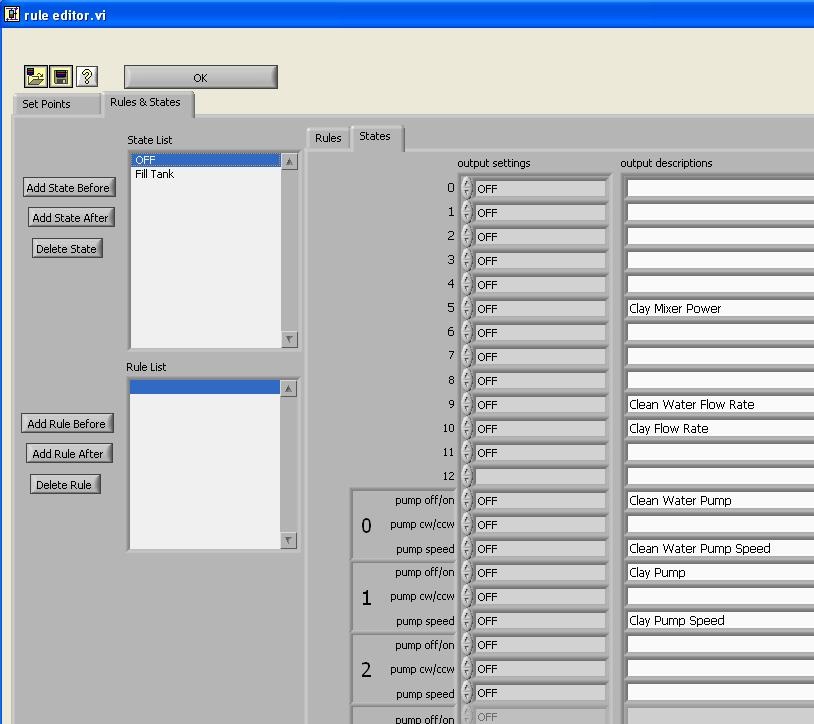
Some examples set for Rules & States that will be exposed in details in next tutorial