Sign-up for free online course on ANSYS simulations!
-
Created by
 user-8c4ec on Aug 15, 2009
1 minute read
user-8c4ec on Aug 15, 2009
1 minute read
Unable to render {include} The included page could not be found.
Step 2: Geometry
At Workbench, in the Beam cell, right click on Geometry, and click New Geometry... A new window, ANSYS Design Modeler will be opened. You will be asked to select desired length unit. Select Meter unit and click OK.
Creating a Sketch
Like any other common CAD modeling practice, we start by creating a sketch.
Start by creating a sketch on the XYPlane. Under Tree Outline, select XYPlane, then click on Sketching next to Modeling tab. This will bring up the Sketching Toolboxes.
Note: In sketching mode, there is Undo features that you can use if you make any mistake. 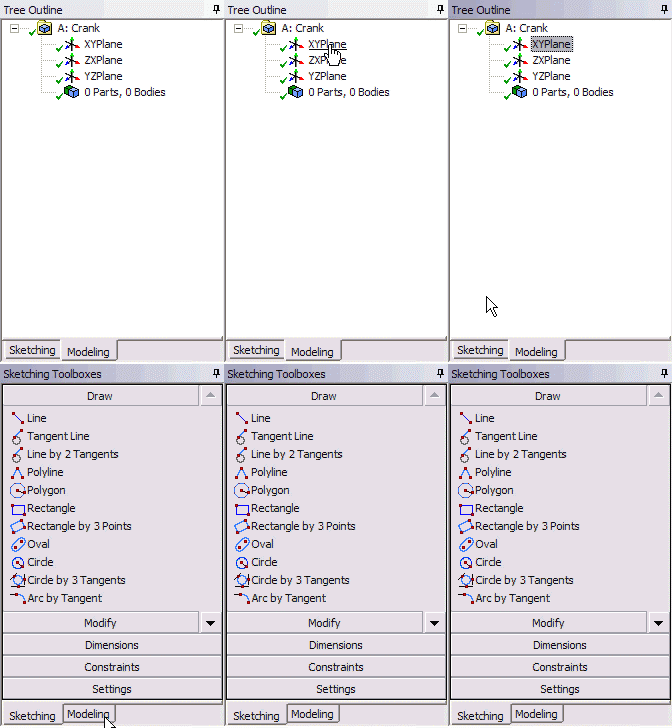
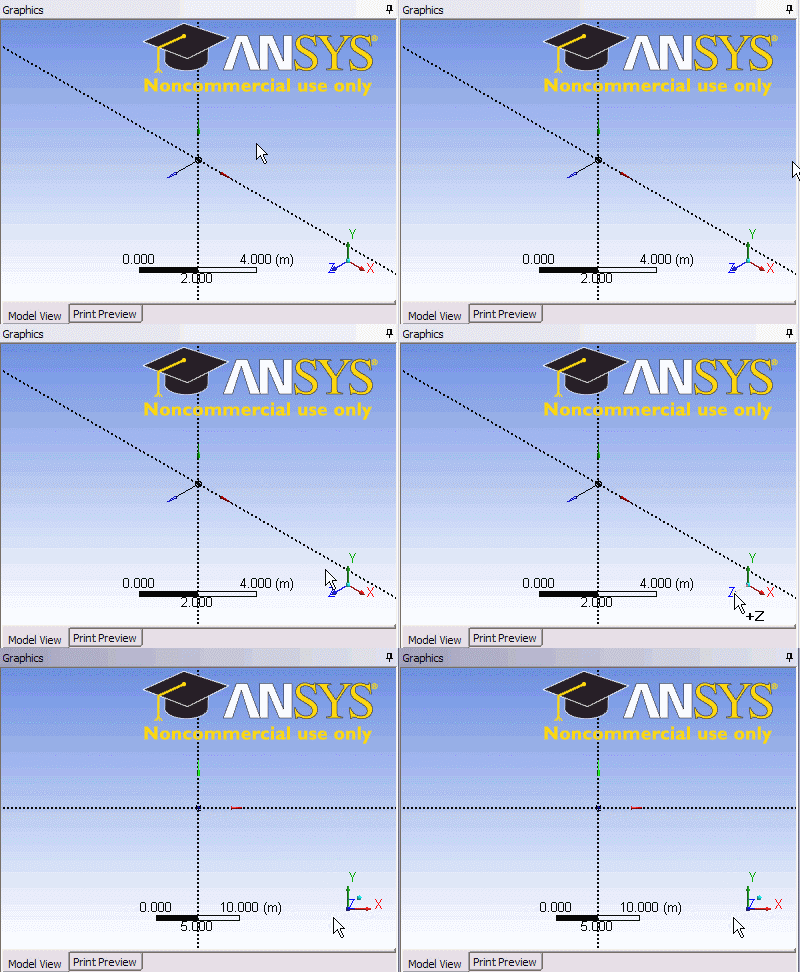
On the right, there is a Graphic window. At the lower right hand corner of the Graphic window, click on the +Z axis to have a normal look of the XY Plane.