*** This version of Confluence is for testing only and contains a copy of content from June 29th 2026. No changes will be preserved. ***

...
If you are connecting using Python (or other programming languages), choose "Connect your application" option and select your language and the version of your connection library (PyMongo for Python).
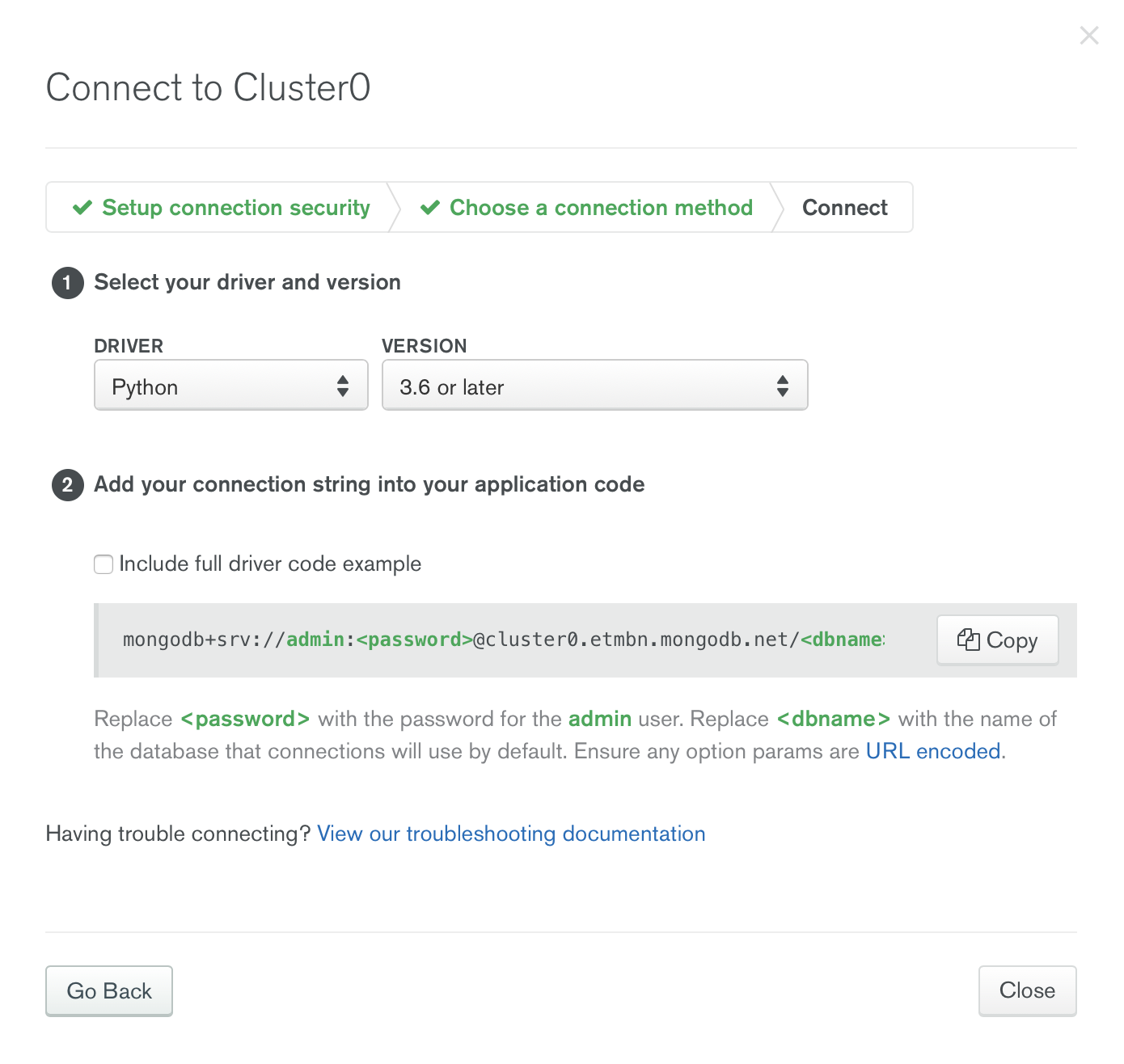
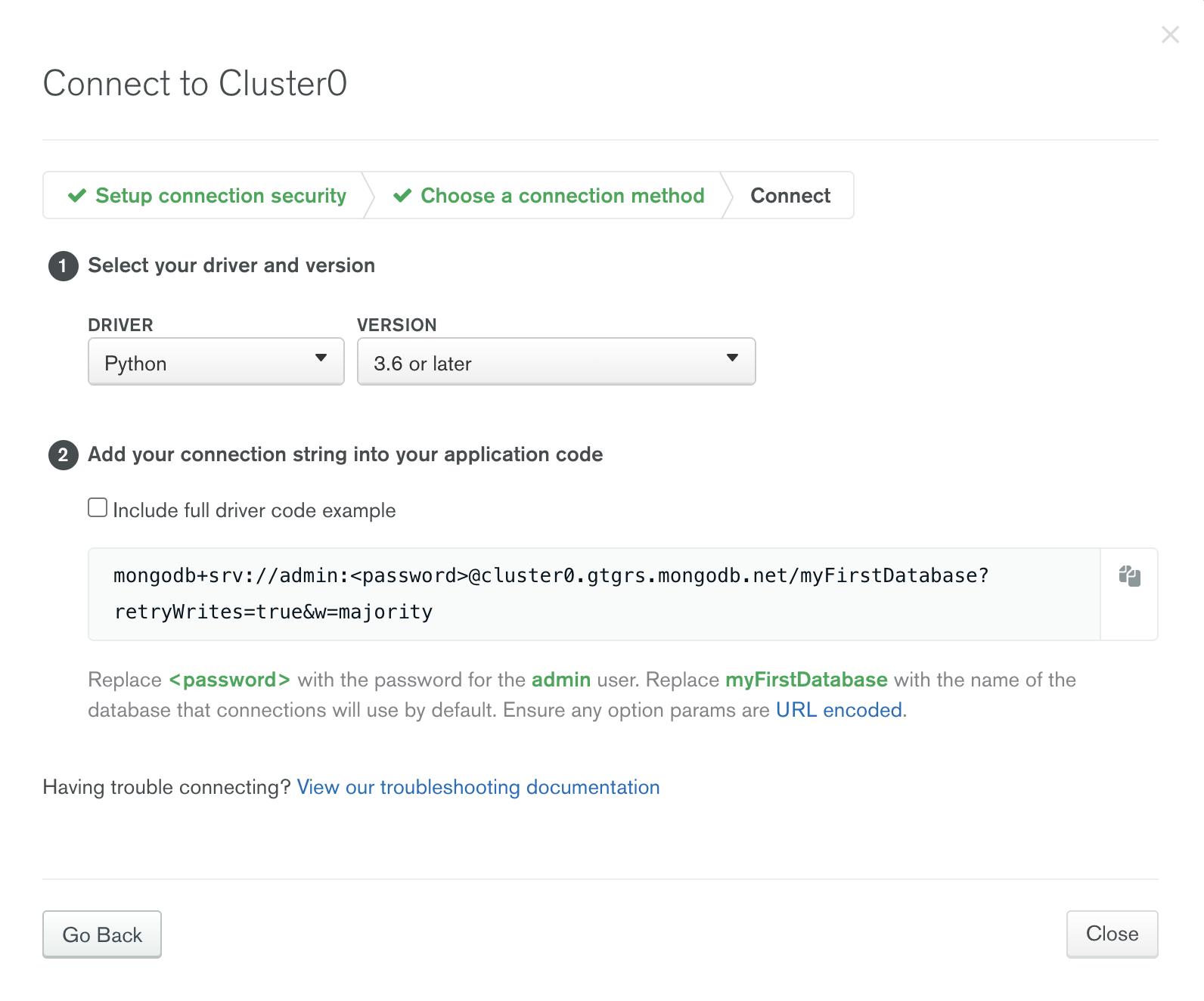
Copy the connection string and replace <password> with "uV0spJEn3Q9cbUw6" and <dbname> "myFirstDatabase" with the target database's name. Then you can establish connection in your code using the connection string.
...
| Code Block | ||
|---|---|---|
| ||
from pymongo import MongoClient
client = MongoClient('mongodb+srv://admin:uV0spJEn3Q9cbUw6@cluster0.etmbngtgrs.mongodb.net/testmyFirstDatabase?retryWrites=true&w=majority')
db = client.test
db.initial_insert.insert_one({'your field':'your value'}) |
...
