...
- To install an Oracle JDBC driver (i.e. Oracle 12g), you'll need to upload a "jar" file that contains the updated driver to your hosting environment. This can be done by downloading the driver from Oracle's website (odbc7.jar for Java 1.7) and uploading the file into your "jars" directory (next to your htdocs directory) via your webdav client. Once the file is uploaded you'll need to restart your Coldfusion instance using the Hosting Dashboard
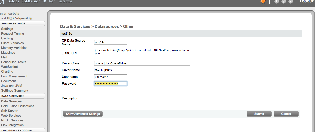
- When creating your DSNfor DSN for the Oracle JDBC driver you will need to specify the "Other" Data Source when configuring Coldfusion via CFADMIN
- In CFADMIN, go to Data & Services then click on Data Sources
 It is
It is
...
- need to specify more than one OID
...
You'll also need need to disable "Sandbox Security" (it is unknown why this is a problem, this does not always "fix" the problem).
...
- server, ldap://oid.cit.cornell.edu is a loadbalanced service and will handle the failover for those databases configured in a RAC environment.
2. Using Macromedia with OID
...

