*** This version of Confluence is for testing only and contains a copy of content from June 29th 2026. No changes will be preserved. ***

...
The first step that you need to do is to add a new set point by clicking "Add Set Point" button. ON and OFF set points are added and set for 1 and 0, respectively.
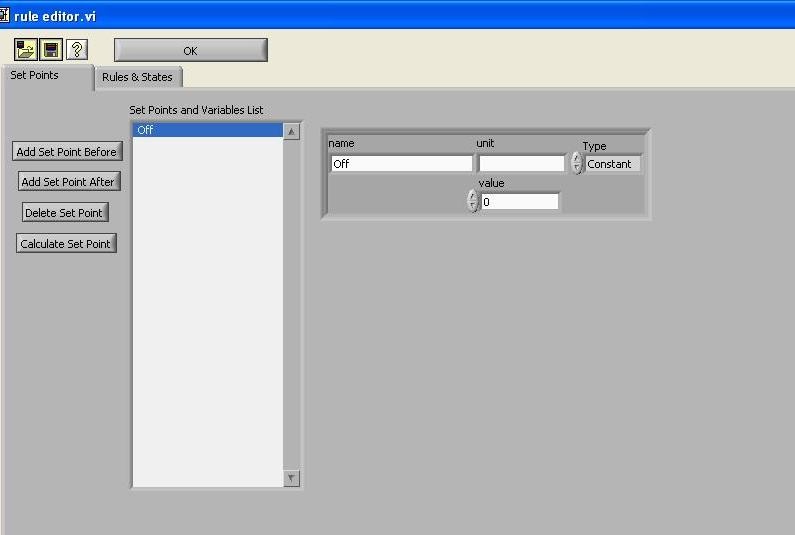 Figure 2 OFF set point
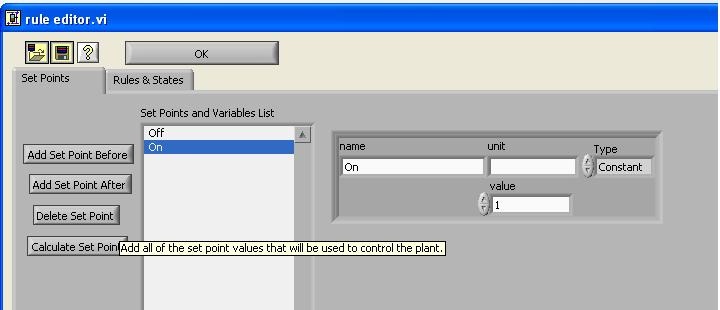
Figure 3 ON set point
As you can see in the column, other important set points are added, depending on the experiments that are going to be conducted. The Tube Floc team is mostly dealing with alum and clay concentration, therefore, it is important to include set points for these components. The type is set as constant, such as the tank volume, tubing size, stock concentration, etc and others are set as variable, which allow the set point to be adjusted according to the other conditions. One of examples is shown here:
You can set the process control software to control the speed of a peristaltic pump. The first step is to set up the pump with the desired pump tubing.
The next step is to connect the pump to interface with the computer. You can do this through a teethed cable that will connect and plug in the RJ45 cable (looks like an ethernet cable) to the persistaltic pump control portion on the stamp box (yellow).
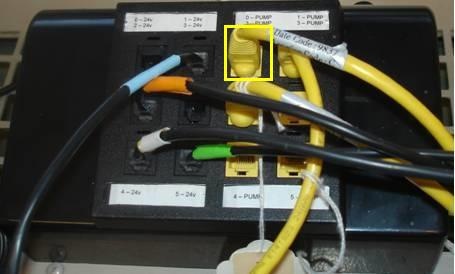
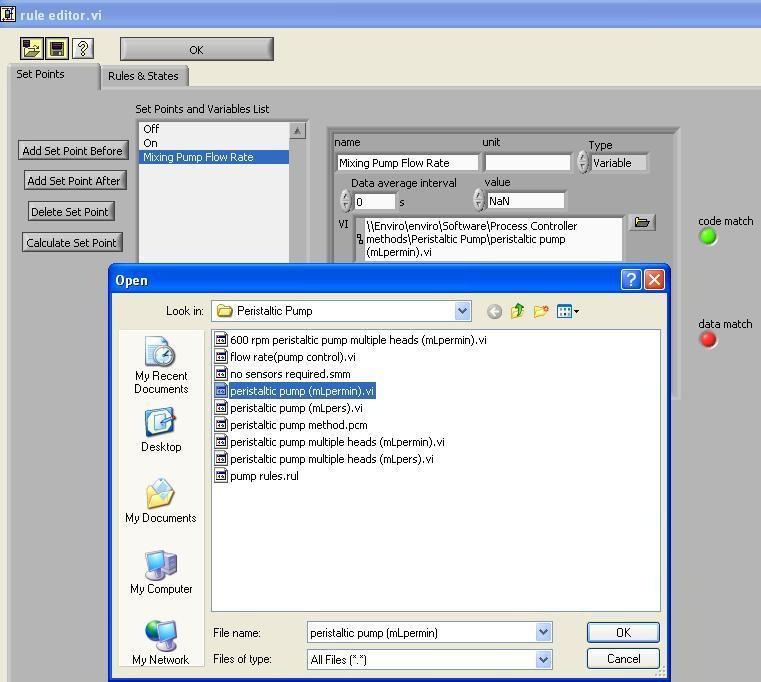
Figure 4 Clay Flow Rate Setup
...