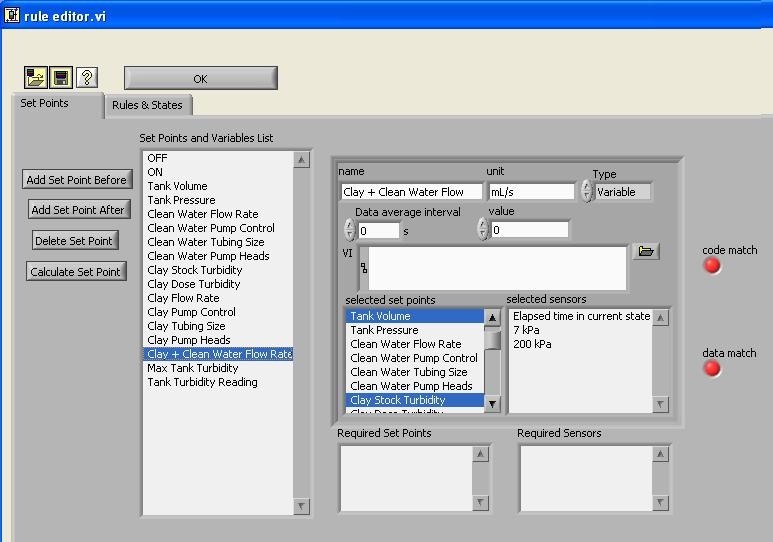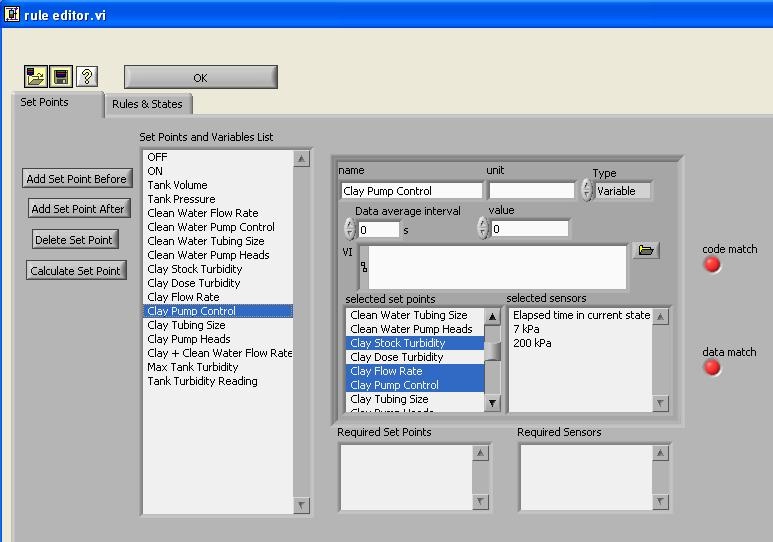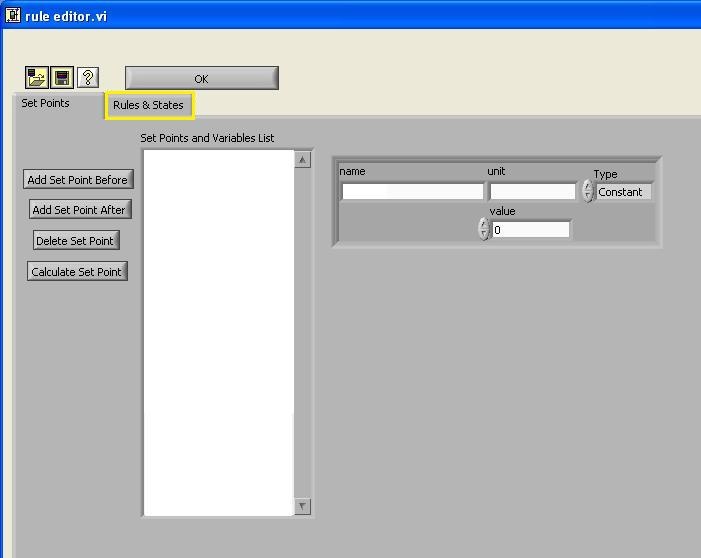
In this tutorial, you will learn how to use "Edit Rules" configuration. Once you click the edit rules button, a dialog box will pop-up. The default of the interface is on the Set Points tab.
Click on the edit rules tab to edit rules.
A set point is a value that
The first step that you need to do is to add a new set point by clicking "Add Set Point" button. ON and OFF set points are added and set for 1 and 0, respectively.
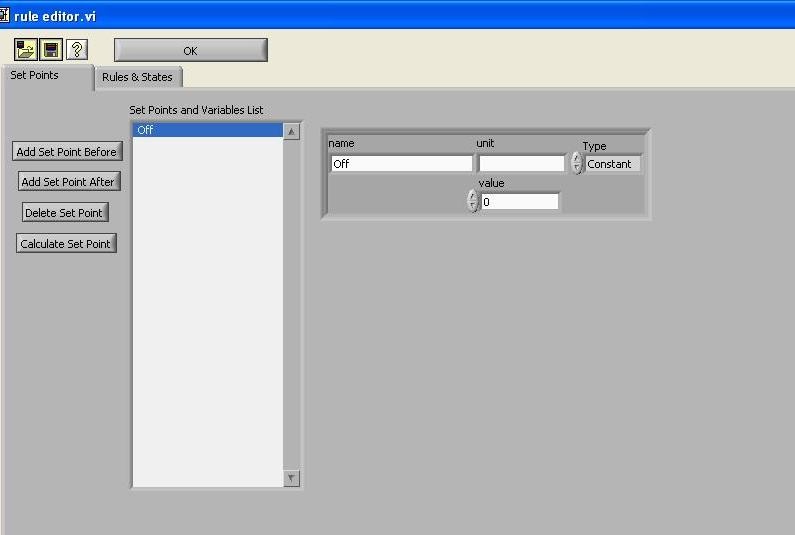
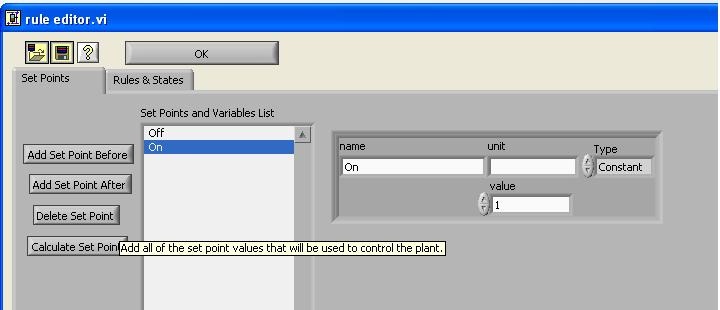
As you can see in the column, other important set points are added, depending on the experiments that are going to be conducted.
You can set the process control software to control the speed of a peristaltic pump. The first step is to set up the pump with the desired pump tubing.
The next step is to connect the pump to interface with the computer. You can do this through a teethed cable that will connect and plug in the RJ45 cable (looks like an ethernet cable) to the persistaltic pump control portion on the stamp box (yellow).
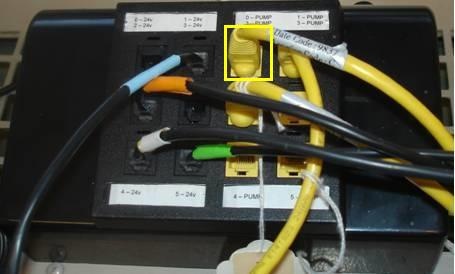
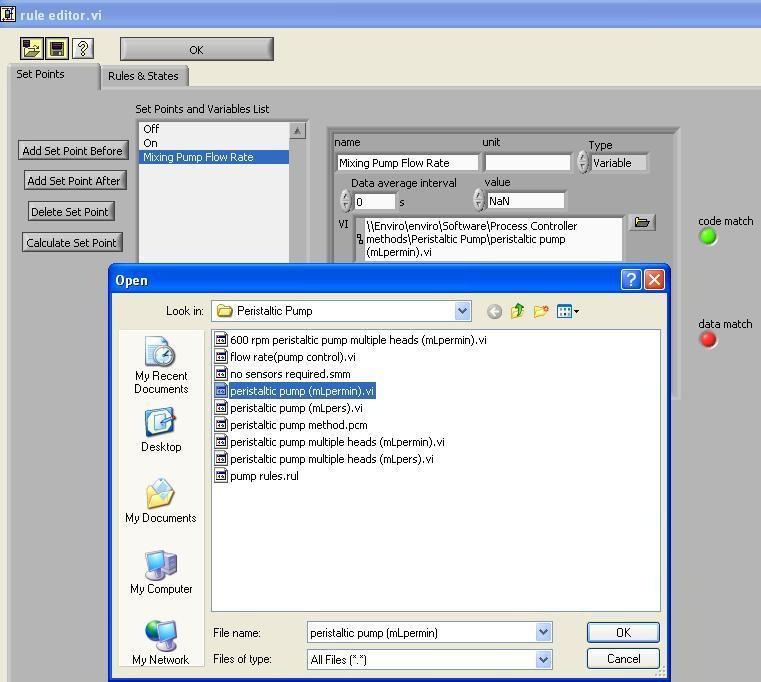
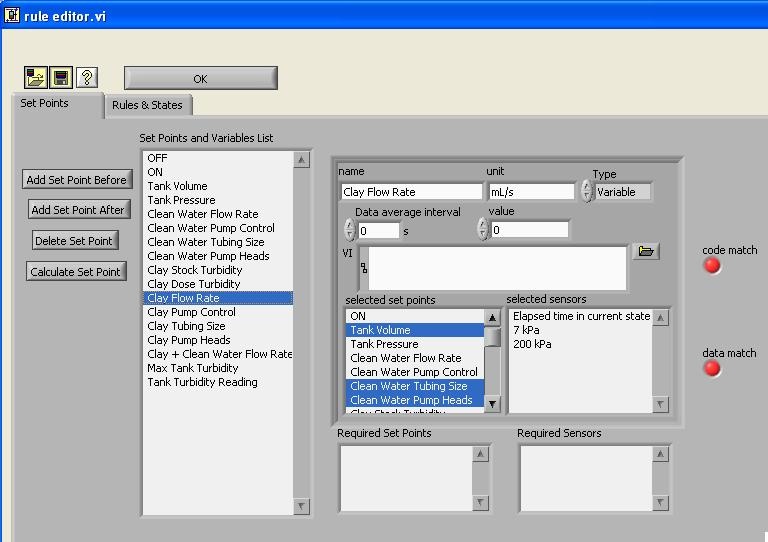
Figure 4 Clay Flow Rate Setup
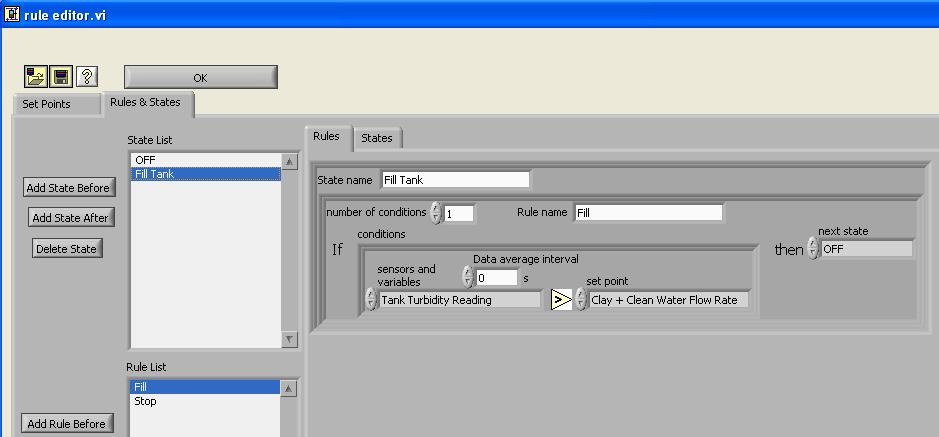
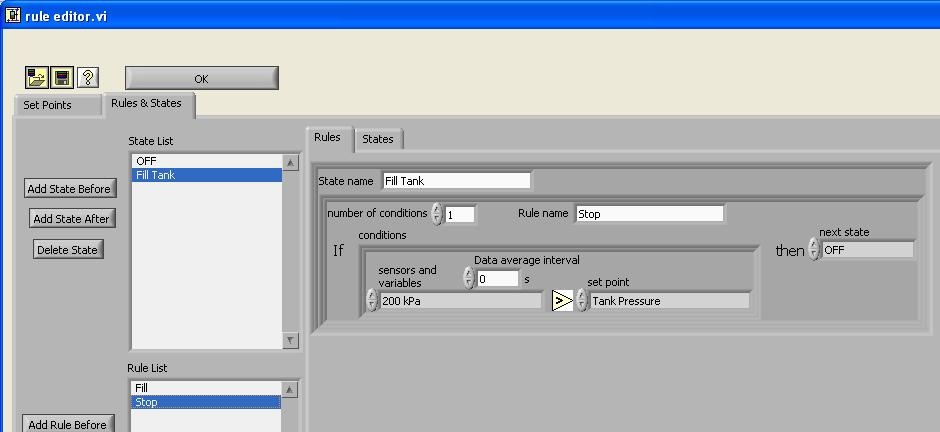
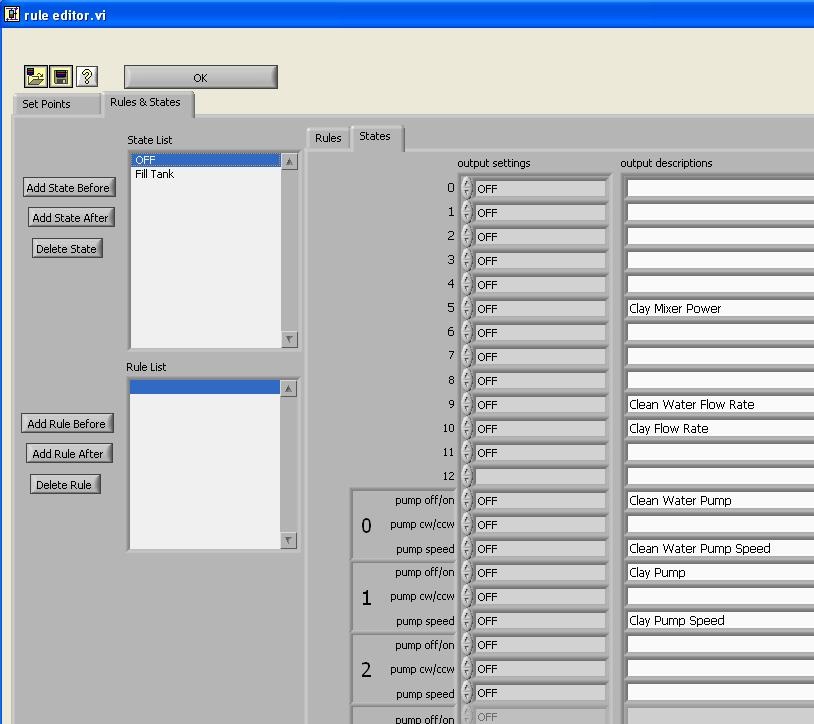
Some examples set for Rules & States that will be exposed in details in next tutorial