Scope: This document provides guidelines for Ordering staff to process POOF2 orders and send items ordered each day
Contact: Masayo Uchiyama
Unit: Ordering
Date last updated: 3/26/2025
Date of next review: March 2026
Open Cyberduck, download marc files
Open Data Import App, create purchase order
Open Orders App, review orders
Create CSV file or Print PO for each vendor
Send PO to a vendor via email with attachment (CSV file or PDF)
Harrassowitz (code: Harrass-e) orders get sent via EDIFACT
A. Open Cyberduck, download marc files for print orders sent via POOF2 on the previous business day
- Double click each file to download. Files get sent to your download folder.
- Use MarcEdit to update order details (vendor code, location, fund etc.) as needed.
- Compile file into marc and save.
B. Create PO in Date Import App
- Choose order files and select appropriate job profile for firm orders.
- Carefully review each PO Line. Check duplicate titles, standing order if a record has a series title.
C. Do a compound search in Orders App for current day’s firm orders created by Data Import
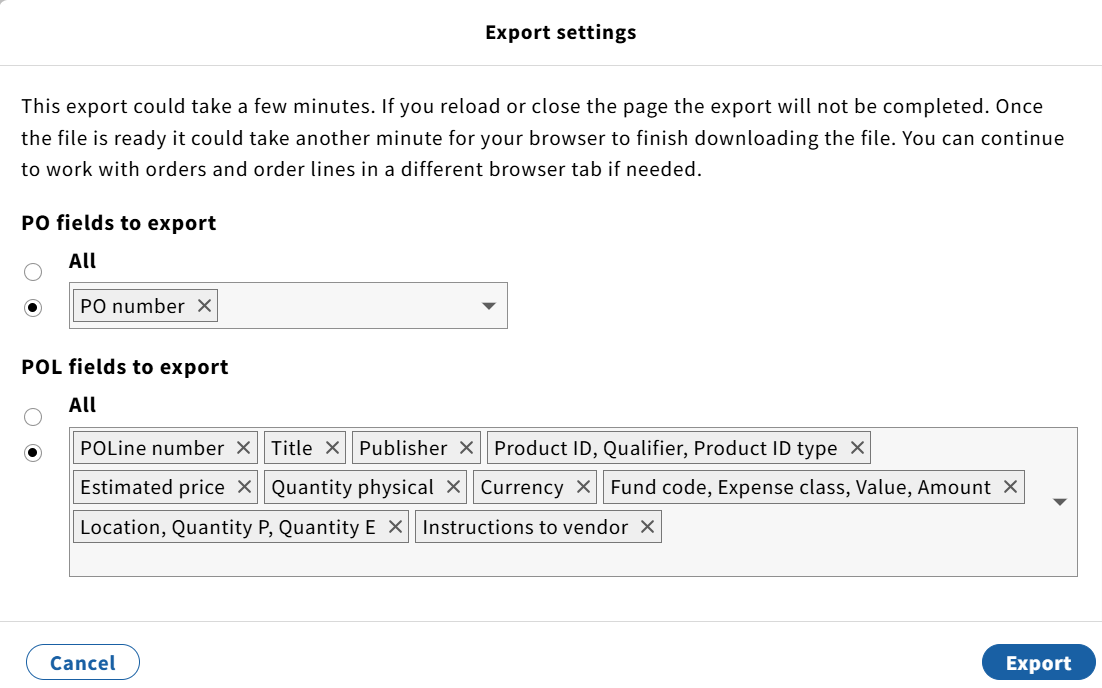
- For Yankee-e firm orders, create CSV file. Click action button on right hand corner of middle pane, and select Export results (CSV).
- When you click Export results (CSV), Export settings window pops up. We need PO number from PO field. POLine number, Title, Publisher, Product ID (ISBN), Estimated price, Quantity physical, Currency, Fund code, Location and instructions to vendor from POL fields to export. Click Export once selection is done.
Alternatively, you can print order in PDF format. Click action in right hand corner of right pane, select Print order. Save as PDF and use PO number for the file name.
D. Examine CSV files and cleanup unwanted information and save. Send orders by email to a vendor with attachment.
NOTES: Some vendors send us order confirmation/acknowledgement and they can be filed in print ordering mailbox.
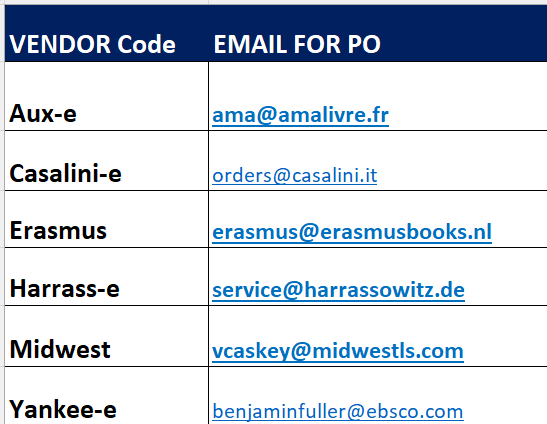
E. Harrassowitz orders get sent via EDIFACT
- In Data Import, select job profile name 'Harrassowitz firm orders' to create purchase order.
- Review each PO line and confirm the box of 'Automatic export' is checked.
- Orders get sent automatically at 5:00 PM.