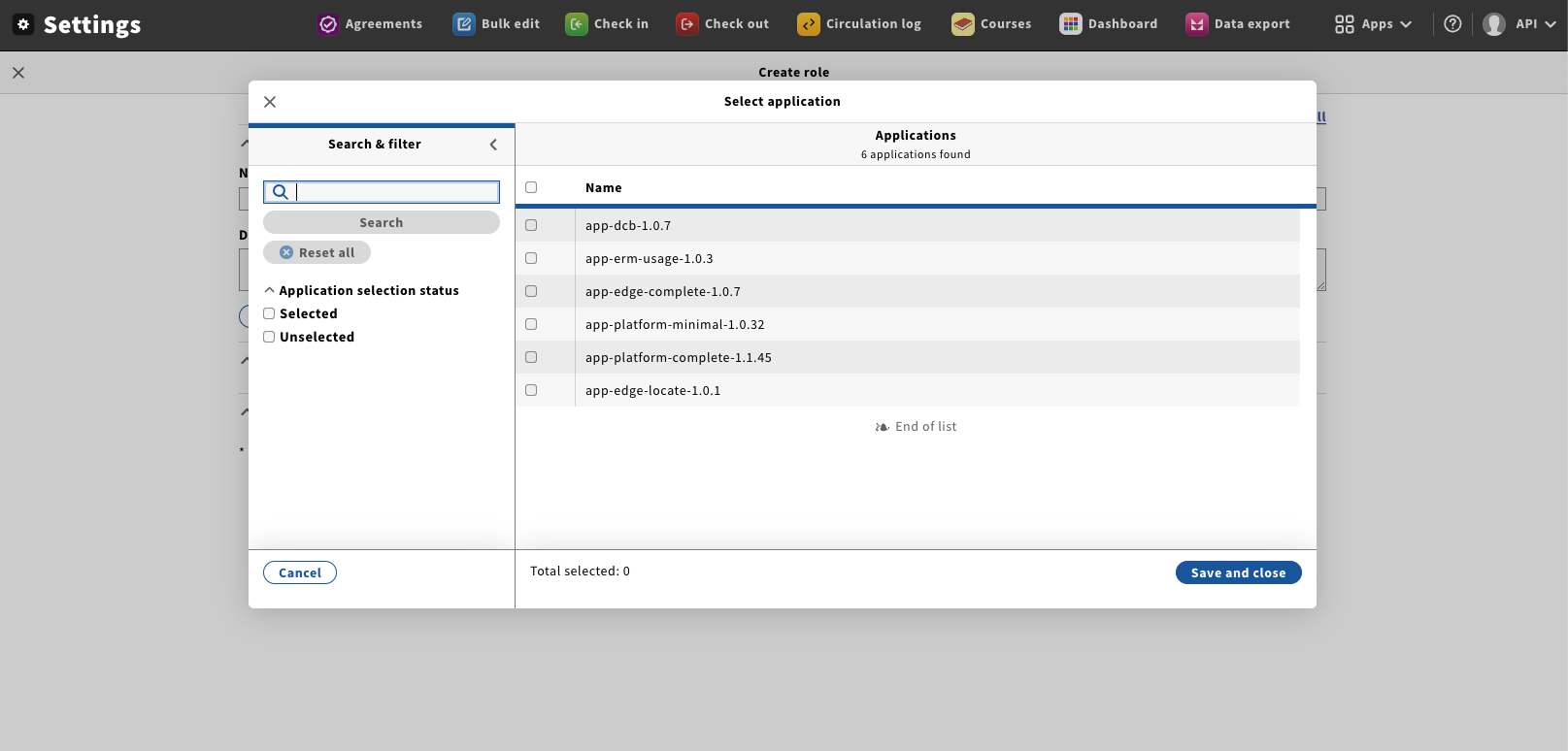
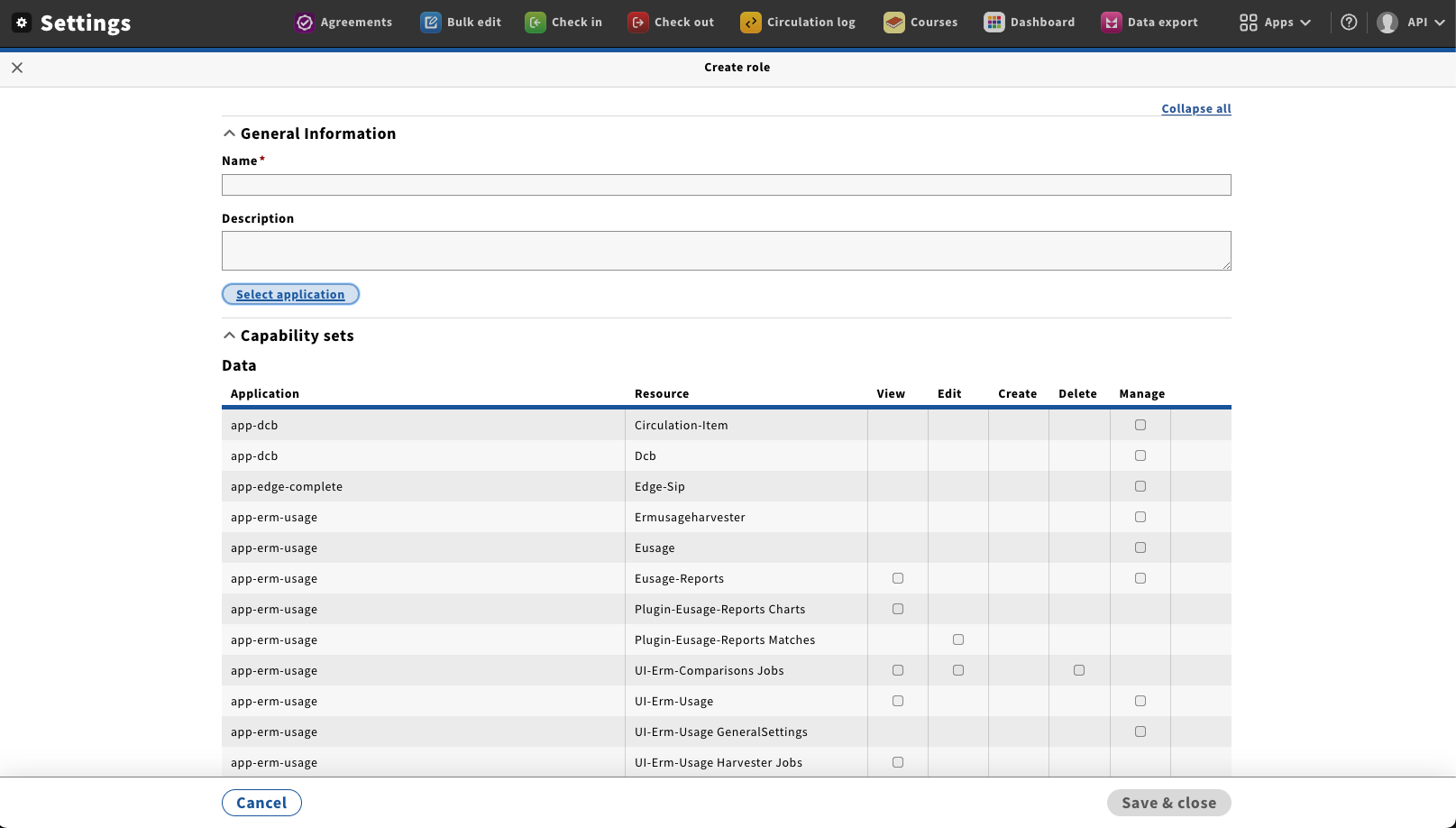
- Go to “Settings” → “Authorization roles“, this will pen the Role managment window.
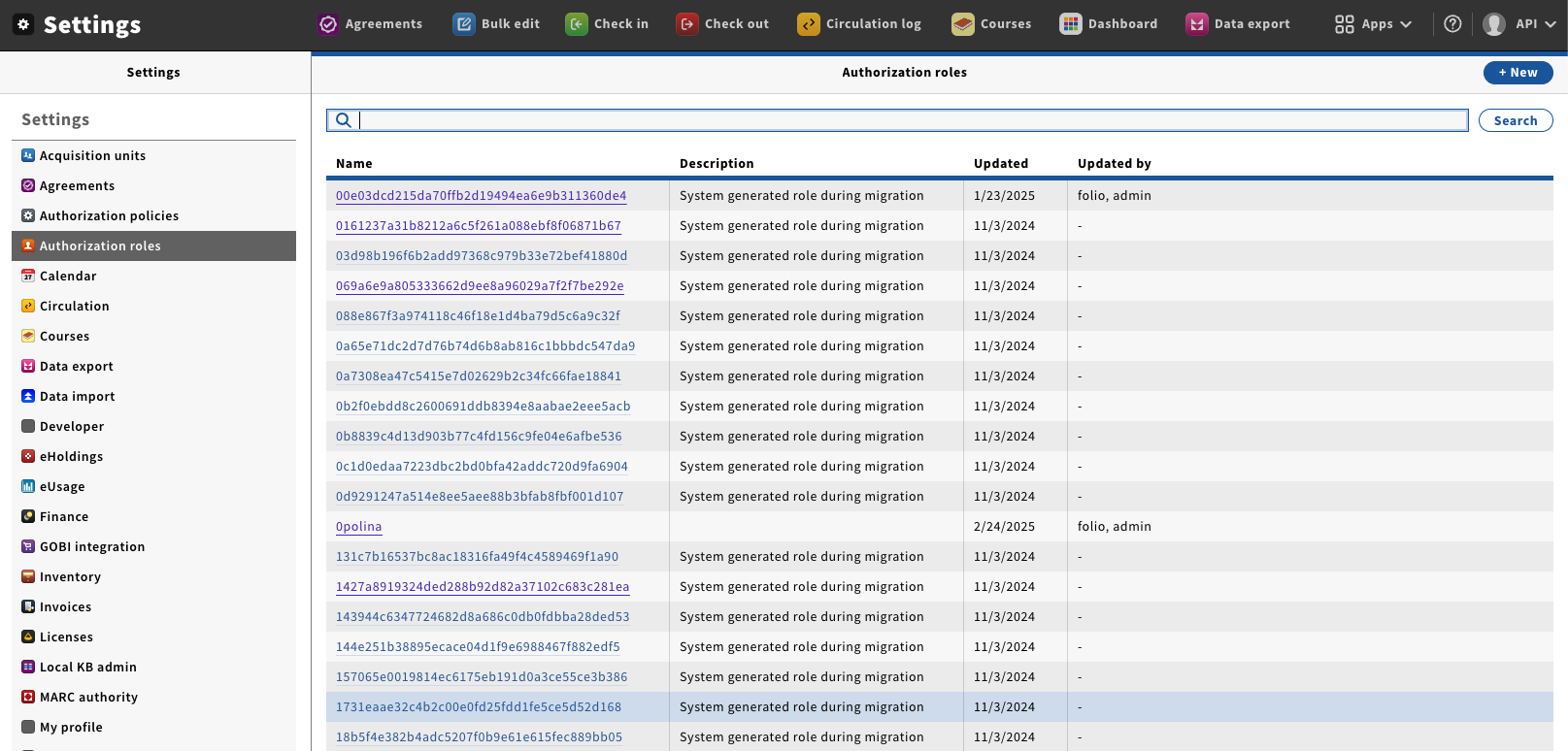
- Click on “New“ button; this will open the New role window.
- By default there are no Capability sets or Capailities shown, this will be addressed in
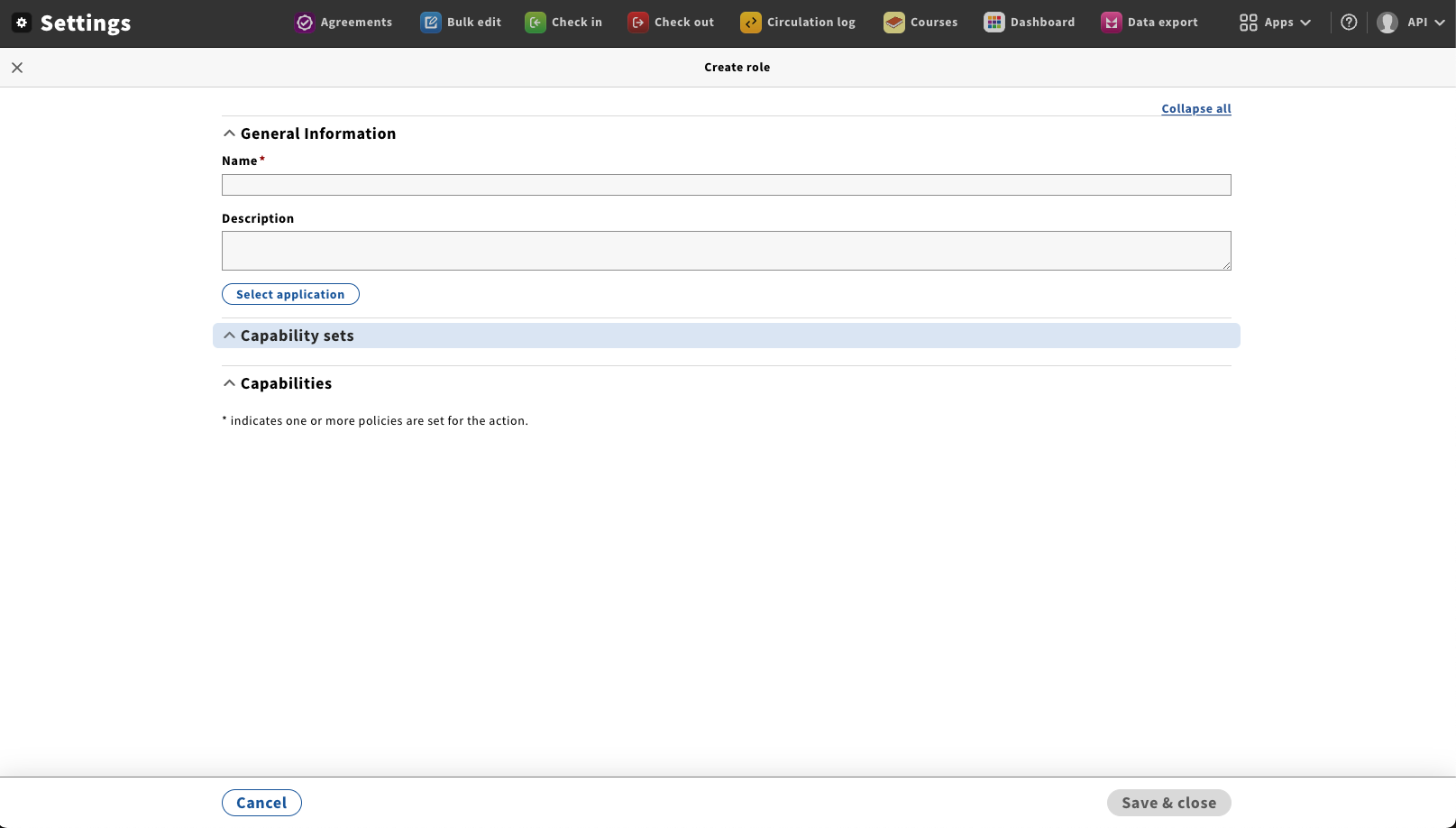
- Fill role name with any unique value → Click on “Save & close“ button
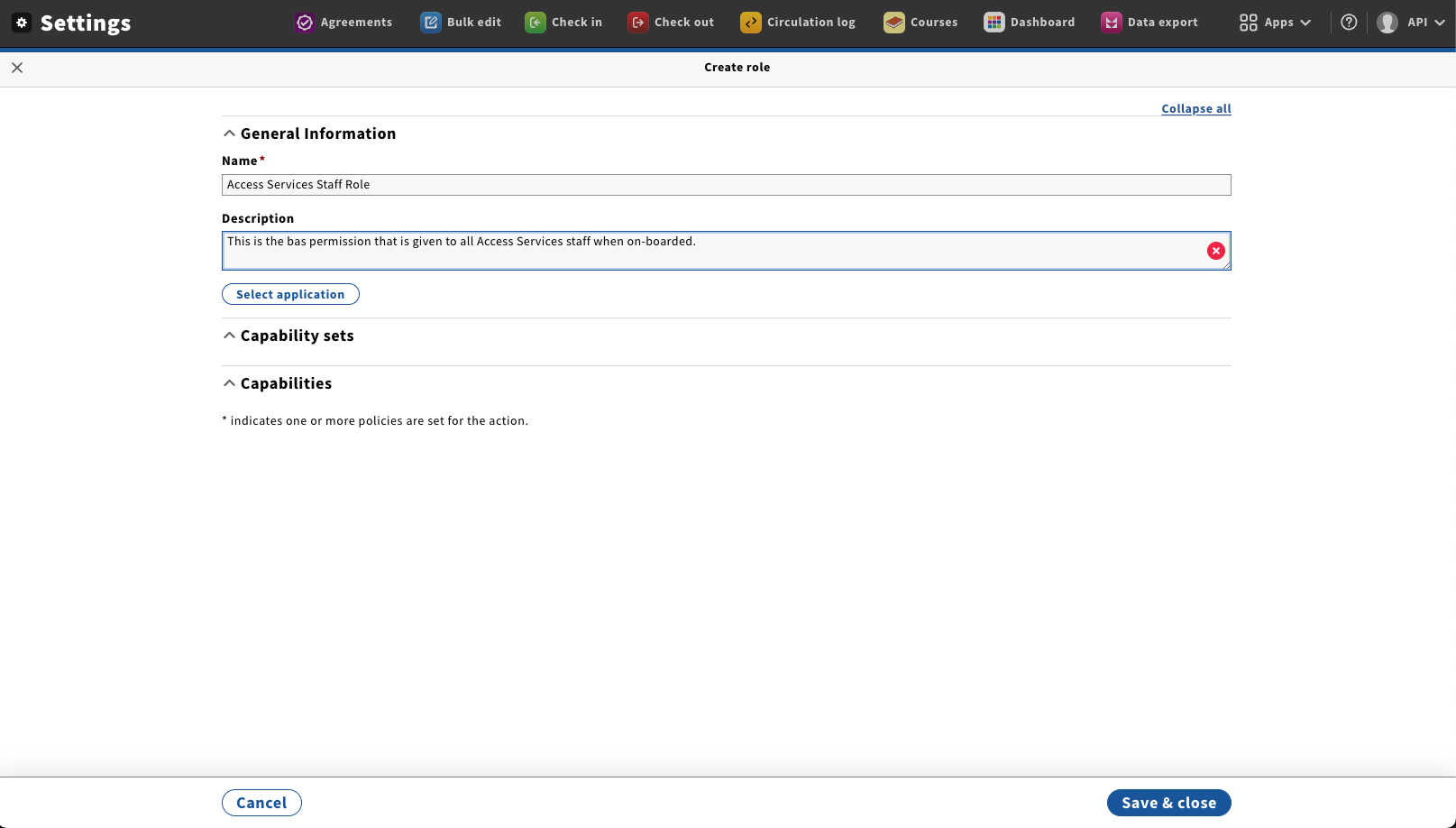
- Click on the "Select application" button. This will open the "Select application" dialog.
- Using the checkboxes select what appliaiton area you would like to add Capability sets or Capabilities from.
click on "Save and close" to display the Capability sets and Capabilities.