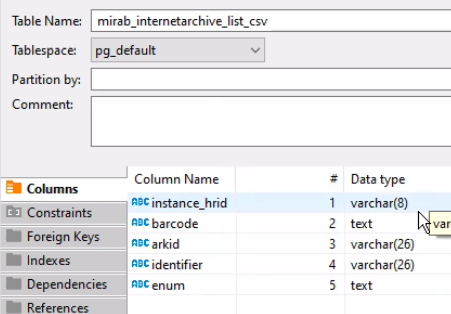
Note: Please precede the names of your files on the local schema with your netid.
(DRAFT)
Create CSV
Connect to LDP
Right click on local schema
Choose Import data
Set up field mapping for source and destination fields
| Source | Destination |
|---|---|
| date | integer |
| integer | varchar |
import data
next
choose . csv file
Do Commit after row insert to make sure all records show.
Key column: When you import a local table to Dbeaver, consider adding a key column to make it easier for DBeaver to pick a key. When you first have need to edit the table, if there isn’t a clear key column, you can choose the unique column following DBeaver’s instructions [will try to flesh this out when next come across].
Updating tables: To update a local table (first open the table in the data view):