Changing the proxy setting at the Provider level
Preconditions
Minimum permission assigned: eHoldings: Can edit providers, packages, titles detail records
1 | Open eHoldings App |
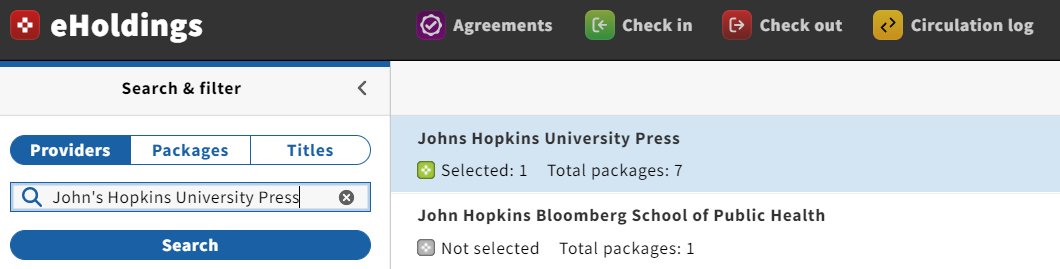
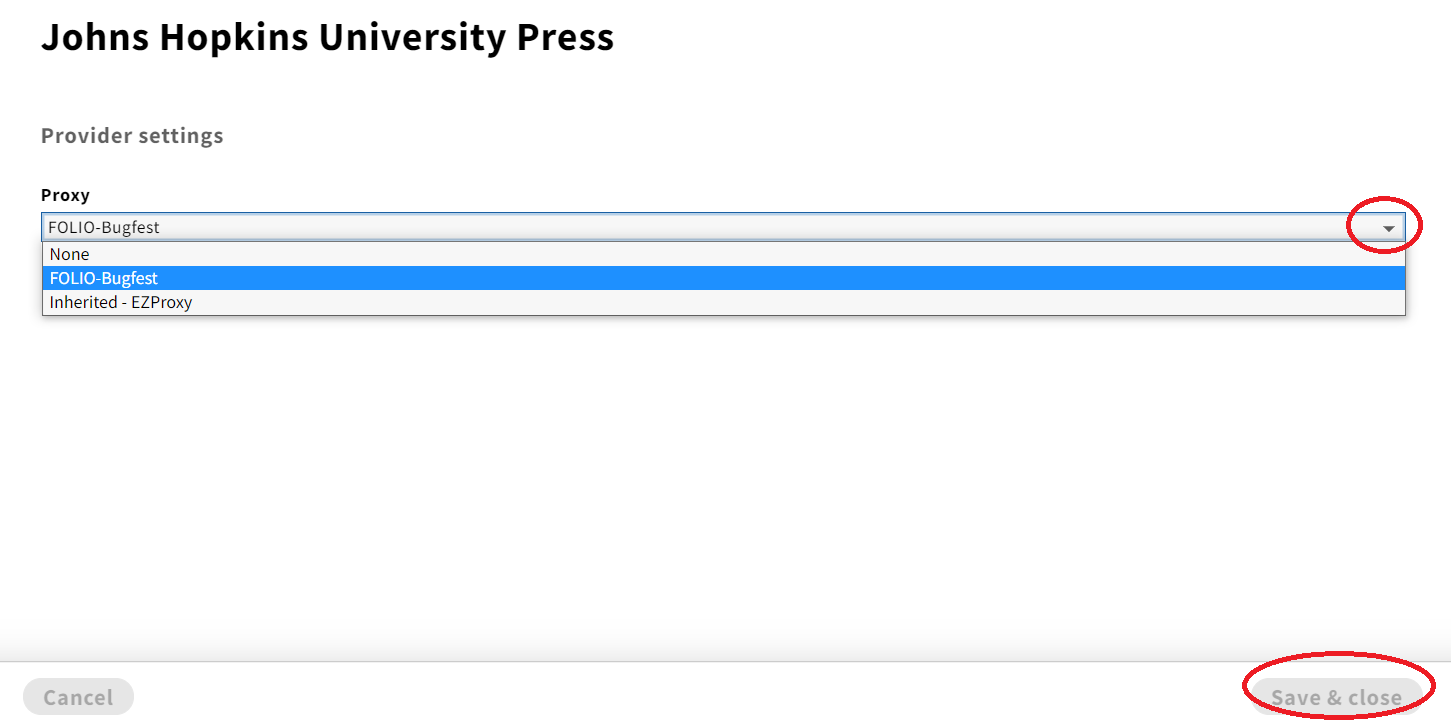
2 | Search a provider (such as John's Hopkins University Press) and select that provider by clicking on it. |
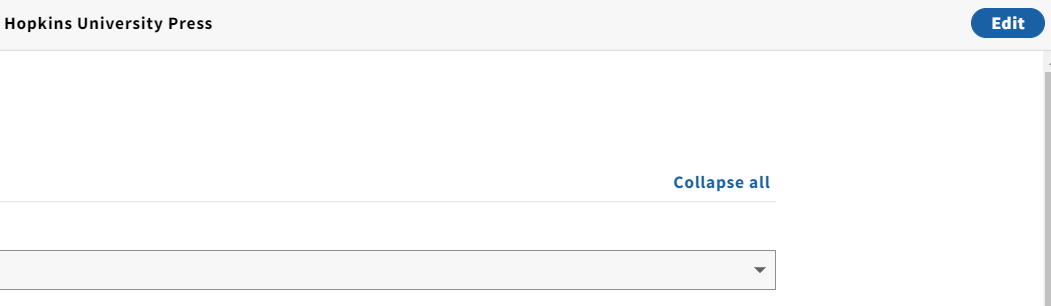
3 | Click on the Edit button in the top right-hand corner. Change the proxy settings from the drop-down menu. |
4 | Save and close. |
5 | Verify that proxy has been changed for that provider record
You will need to refresh the provider record or close and reopen the provider record in order to see the change. |
Changing the proxy setting at the Package level
Preconditions
Minimum permissions assigned: eHoldings: Can edit providers, packages, titles detail records
Steps
- Open the eHoldings app
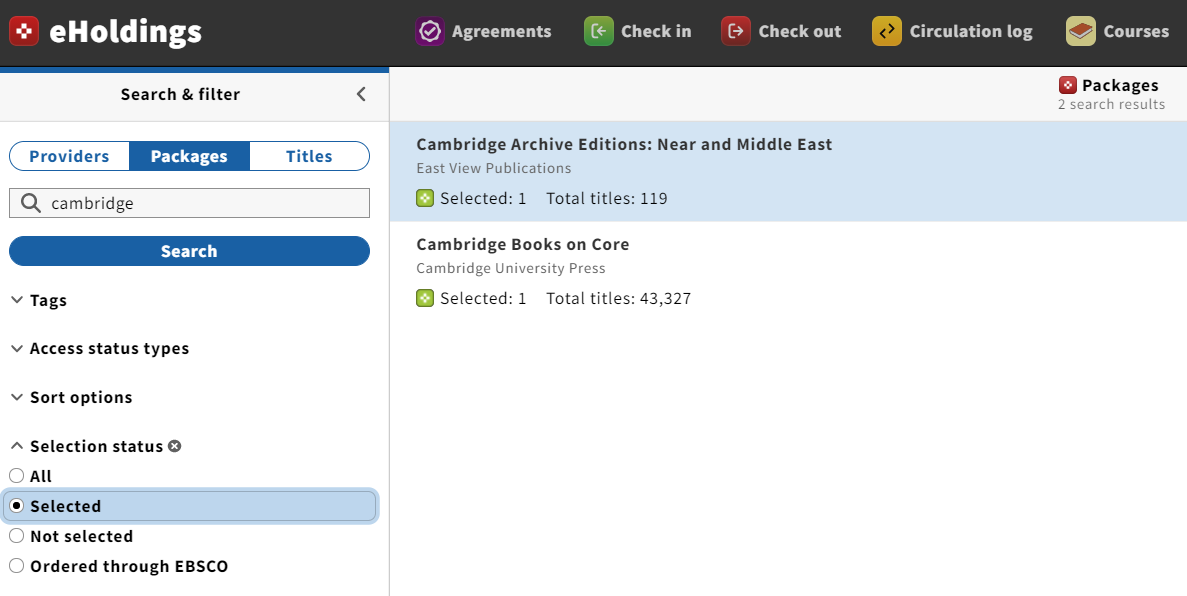
- Search for a package and set Selection status filter to Selected. Select package.
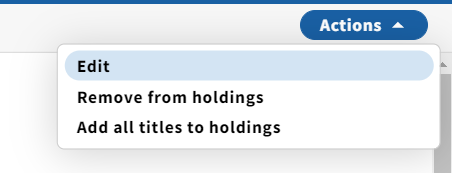
- Open Action menu dropdown and select Edit
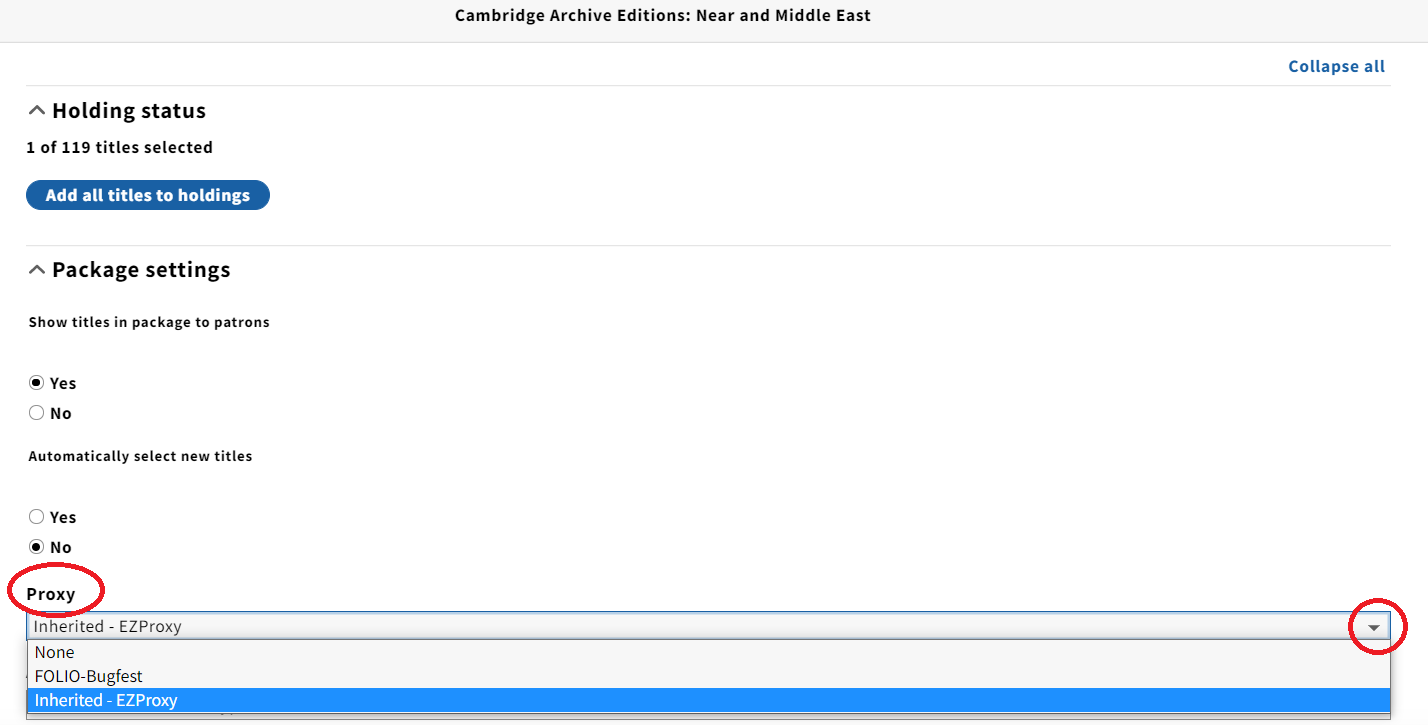
- Edit proxy selection
- Click Save
Expected Result
Package's proxy selection has been updated.
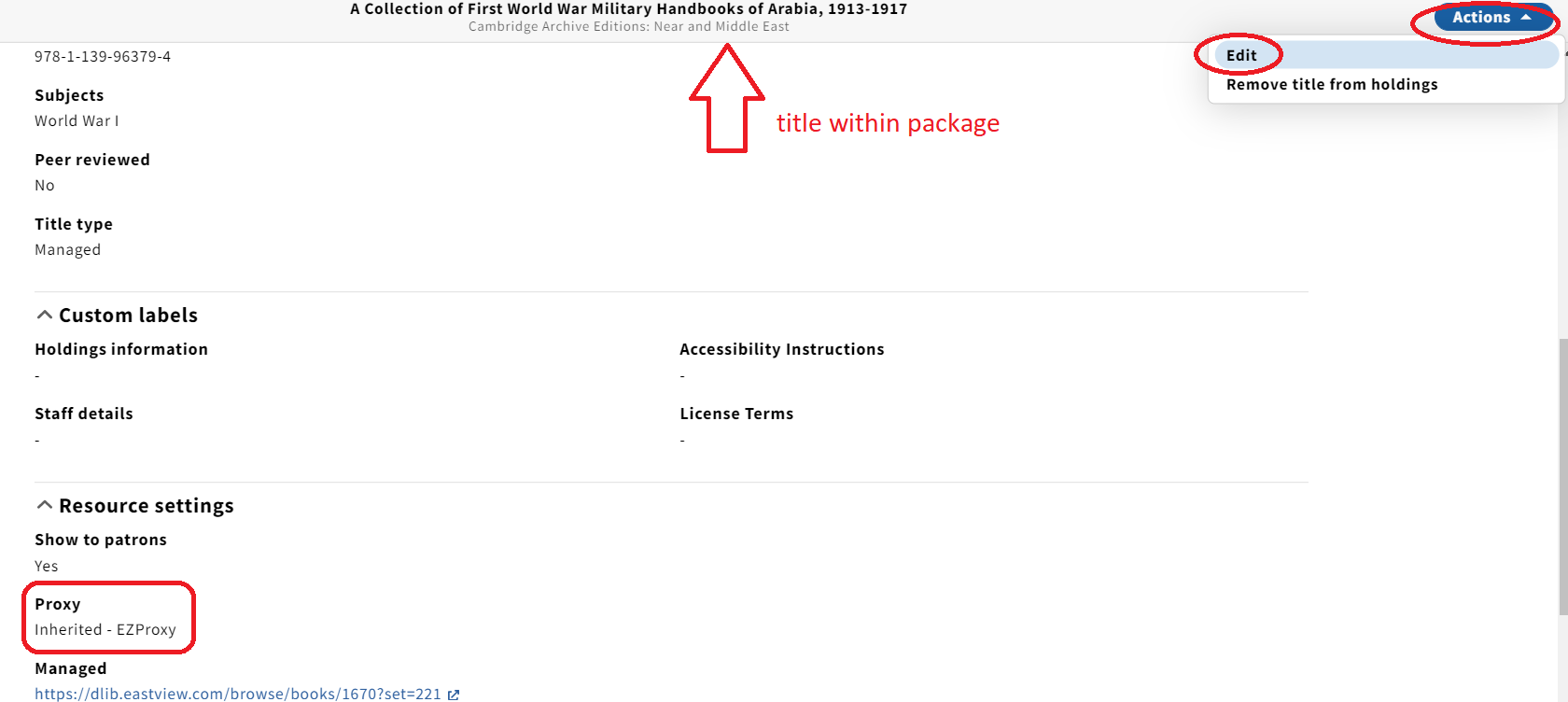
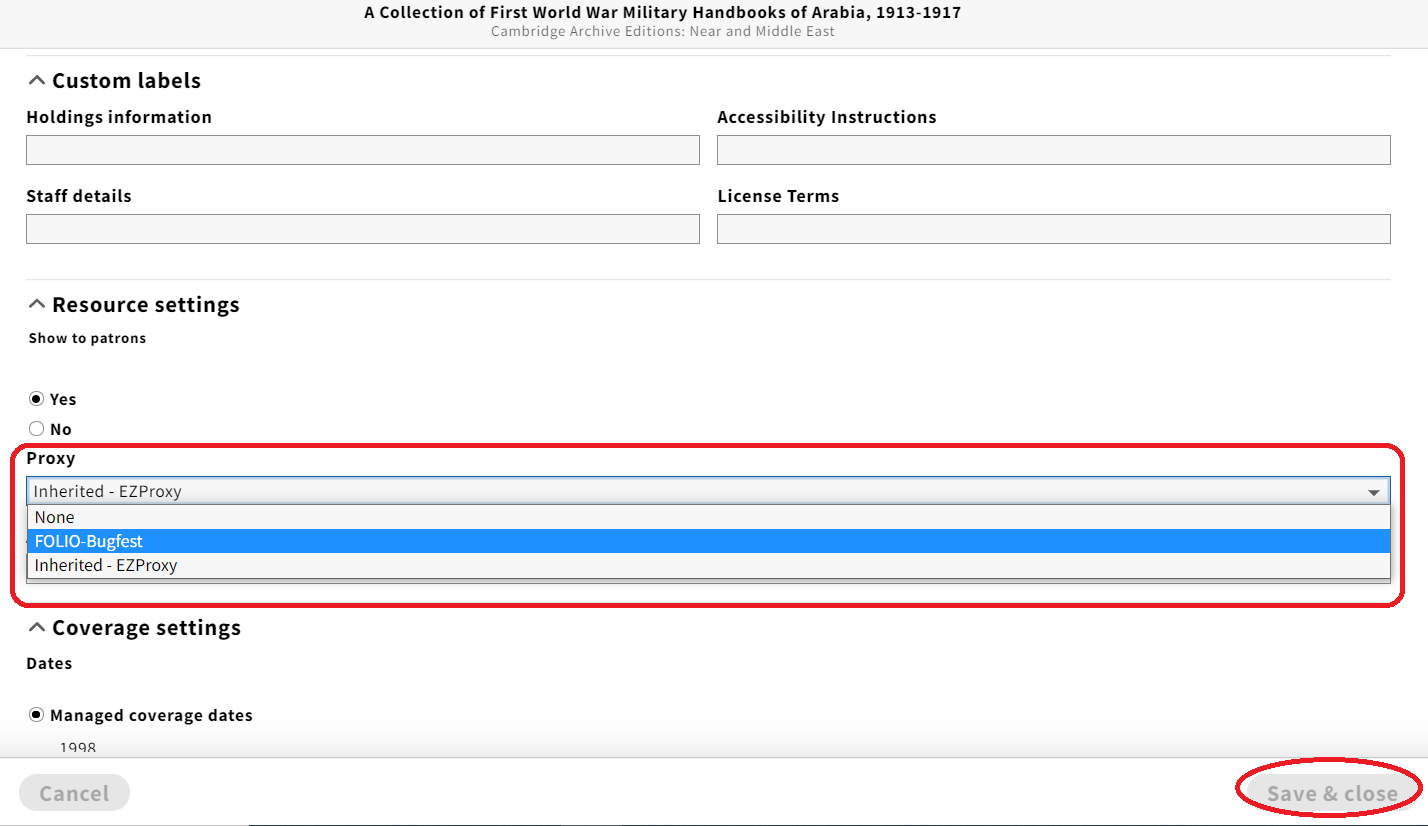
Edit proxy selection for a Title in a package
- Go to the eholdings app
- Search Packages (Or Titles)
- Select a package
- Choose a selected title in the package under the Titles accordion
- Select Edit from the Actions dropdown menu
- Update the proxy for the title in a package
- Click Save & close