Providers
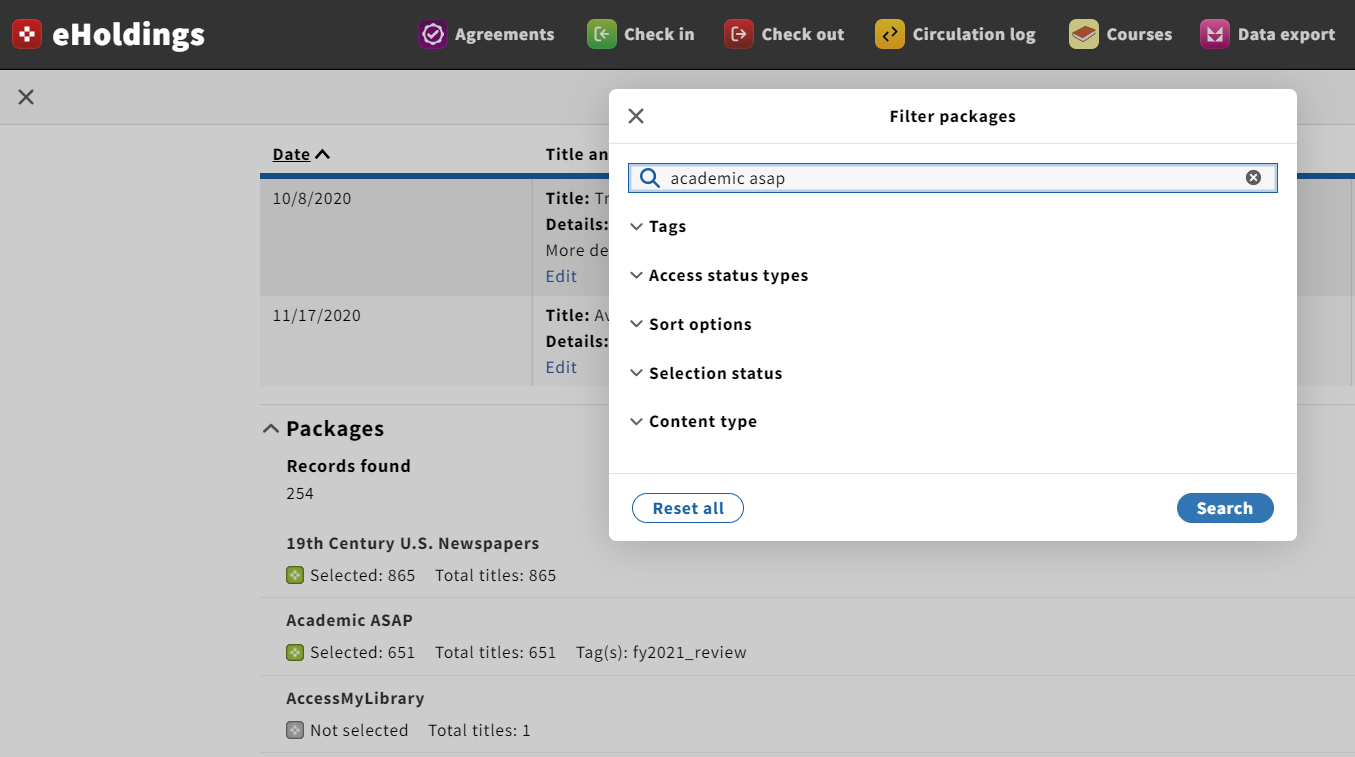
- In the eHoldings app, select the Providers toggle under the Search & filter pane on the far-left side.
- Enter a name into the search bar.
- If you expand the "Sort options" accordion, you can organize the retrieved providers list by Relevance (default) or Provider (which sorts the list alphabetically).
- You can also search for providers by a tag. To do so, check the "Search by tags only" box and select a tag from the drop-down menu.
Packages and Titles
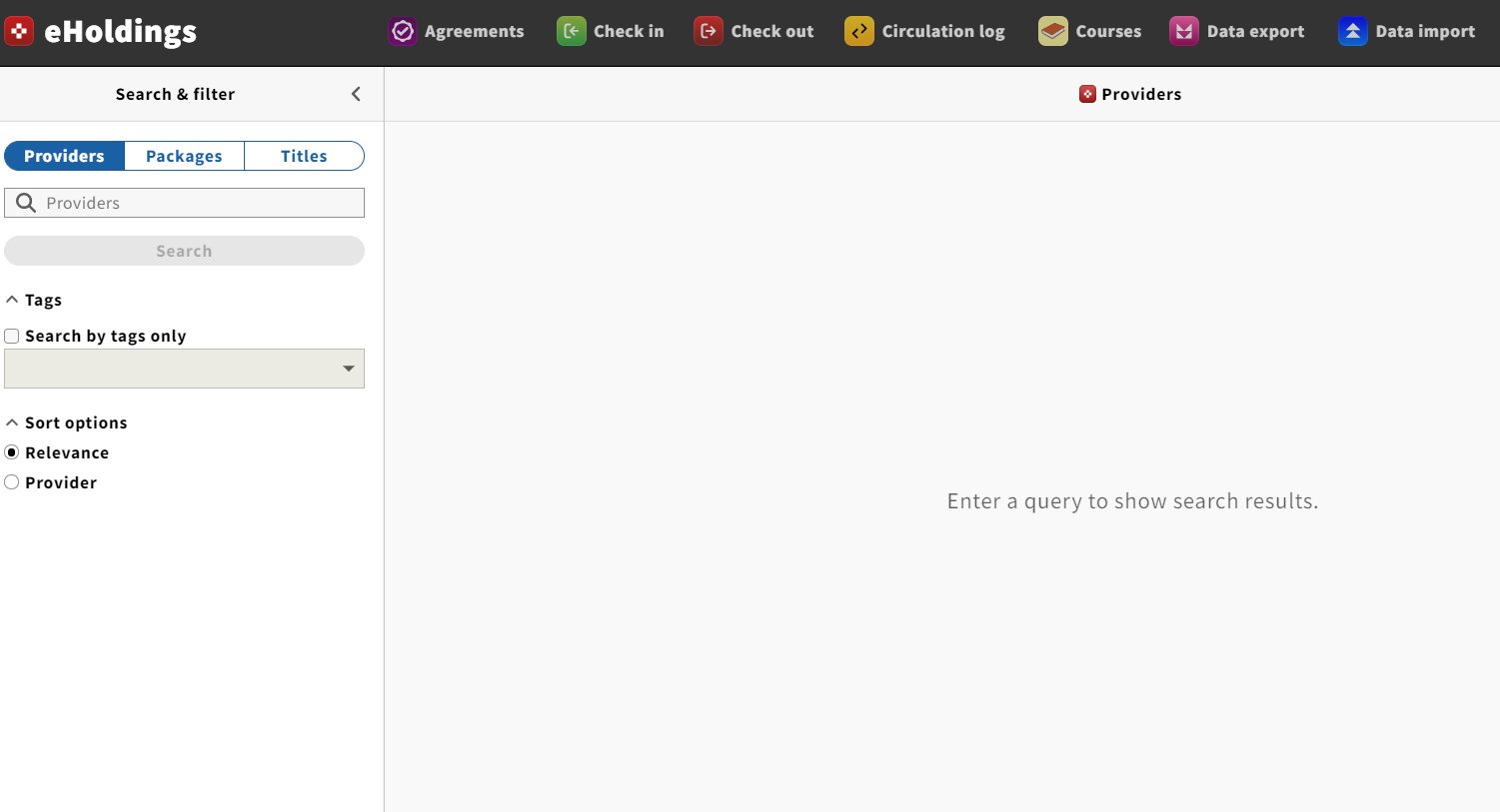
- Packages functions similarly, but in the Search & filter pane, you have more options for filtering.
- You can search by Access status type by checking the "Search by access status types only" box and selecting an access status type from the dropdown menu.
- Expanding the Selection status accordion allows you to limit your search to Selected items, or items that are a part of your collection.
- Expanding the Content type accordion allows you to limit your package search by eJournals or eBooks, etc.
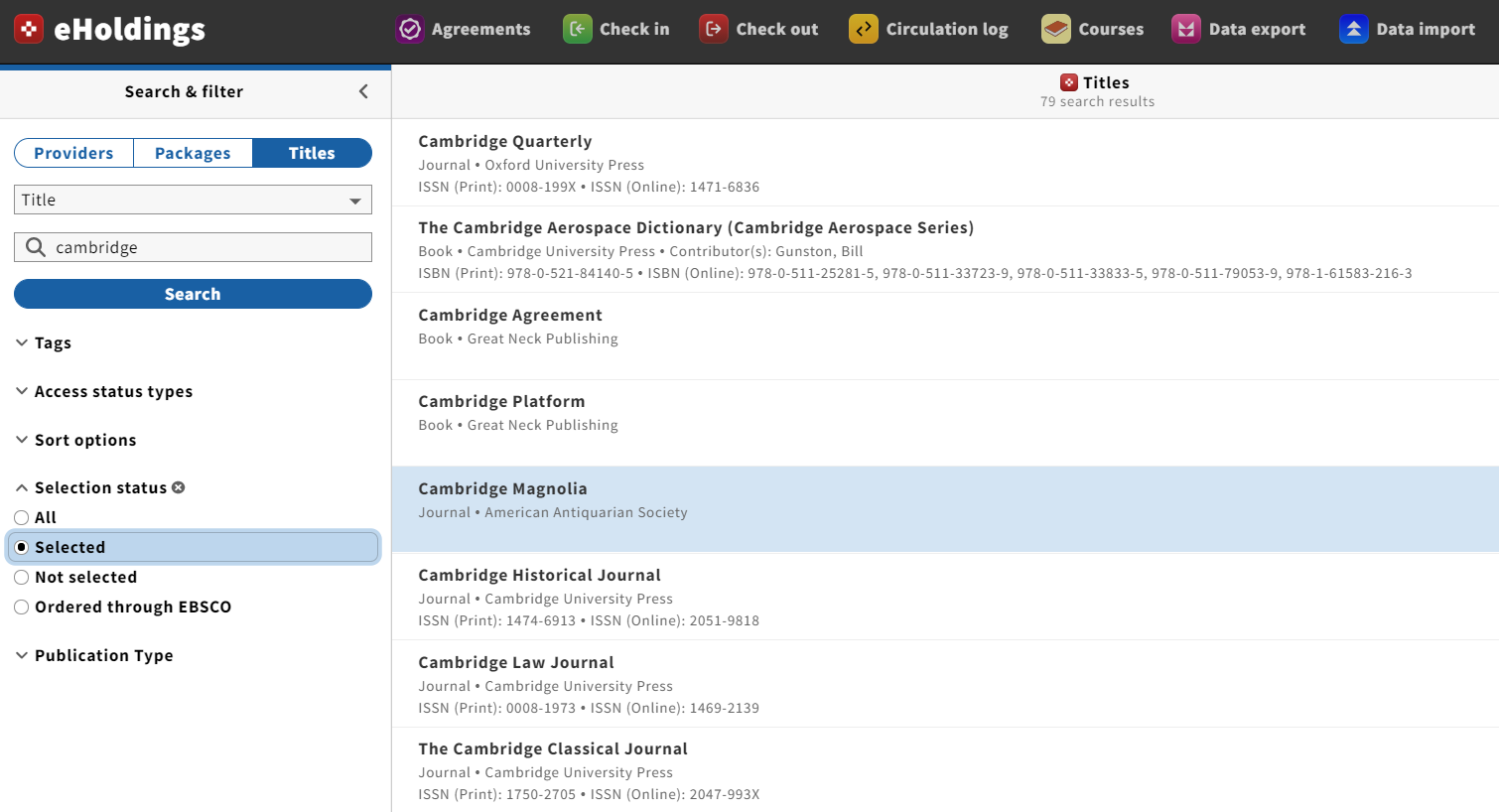
- Titles has the same searching and filtering options as Packages. Just click on the Titles toggle to search by an item's title rather than the package within which it is contained.
Viewing records
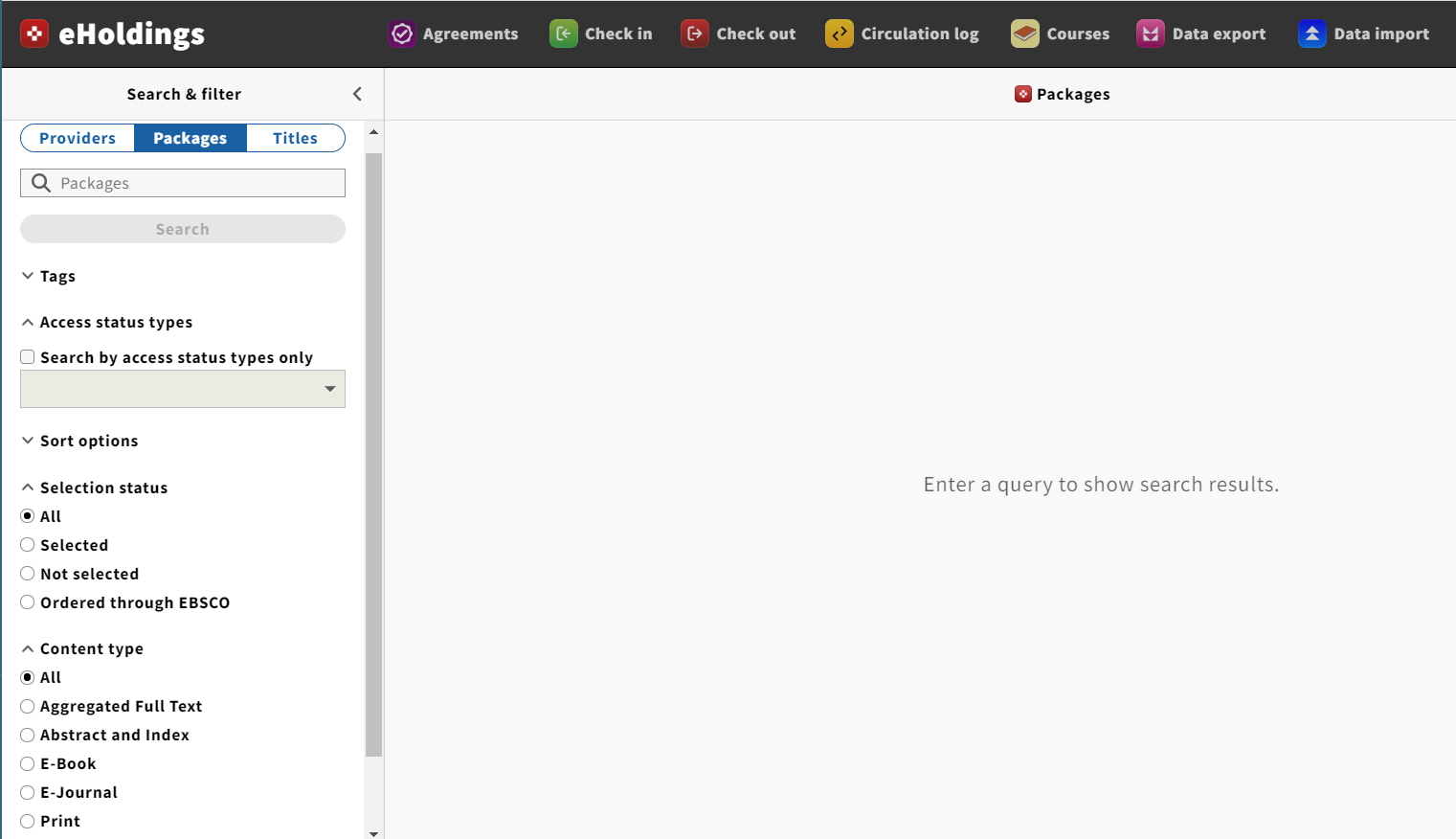
- After you have searched for a provider, package, or title, click on the desired item from the second pane (on the right-hand side).
- I am searching Titles for this example.
- Doing so will open the record details for that title (see below).
Searching within detail records
1 | Open eHoldings app |
2 | Search for a provider (such as Gale, Cengage) |
3 | Click on the provider and go to the packages section |
4 | Make a note of a package |
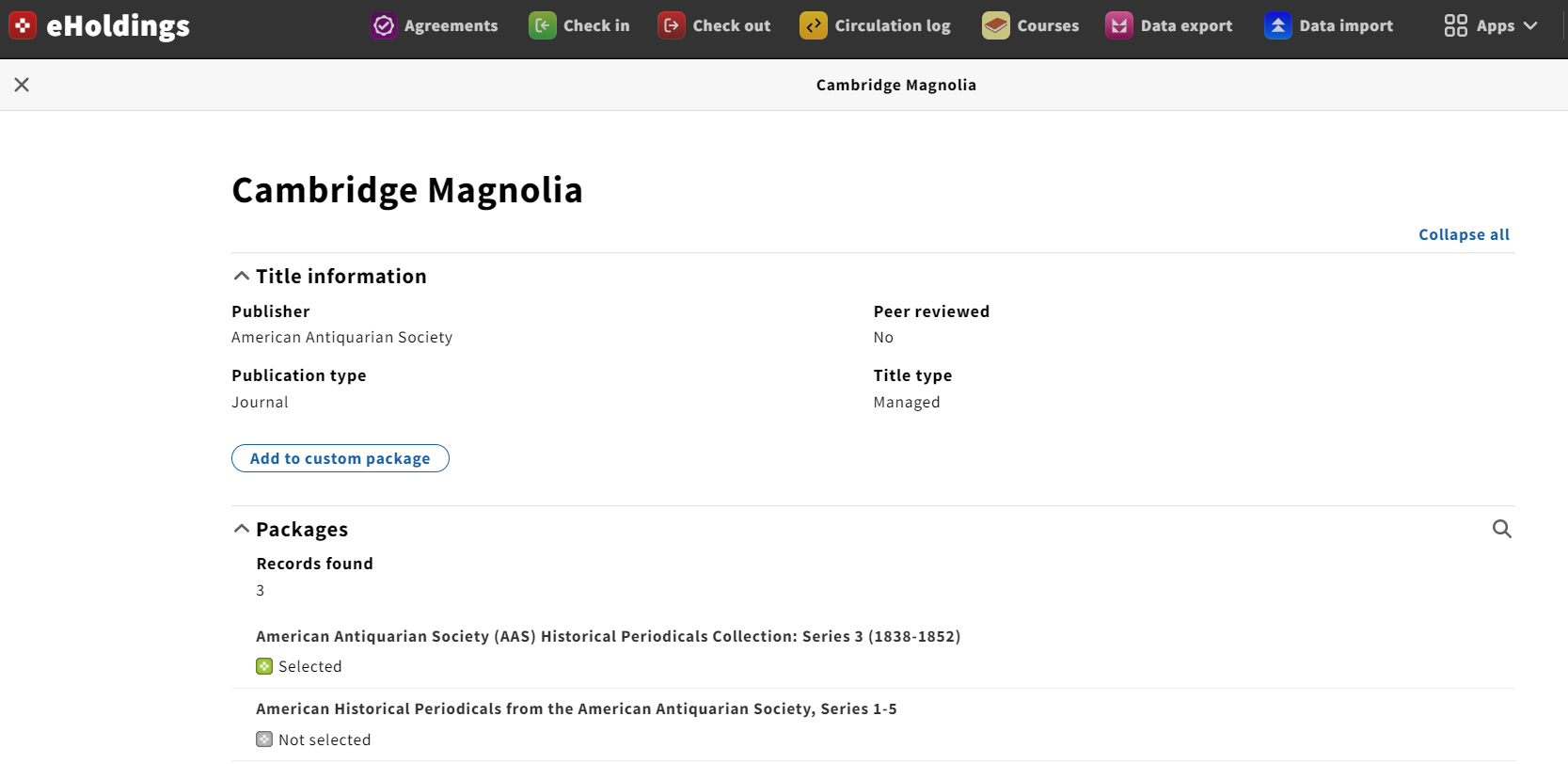
5 | Go to Search & Filter (the magnifying glass to the right-hand side of the packages section) and search for that package
The filter will identify all packages that contain any of the words in your search. |
You can use any of the filter options to filter the packages by, for example, E-Journal packages under Content type, or limit to selected packages under Selection status.
Searching and filtering for titles within packages
Steps
- Open the eHoldings app
- Search for a package, such as ABI/Inform
- Select the package
- Go to the Titles accordion, click the magnifying glass symbol
- Choose "subject" in drop down menu and search for "business"
- Click the "search" button
Expected Result
The titles contained in the package are filtered according to the chosen subject