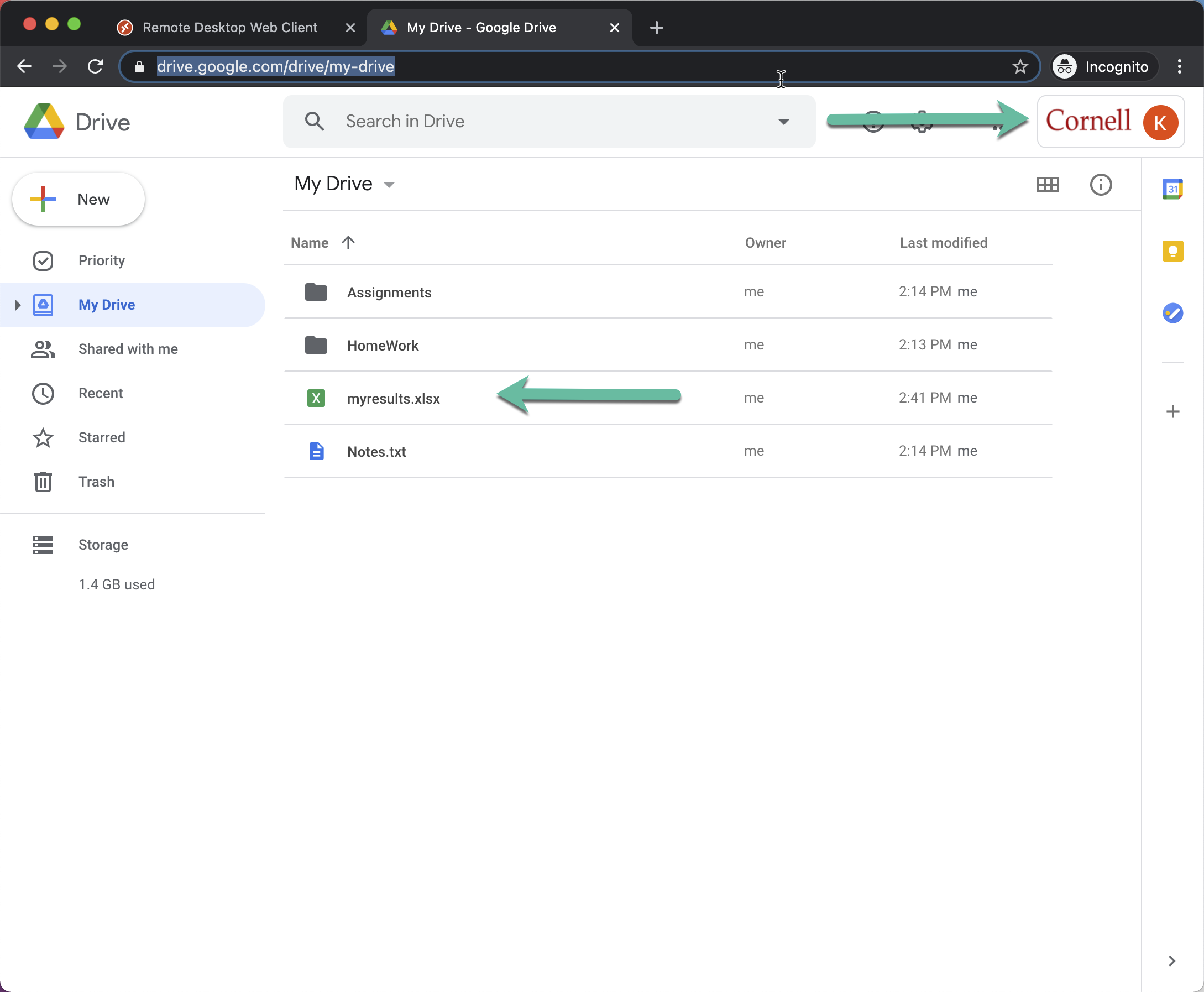
After one time setup, then do program first, then launch Google Drive, and then finally save when ready.
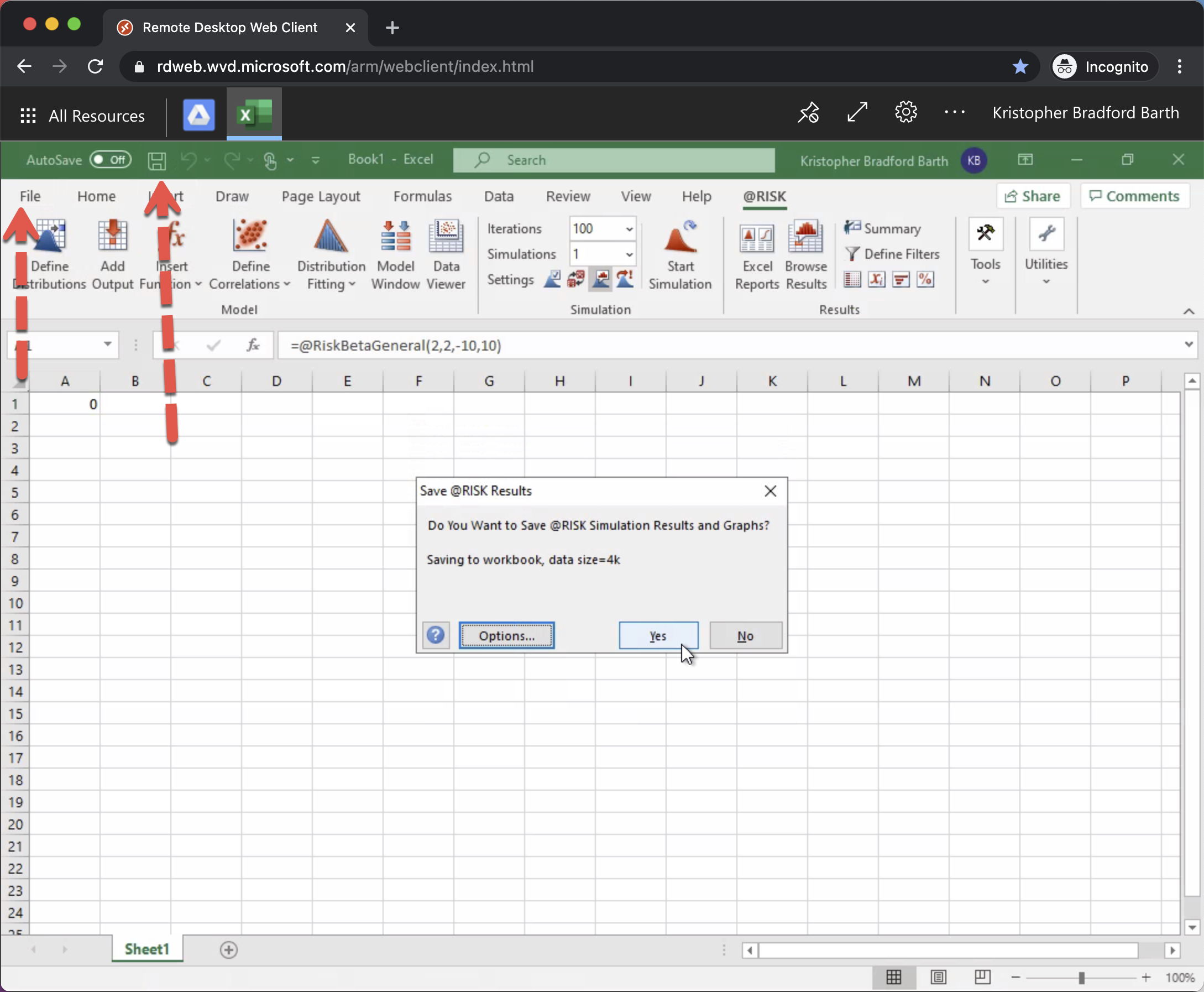
From your application (in this example we are using Excel with '@RISK'), click the disk or select File and Save As:
Select Browse:
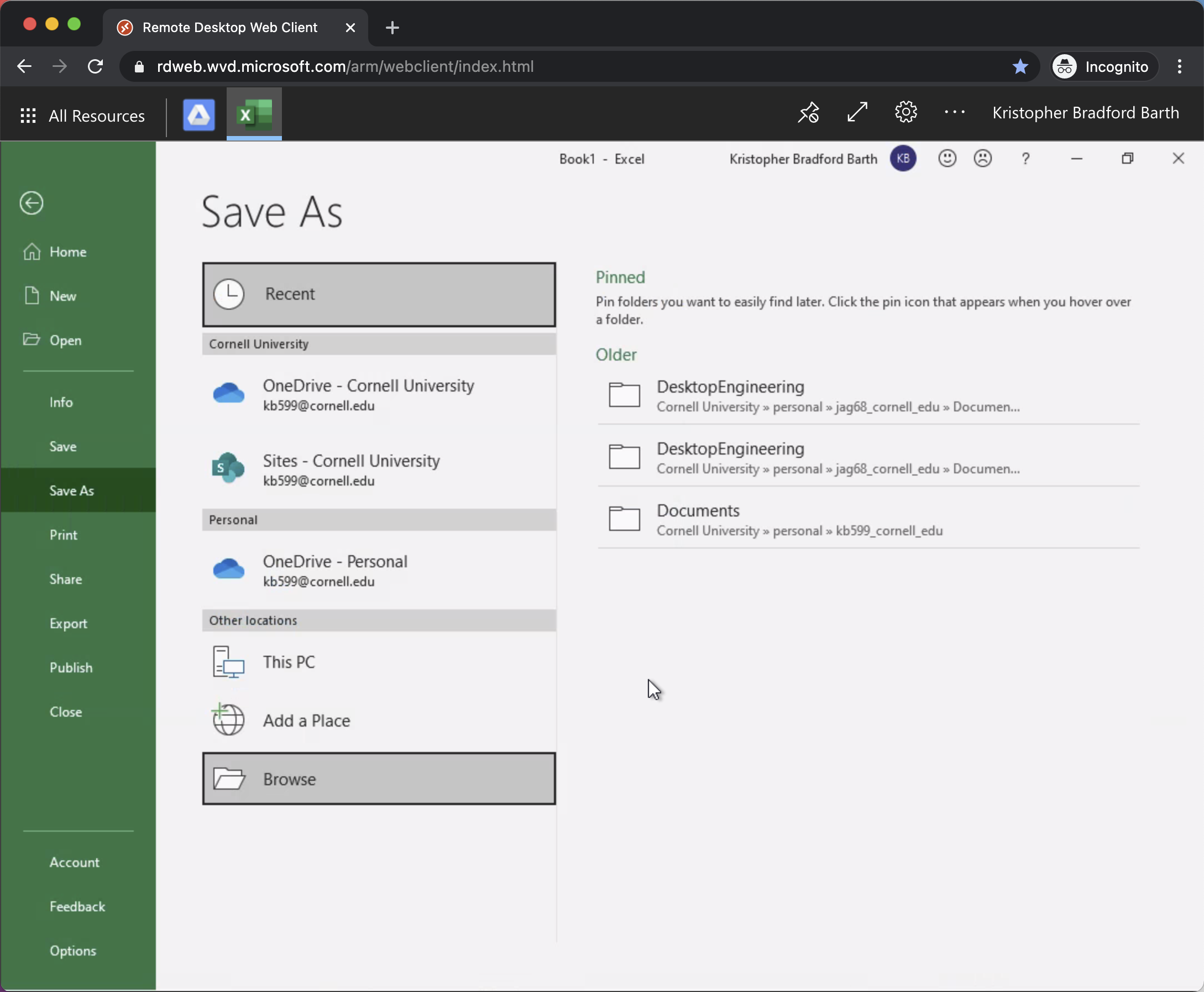
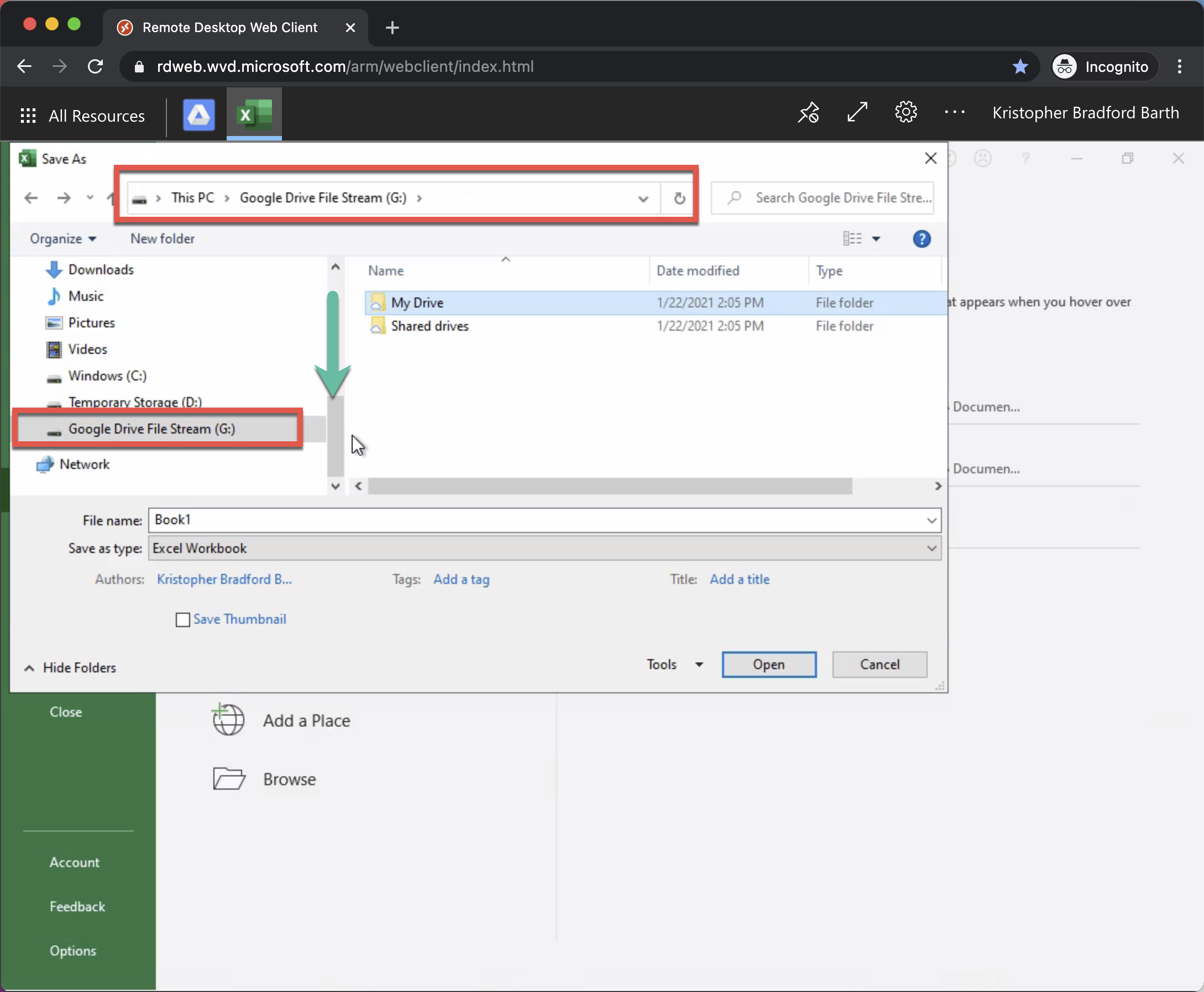
Scroll down until you see Google Drive File Stream (G:)
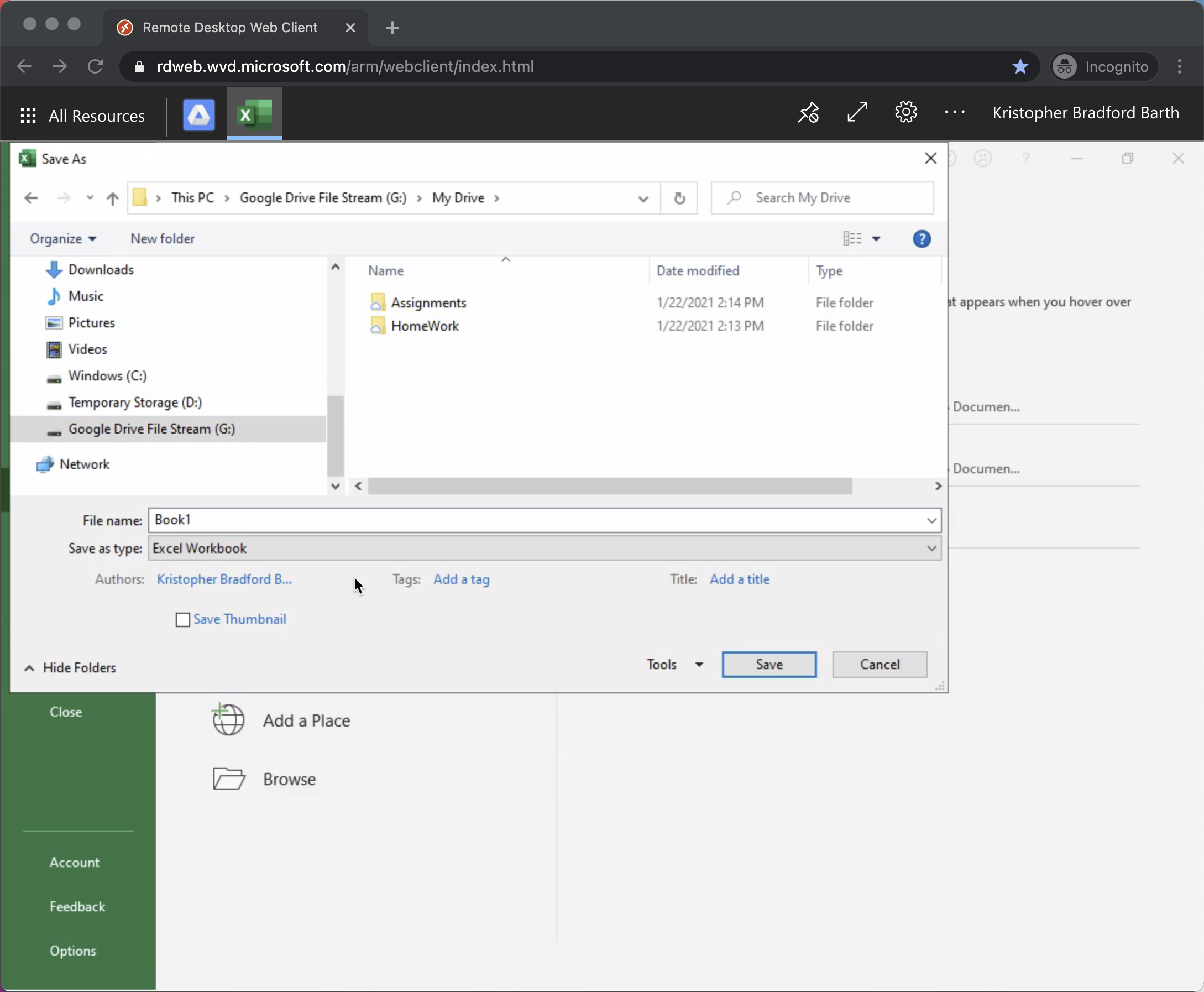
In the Folder Window, double click 'My Drive'
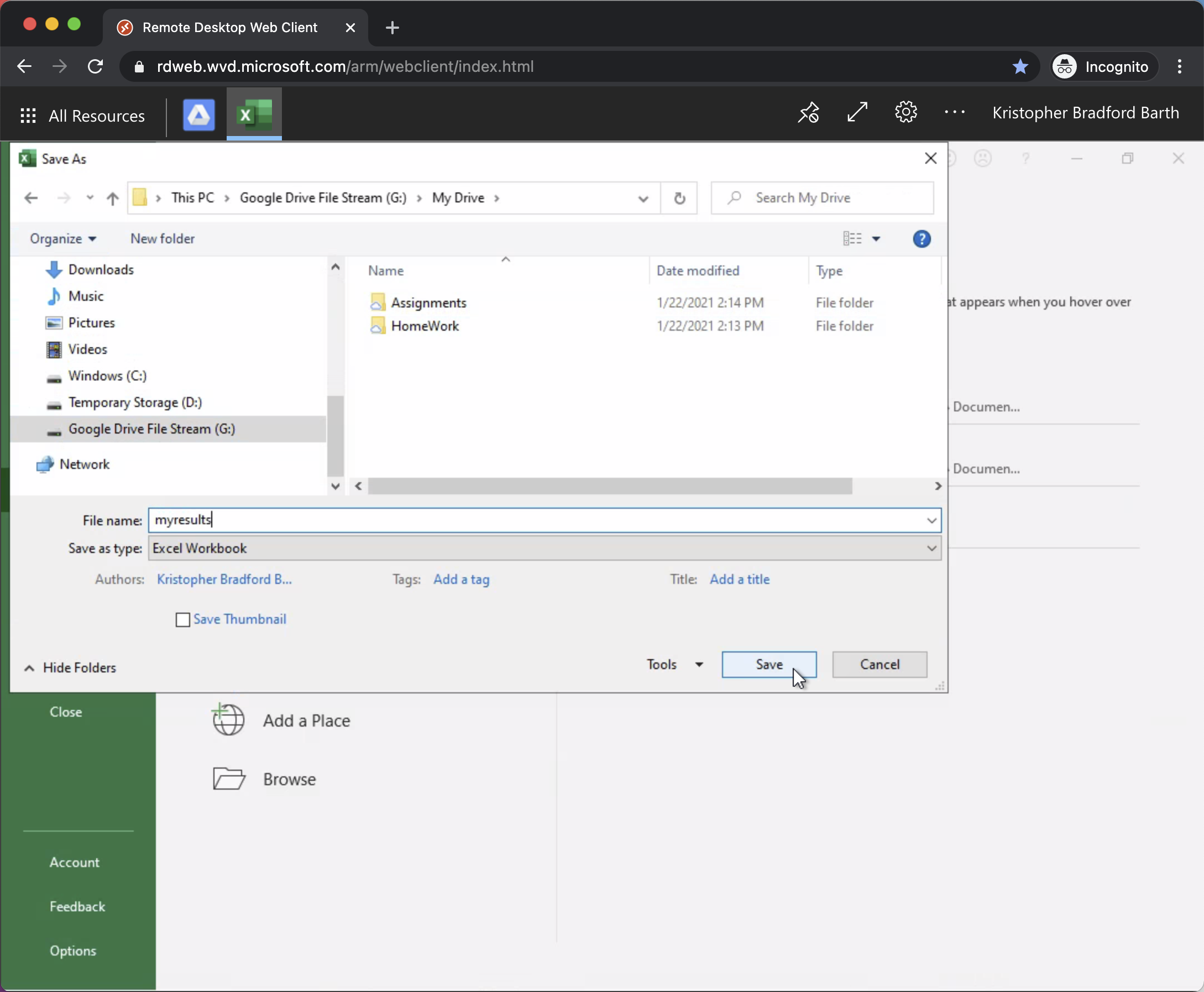
Name your file and hit Save
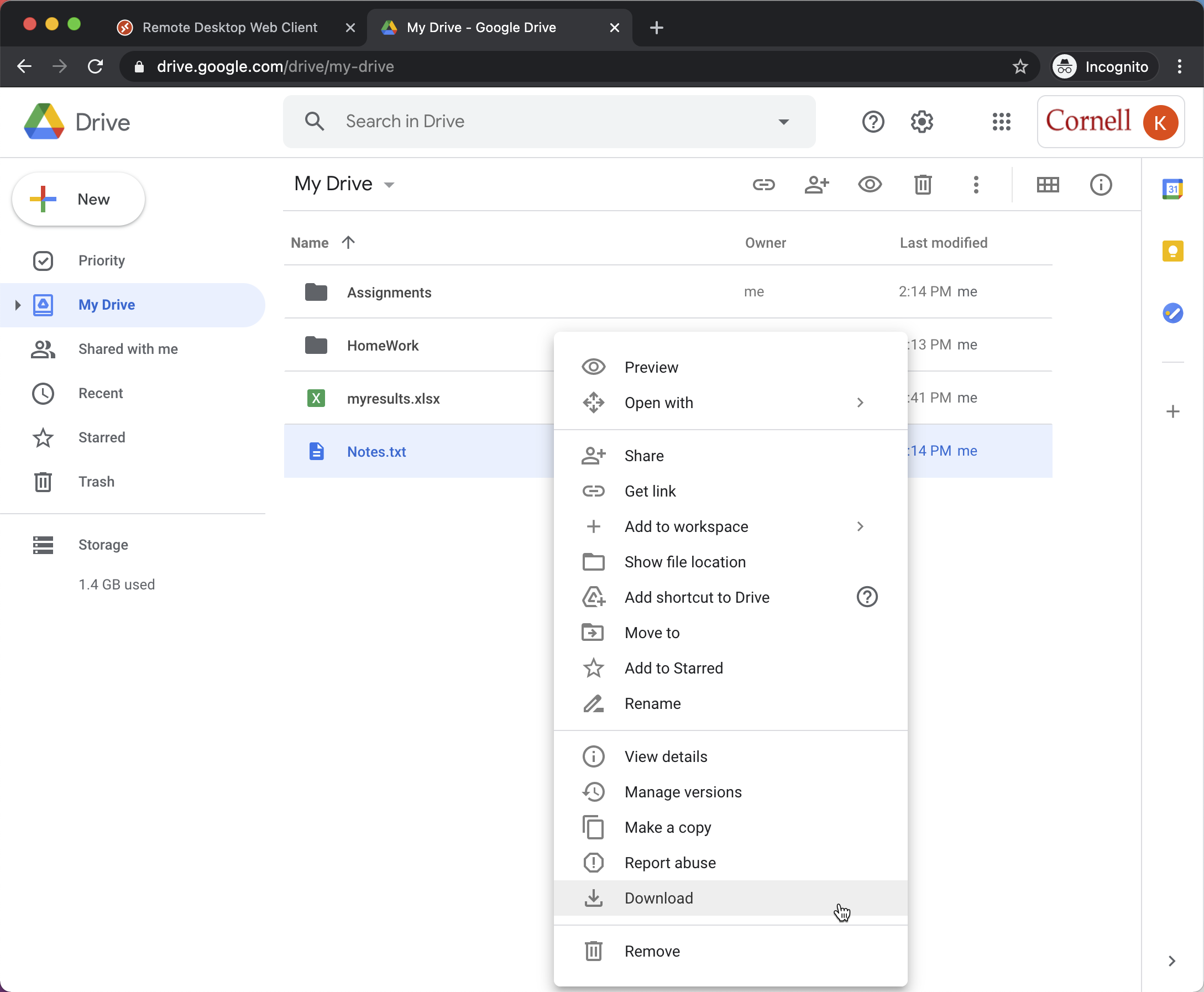
Accessing your saved files on Google Drive outside of Windows Virtual Desktop