- From your Canvas Course, click the Windows Virtual Desktop button from the Navigation Pane.
- Click the 'open to a new tab' button.
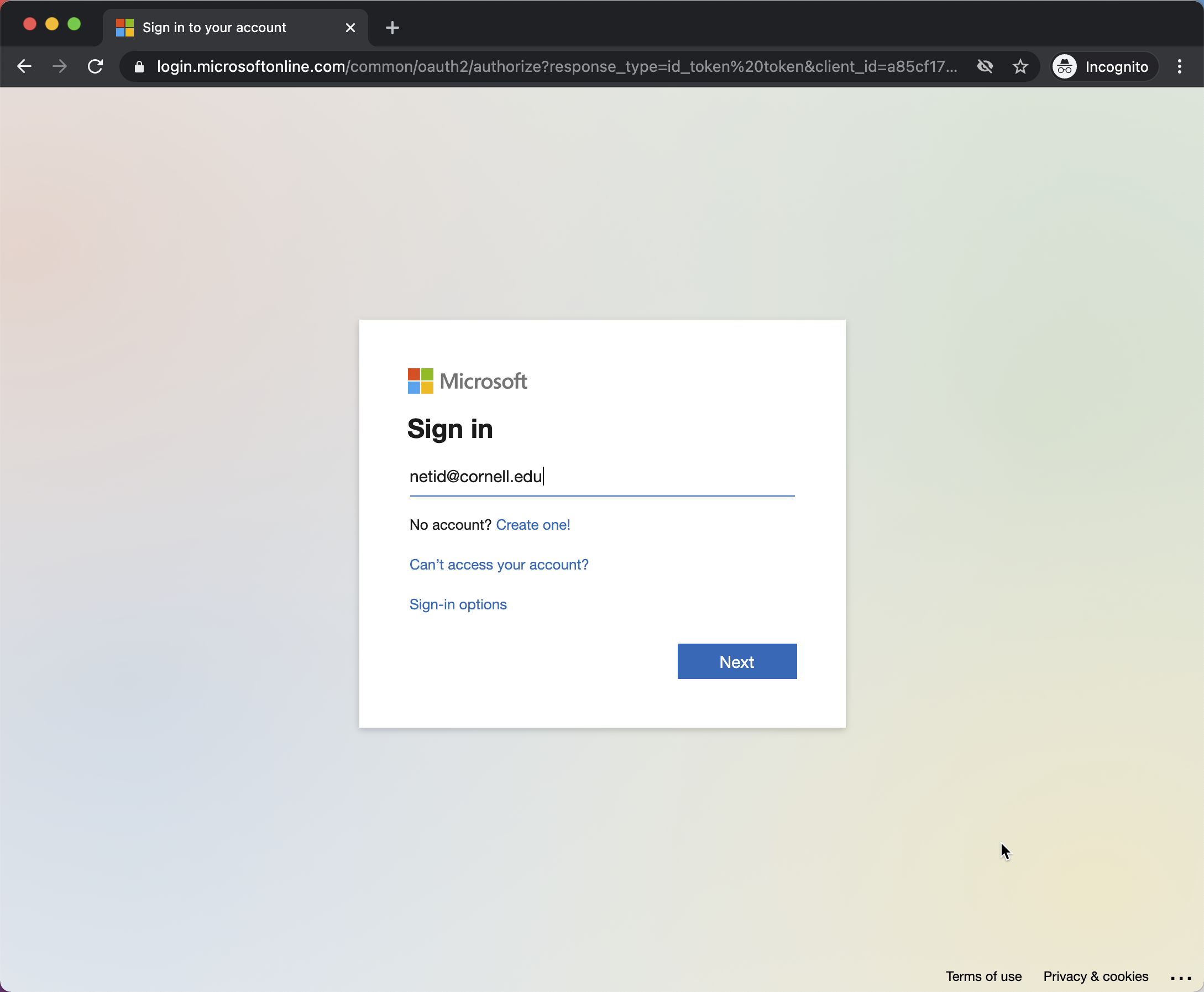
- Sign in to Microsoft with your netid@cornell.edu
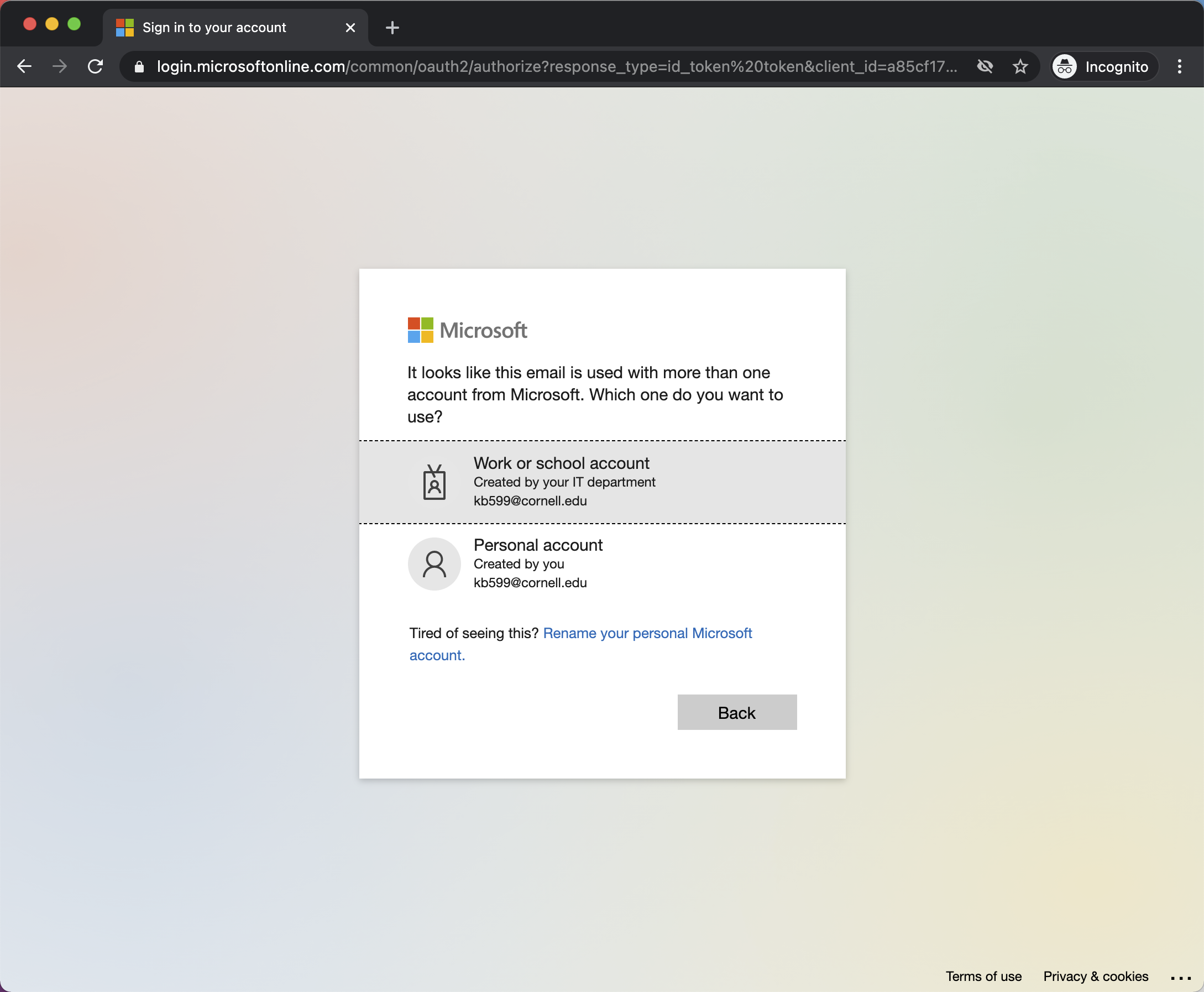
- Select 'Work or school account'
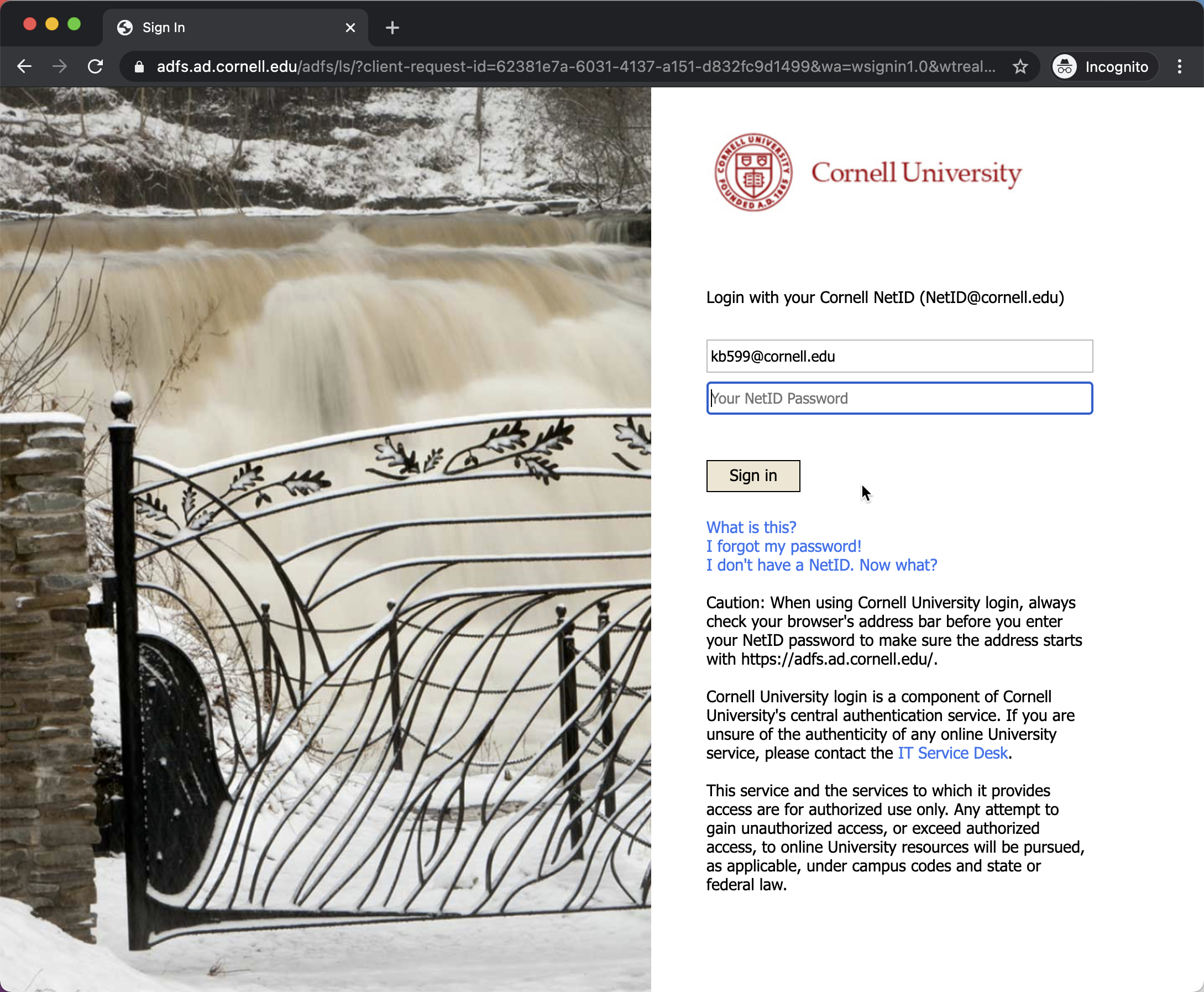
- Sign into Cornell University's page:
- Authorize DUO Two Factor Prompt (if requested: