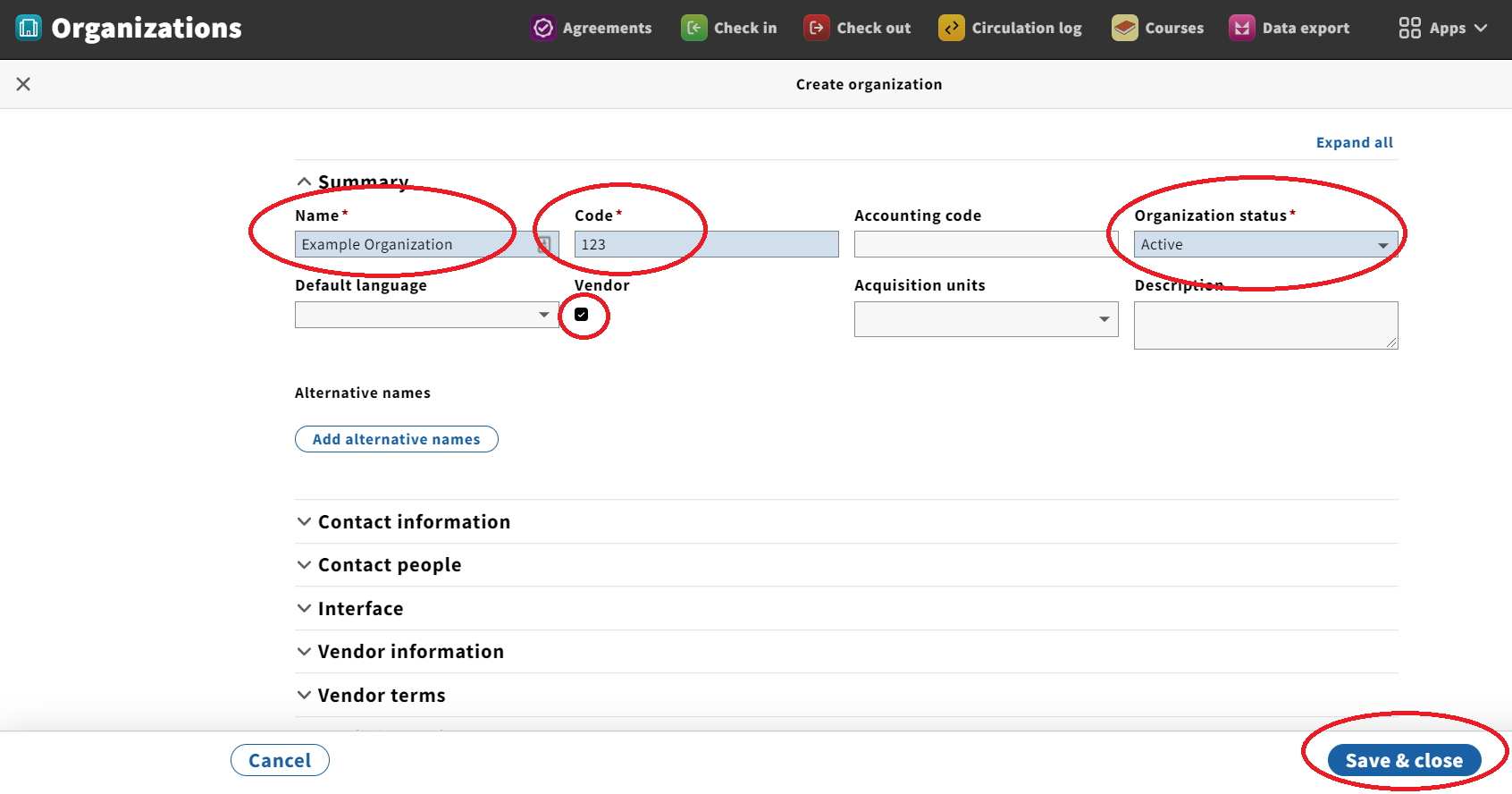
- Open the Organizations app.
- Click on the blue button marked "New" in the upper right-hand corner.
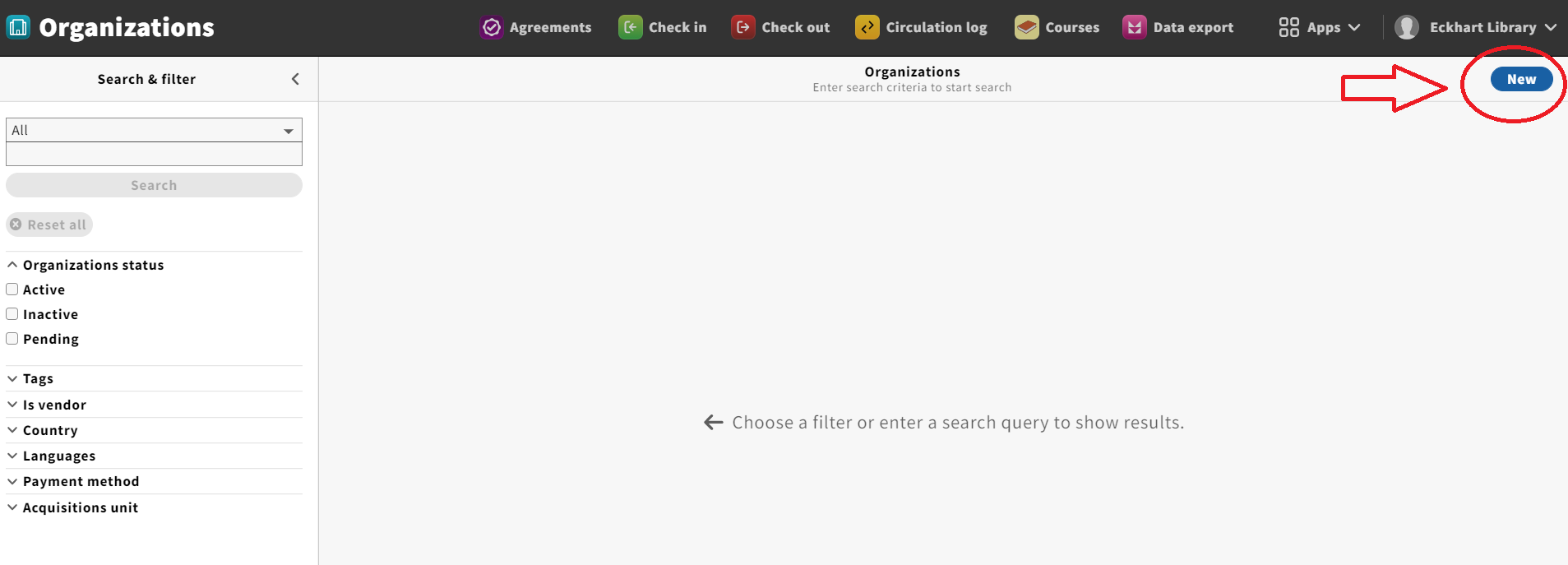
Fill out all the fields on the "Create organization" form, making sure to fill out the required fields marked with a red asterisk.Click the "Vendor" checkbox to denote the organization as a vendor. - When finished, click "Save & close" button in the lower right-hand corner. (Note: the button will be grayed out until you begin typing in the form, at which point it will turn blue.)
- The new Organization record you just created should appear in the third column on the screen.