To view an interface:
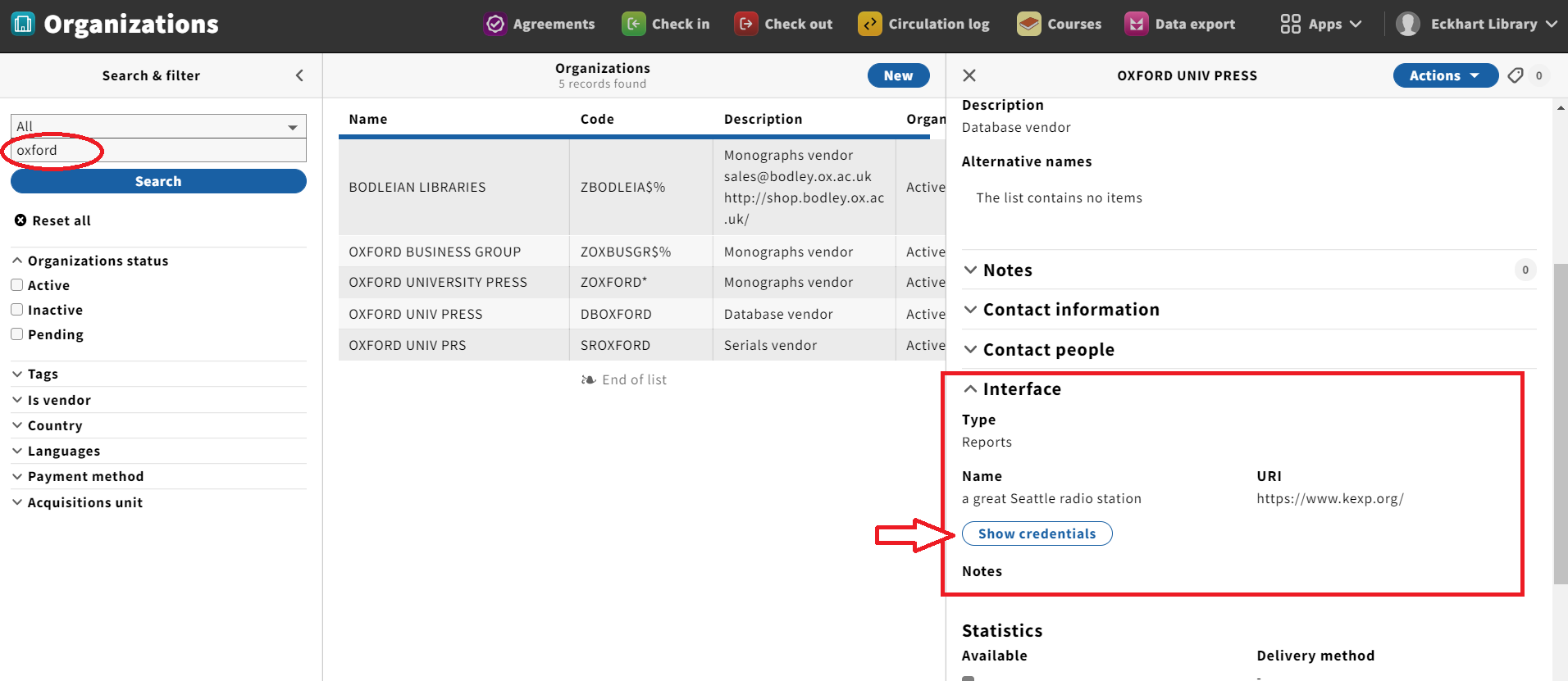
- Open the Organizations app.
- Search for an Organization in the Search & filter pane.
- Select an Organization from the list that appears in the second column on the screen.
- Expand the "Interface" accordion if it is not already expanded.
- Verify that you can see the details of the assigned Interface.
- The credentials (username and password) will be hidden until you click the "Show credentials" button.
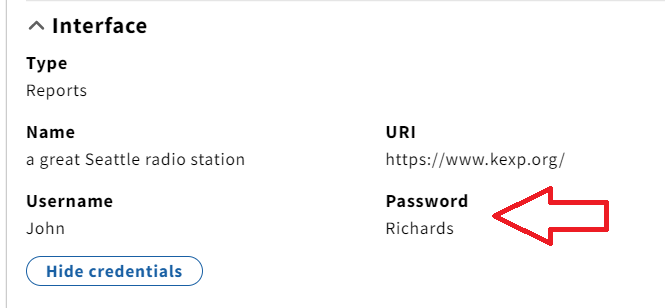
To view login credentials:
- Click on the "Show credentials" button.
- The username and password for that interface will display, if available.