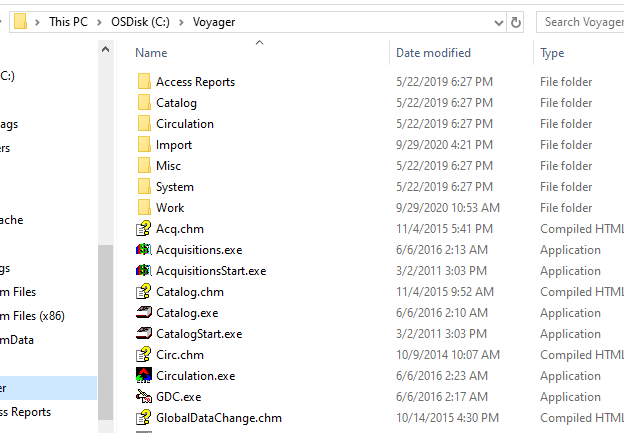
Open the Voyager Circulation Module
Login with the same credentials you use for Cataloging
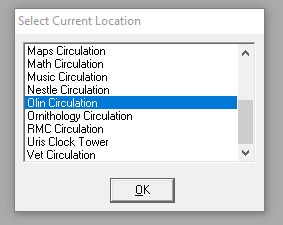
You have to select a service point – let’s use “Olin Circulation” since it’s physically close to us
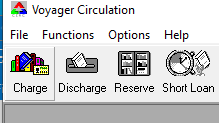
To check out materials to a colleague, select the Charge icon in the upper left
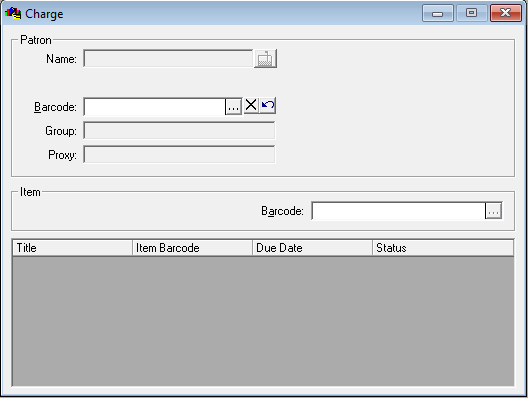
This opens a dialog box to select a Patron record
Enter the patron barcode number or, to search by name, select the three dots
All of our accounts for remote cataloging have the last name “Remote Cataloger”
(the search is not case sensitive)
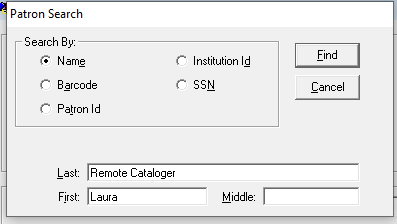
Select Find to open the patron record
And enter the Barcode for the piece to be checked out
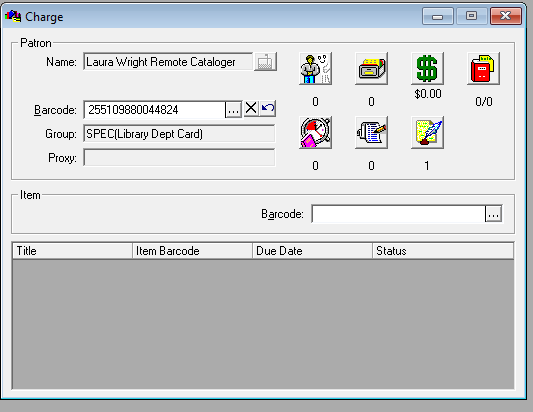
Enter to complete the transaction
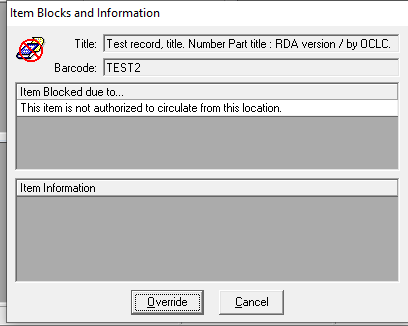
If you get a warning message about the location, click Override
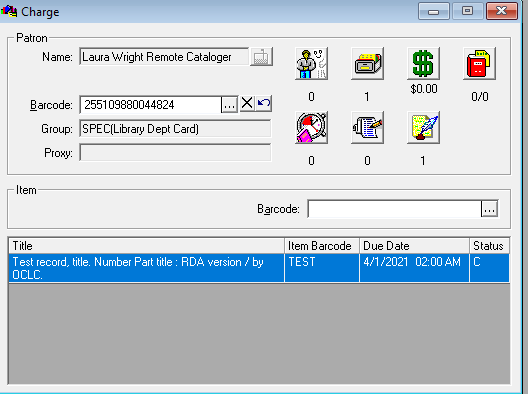
The title, barcode, due date, and status for materials checked out will display
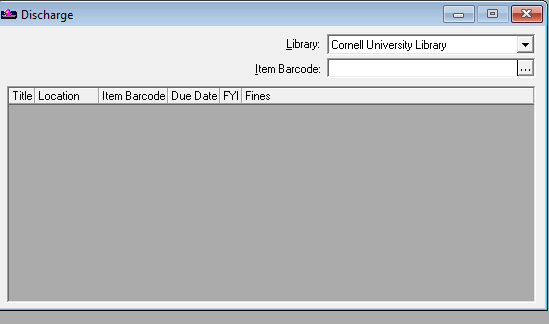
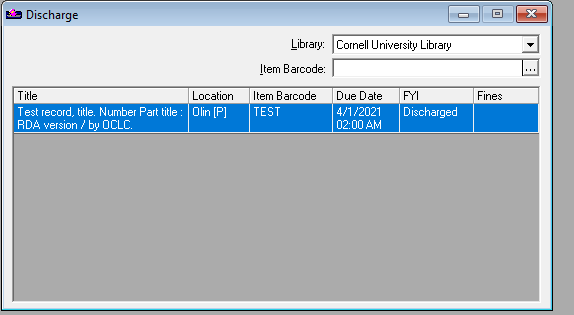
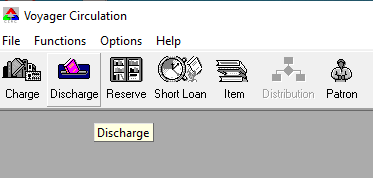
To return (check in) materials, select the Discharge icon
Scan/enter the barcode from the piece