| Organization | An app within FOLIO. Contains information about any group of individuals with which we would operate, whether it's a company that sells products to us, provides a services to us, acts as a subscription agent, hosts content, etc., etc. In Full FOLIO, Organization entries will be used for billing services, as well. |
| Agreement | |
| License | The license defines what we can access, and how. The license indicates |
Some initial notes:
For a resource to be "done", as in "good enough to move on to the next one" (Jesse's words, Feb 14, 2020), we must do the following, to the greatest extent reasonably possible:
Instructions to complete each of these steps are described below. Completing the steps above requires work in a different order than that shown above.
The Organization is sometimes called the "Vendor", but a Vendor is one to whom we pay money. An Organization is a group that supports our access to the resource in some manner. That may be as a content provider, as a subscription agent, as a vendor, or some other way. In some cases, we'll identify an individual Organization as having multiple roles, so one Org may be both a "vendor", if we pay them directly for the service, and a "content provider" if they host the product and provide access to it for us.
Look for duplicate vendors, and clean them up if necessary. For instructions on this, see here.
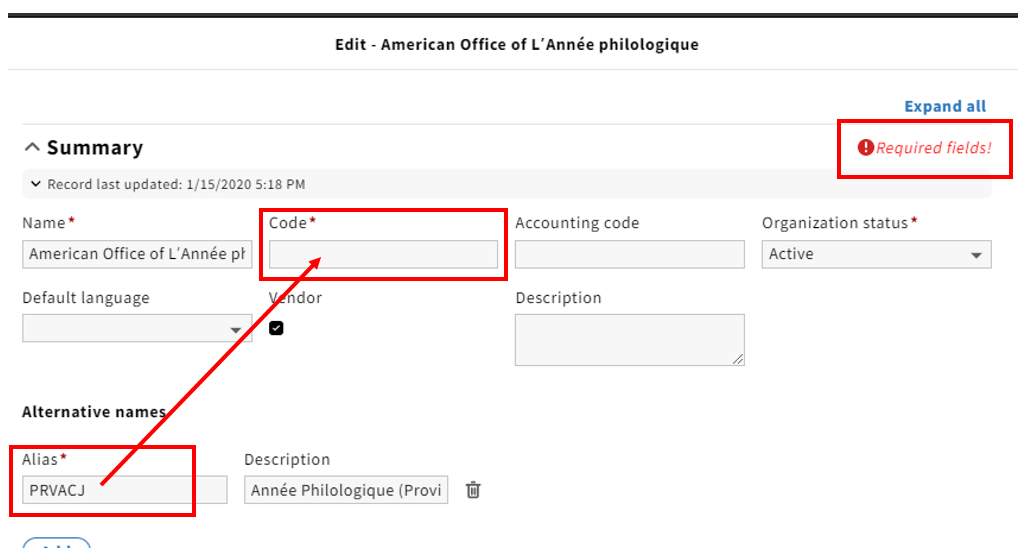
If you have a username and password that can be added for this resource, now is a great time to do that. The spreadsheet in Box.com, titled Resource_Administrative_Information_COO-2020-01-02.xlsx, has much of this information in it. To add username and password information, create a new interface by clicking on the "Add interface" button under "Interface".
If you're logged into a password manager, you might want to log out before accessing the Interface area, as it can grab and store passwords that are automatically pasted into the fields by the password manager. |
Be sure you click "Save & Close" before clicking "Add" anywhere, if it's present at the bottom of the screen when you open up any other windows. If you go to a section in which you can create a new entry, like "Contacts" or "Interface", you won't be able to click on "New" and create a new one, without either losing your changes to the Organization record or needing to go back and save those changes. |
sdf
some more steps, if needed
We assume that the license information taken from Intota is sufficiently accurate for our use here. If we find errors over time, we will correct them then. Licenses will generally have a same or similar name to the resource in question.
Or should we be attaching organizations to licenses at this step? - only if the org is with whom we have the licesning agreement, as the options here are "Licensee", "Licensor", "Consortium", and "Consortium Administrator". I guess if we know that some portion of the license comes via NERL, WALDO, or another Consortium, we can record that here.
Should we be adding start and end dates to licenses?
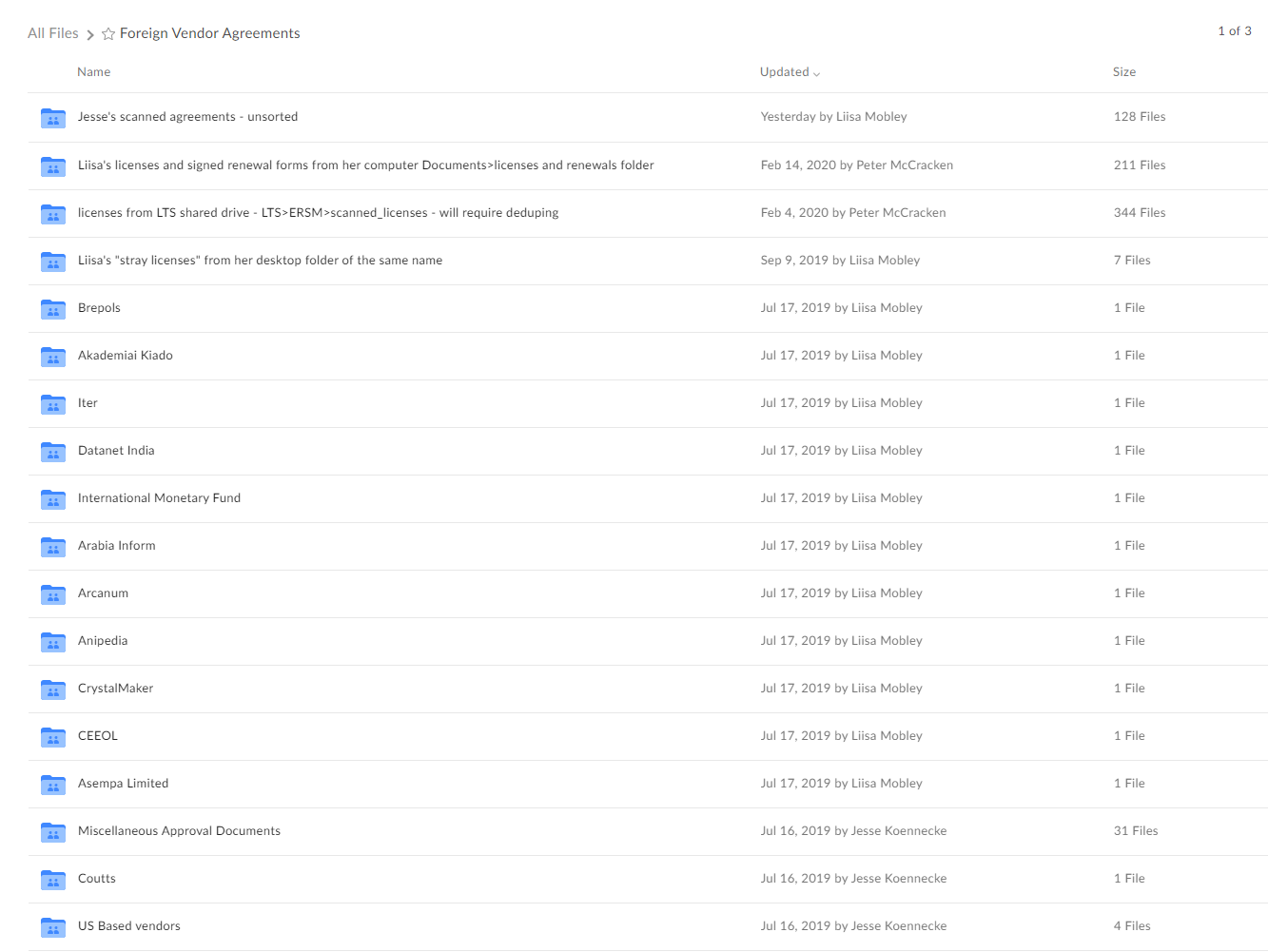
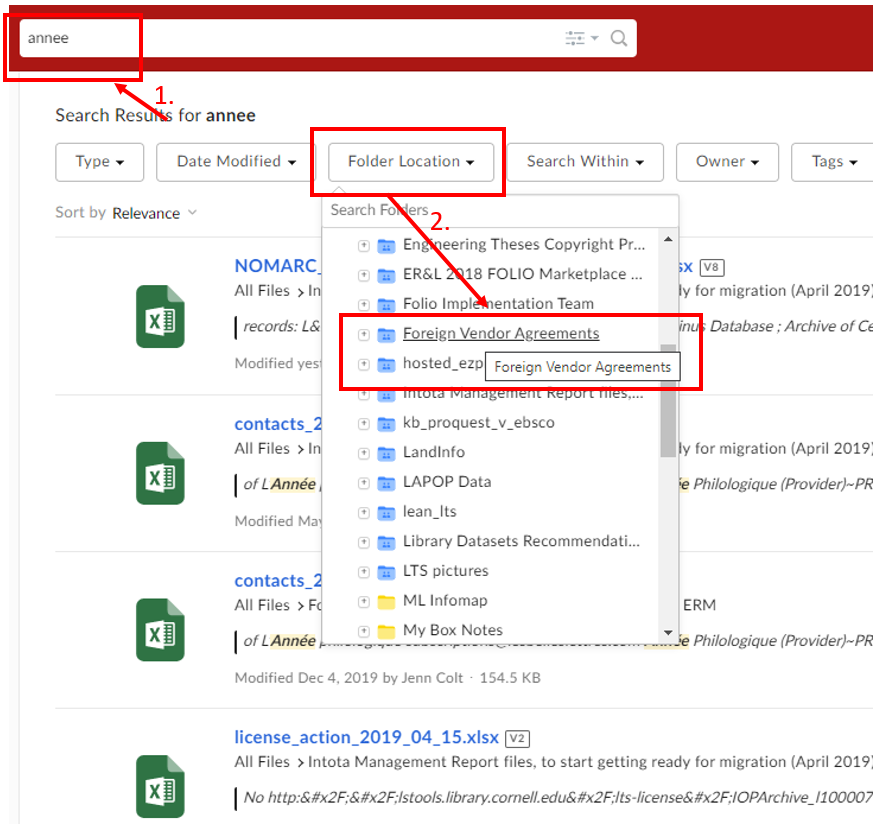
We're not currently creating default agreements, so you'll need to create one. Open the Agreements app, then click "New". Add the Name, Description, Status, etc., as you see fit.
Agreement periods are required for each Agreement. You might be able to find this on the license itself; it should be a reflection of what we currently are using. You can leave the End Date open if you're not certain of it. If the license or agreement states that it will automatically renew if we do not notify the vendor of cancellation, then add a "Cancellation deadline" to the entry.
We need some identifier for when we don't know the Agreement start date.
We need a lot more about what an Agreement Period is and how we measure it and such; when do we add additional periods, etc.?
add this stuff here
E-HOLDINGS
Once an agreement has been created, it can be added to a resource through e-holdings.
Tags - seem like a good idea, but need more investigation, as they appear across the system