The automatic sync from iModules to WP does not always capture new or more often updated events. Running these steps on the schedule described will keep the events more in sync.
Step-by-step guide
Run these steps 3 days a week on Monday, Wednesday, & Friday:
- Convert a date 1 week (don't enter a time) previous using a UNIX timestamp converter, https://www.unixtimestamp.com/index.php
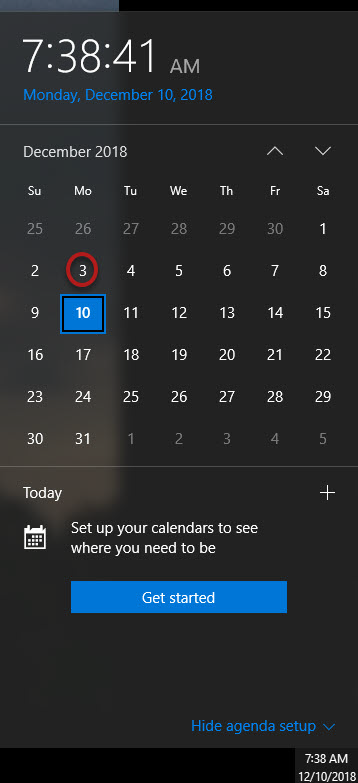
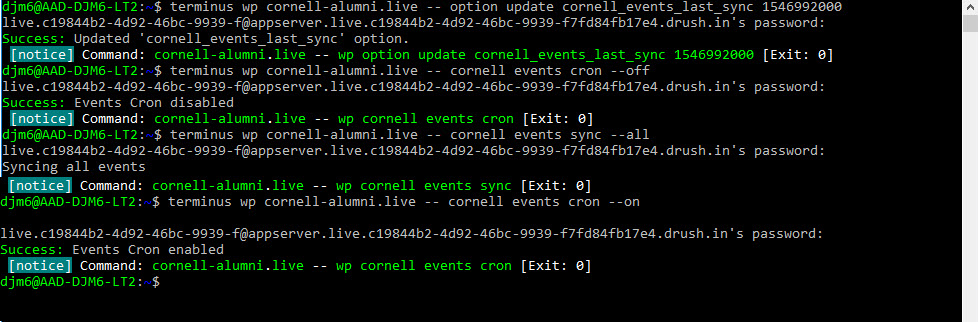
- Copy that timestamp into the first command: terminus wp cornell-alumni.live -- option update cornell_events_last_sync 1546992000
The password required is the one you entered when setting up Terminus
Run that command and the following 3 commands:
Turn the auto sync off: terminus wp cornell-alumni.live -- cornell events cron --off
Start the sync running: terminus wp cornell-alumni.live -- cornell events sync --all
Turn the auto sync on: terminus wp cornell-alumni.live -- cornell events cron --on
| You may also want to use visual panels to communicate related information, tips or things users need to be aware of. |
Related articles
Related articles appear here based on the labels you select. Click to edit the macro and add or change labels.
