This article shows you how to create a campaign for a email to be sent. So that we can gather statistics when readers open and read the email.
Step-by-step guide
- After the email is created, but before it's sent, click Analytics on the left-column menu to create new campaign.
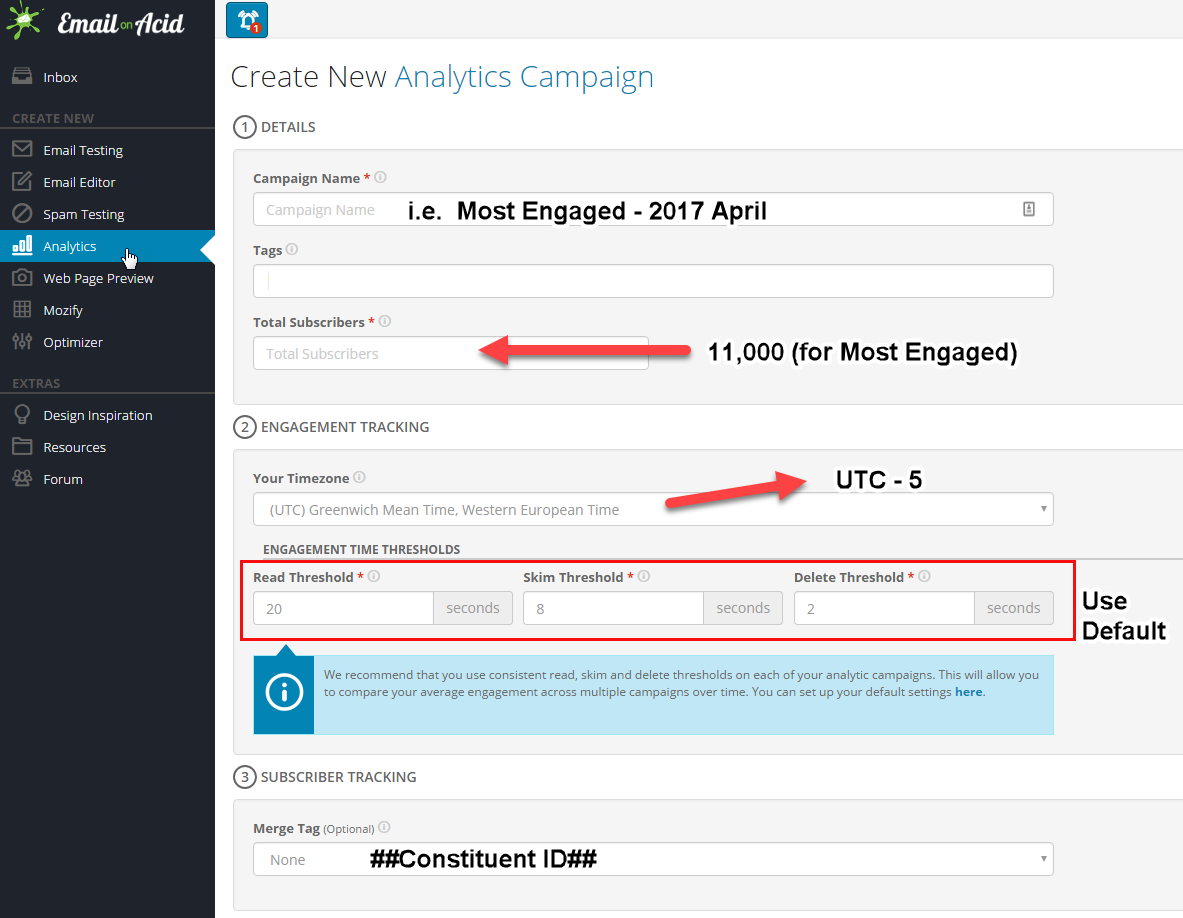
- For Most Engaged email, the approx. total subscriber is 11,000. For other emails, ask Deb Earl.
- The token for the Cornell 7 digit ID: ##Constituent ID##
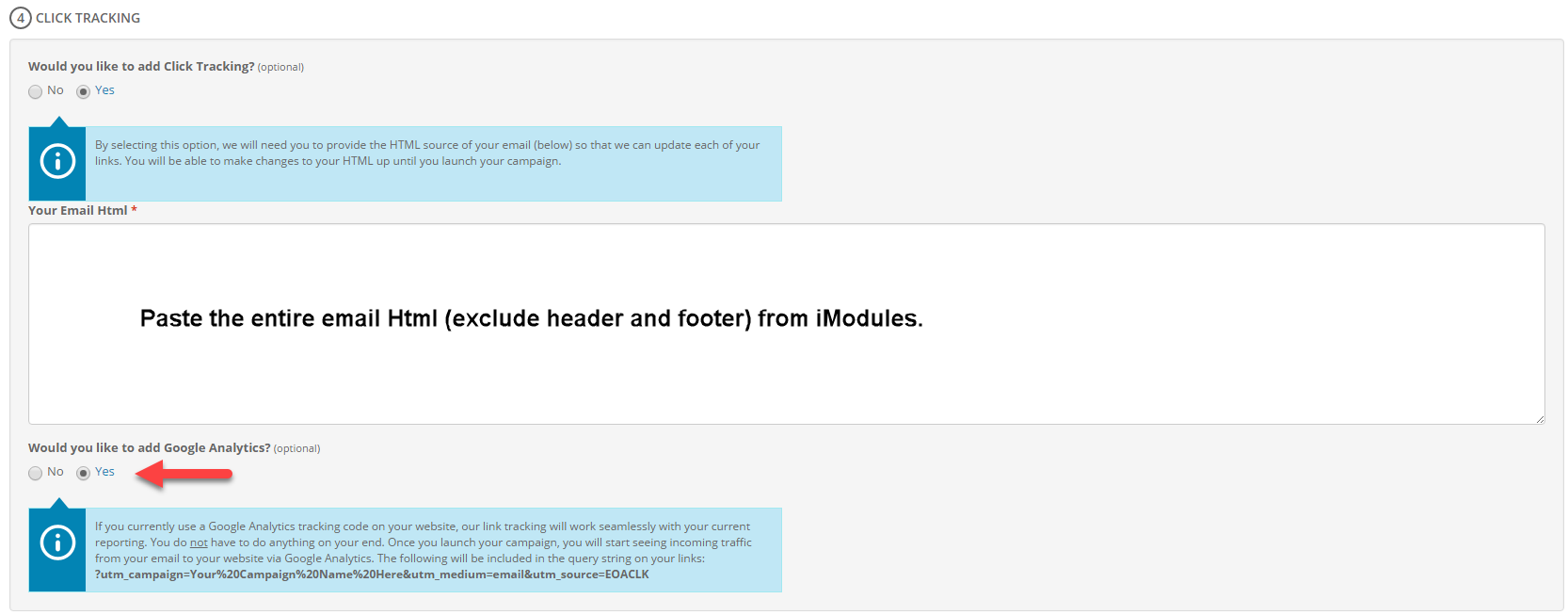
- Enable Click Tracking and Google Analytics.
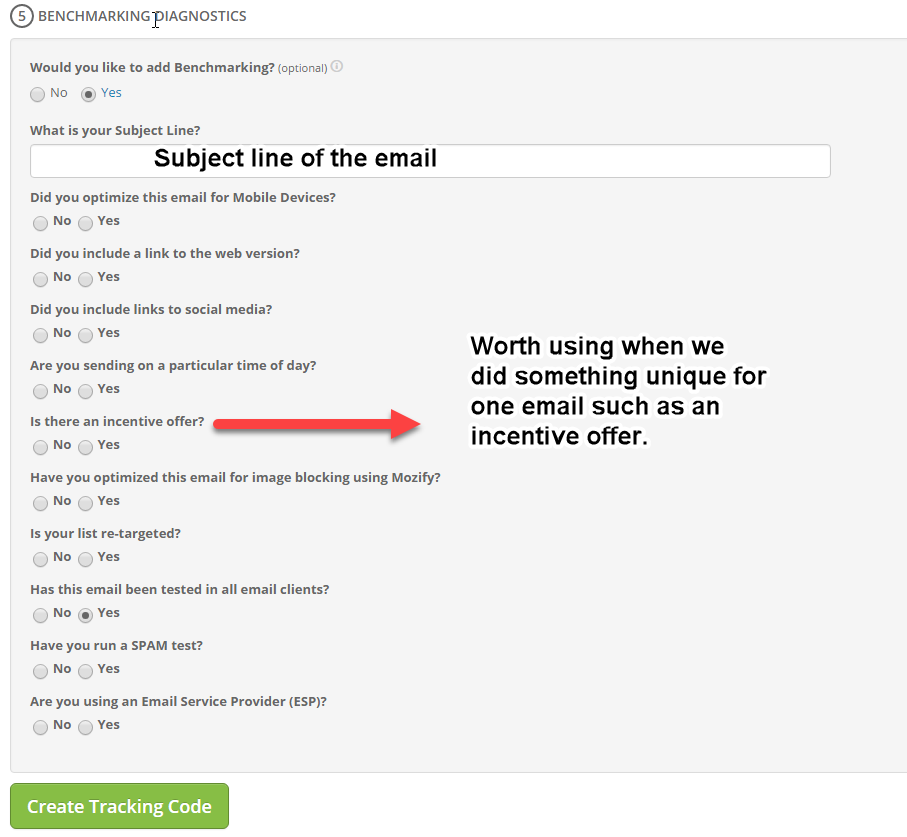
- Add Benchmarking to the email. This part is optional, you don't need to fill all the answers if you are not sure. But if we know that we did something unique for this email such as an incentive offer or a particular time of day, we want to mark the benchmarking.
| You may also want to use visual panels to communicate related information, tips or things users need to be aware of. |
Related articles
Related articles appear here based on the labels you select. Click to edit the macro and add or change labels.
