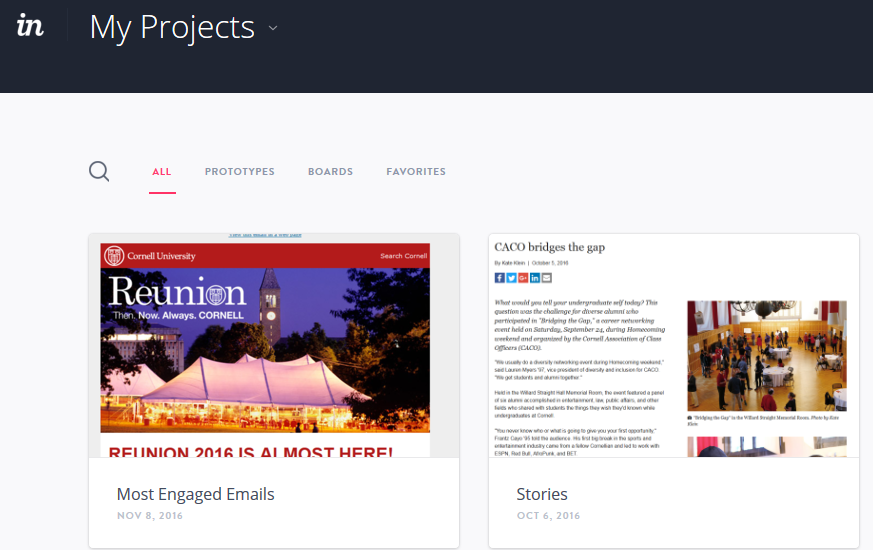
Login to InVision https://projects.invisionapp.com/d/login
Click on the project you are adding to.
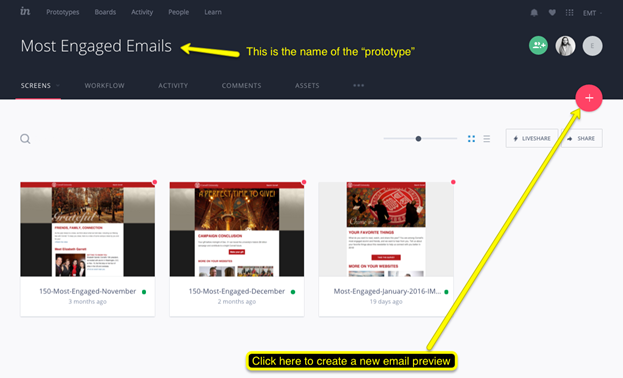
Click the plus sign to create a new preview
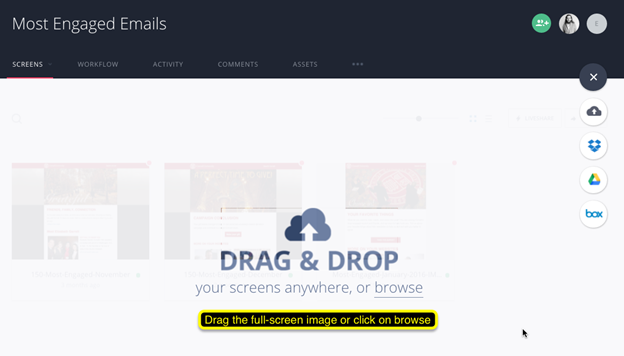
Drag and drop the screenshot.
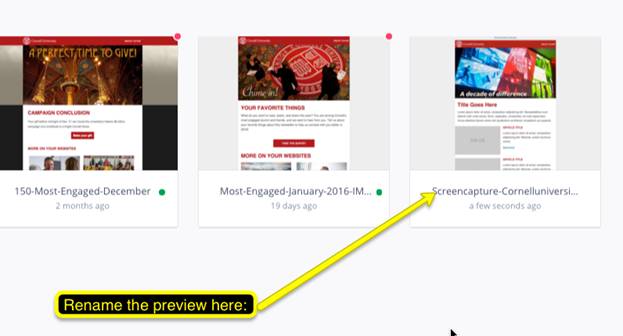
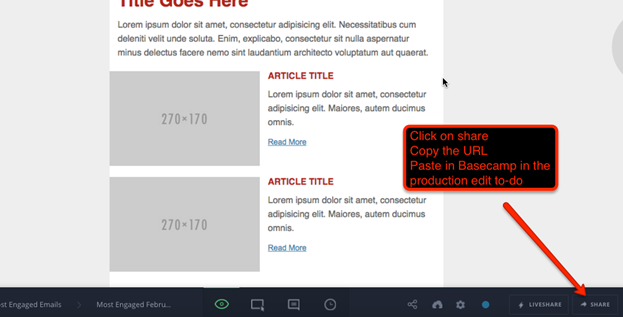
Copy URL and paste into basecamp in the appropriate to-do.
If you are working through the "Most Engaged emails" steps, you will need to continue on to the final steps.