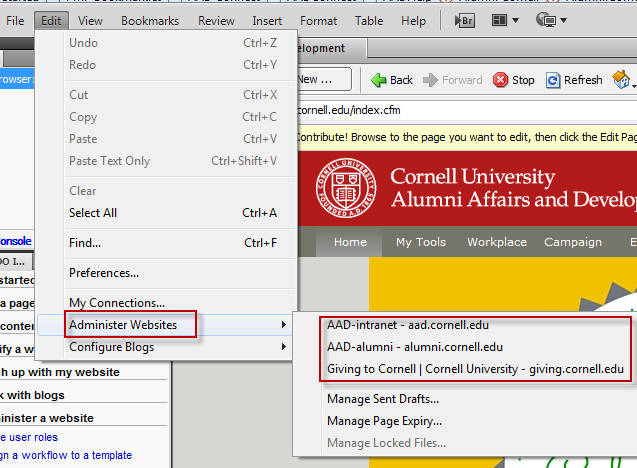
Start contribute
Hovering over "Administer Websites" shows any already there.
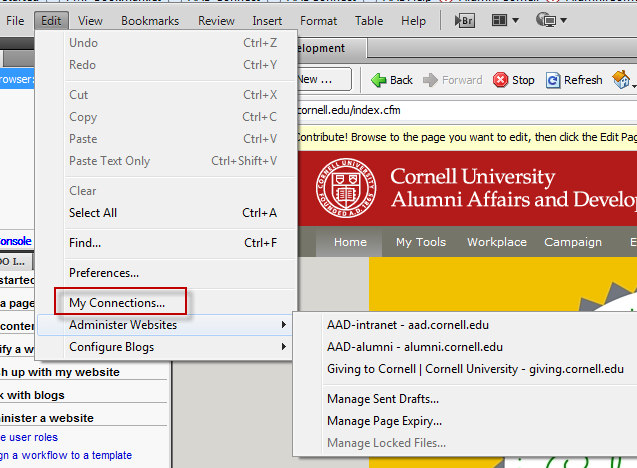
Click on "My Connections" to add a website
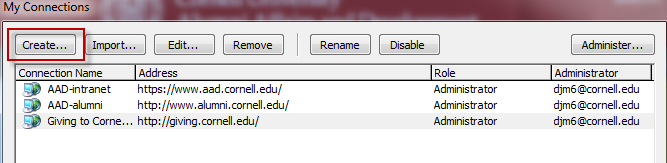
Click the "Create" button opens a new dialog box.
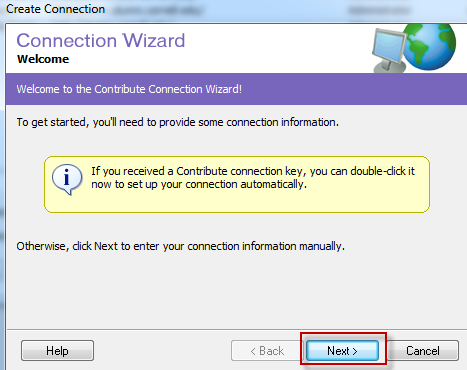
Click the next button
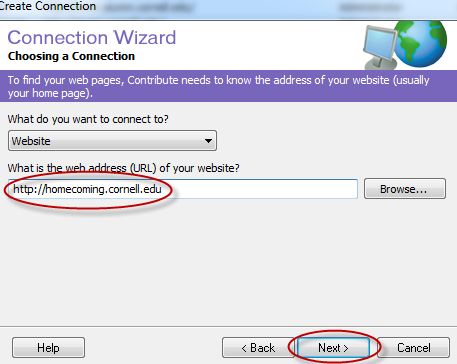
Enter your website's url and click the next button
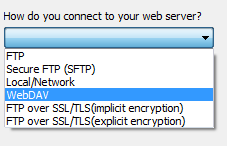
Pick WebDAV from the drop down list
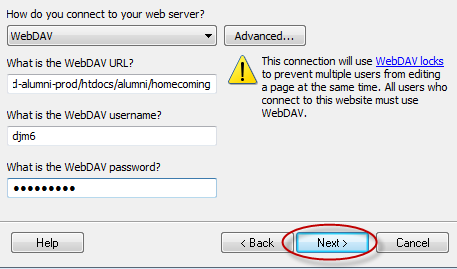
Enter required information (WebDAV username & password is yours), then click next.
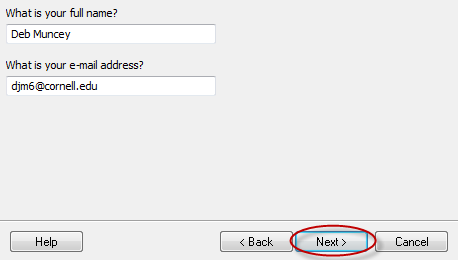
Enter your full name & email address then click next.
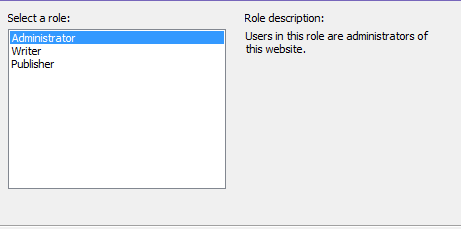
Select Administrator from the list
Set an administrator password