UPDATES:
step 1 - copy gds file into this directory:

step 2 - right click to convert gds to dc2:
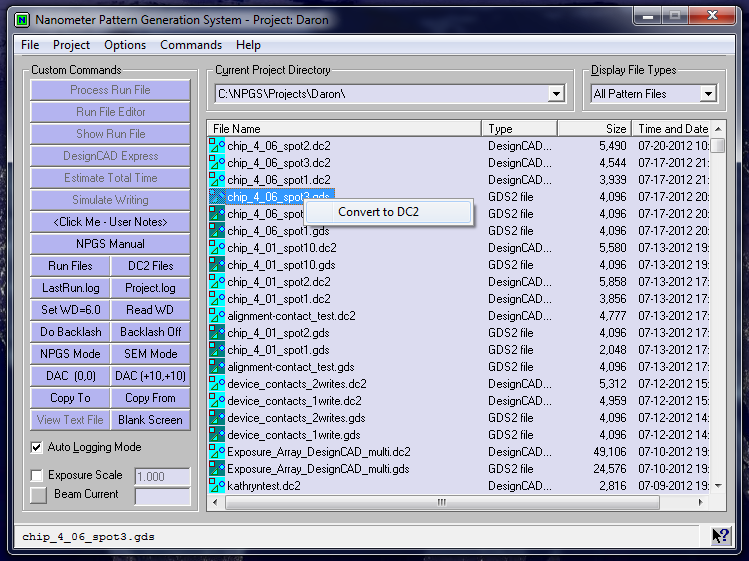
step 2.1 - change drawing unit size to 1 and press convert:

step 3 - right click on new dc2 file and select DesignCAD Express:

step 3.1 - click NPGS - setdump
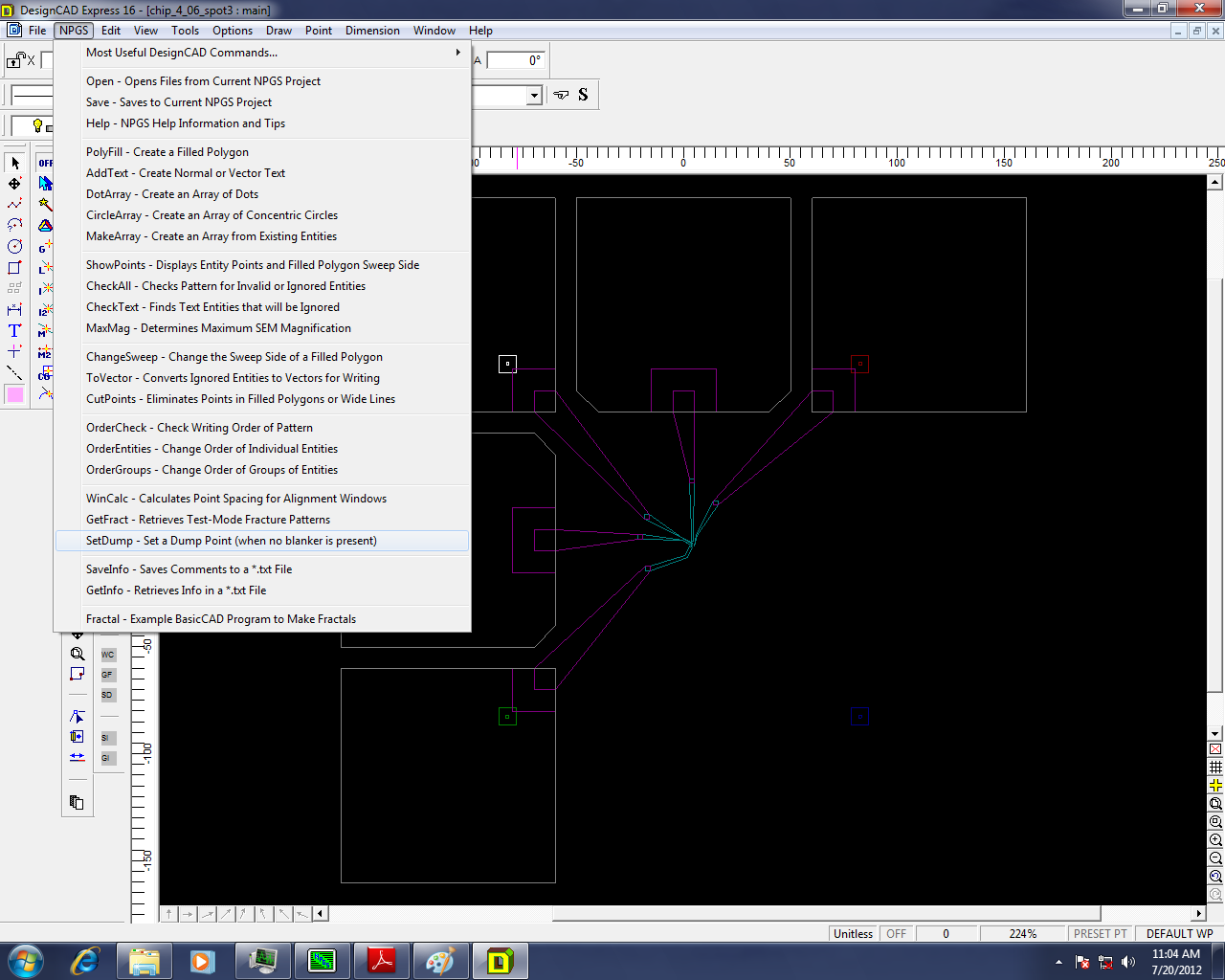
step 3.1.1 - the dump point is green:

step 3.2 - click NPGS - MaxMag:

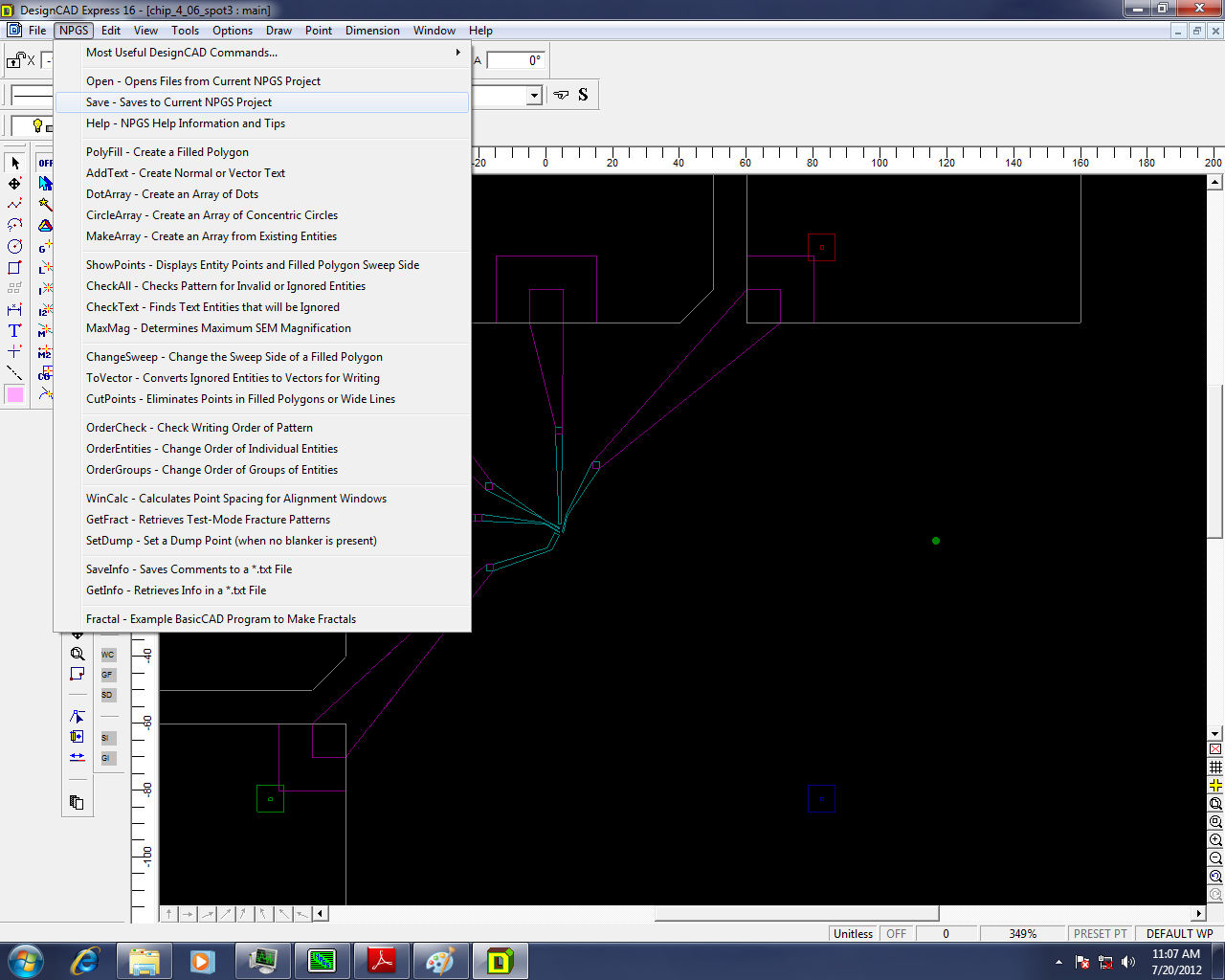
step 3.3 - click NPGS - save - exit when done - then re-open to double check dump existence:
step 4 - right click on dc2 - choose run file editor:

step 4.1 - for fine contacts process 2 entities - set params as shown - pattern name is name of dc2 file:

step 4.2 - 1st entity is alignment - set params as shown - insert measured beam current in pA:

step 4.2.1 - skip all non alignment layers:

step 4.3 - 2nd entity for fine contacts - skip all alignment layers - change line to area dose:

step 4.3.1 - enter params as shown - same for each layer! - skip contact pad layer - remember to update measured current

step 4.4 - save run file - extension RF6 - and exit:

step 5 - find run file - right click - process run file:
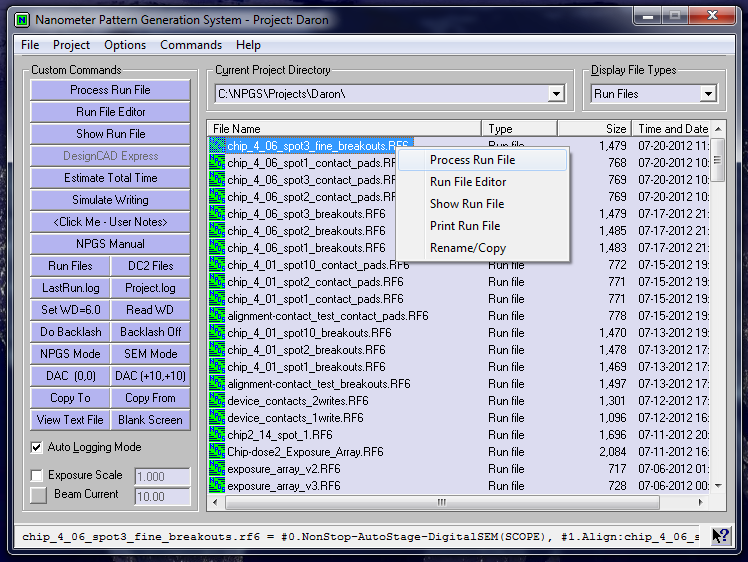
step 5.1 - click continue - the writing will start!

step 6 - set up contact pad exposure - use these params:

step 6.1 - skip all but contact pad layer - enter params - remember to update measured current - proceed as before:
