Download Xming
As of 11/6/2012, Xming can be downloaded from: Xming X Server for Windows
Install Xming
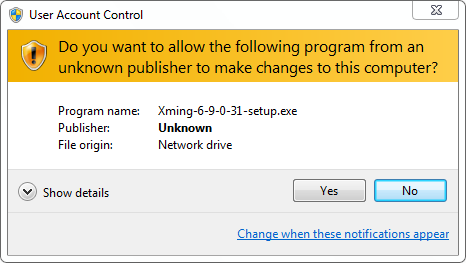
- If you get a UAC prompt, press YES
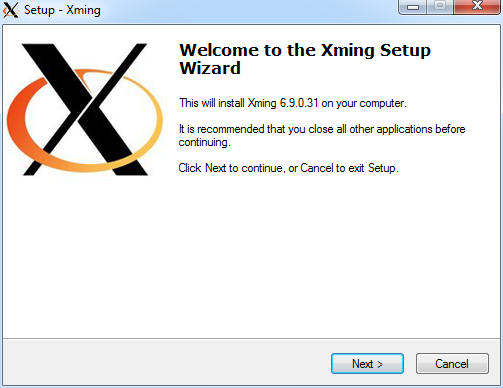
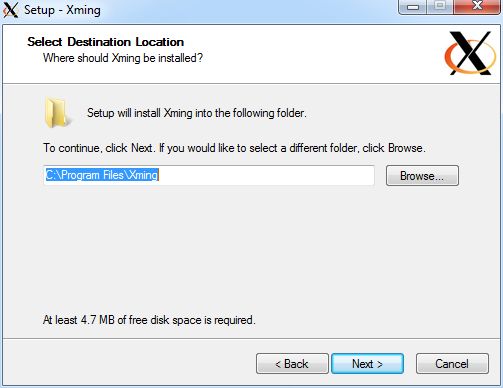
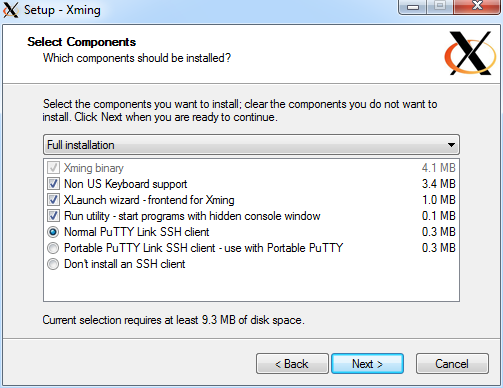
- Pretty much install using the defaults:
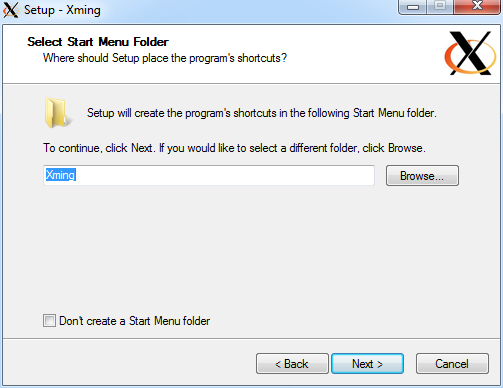
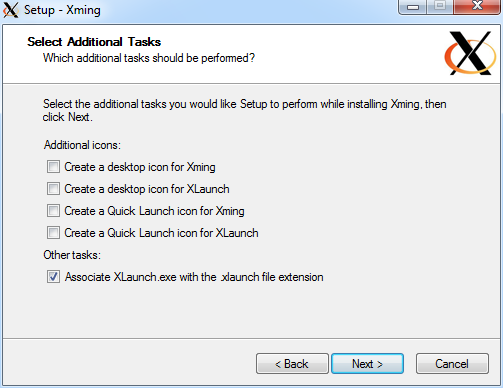
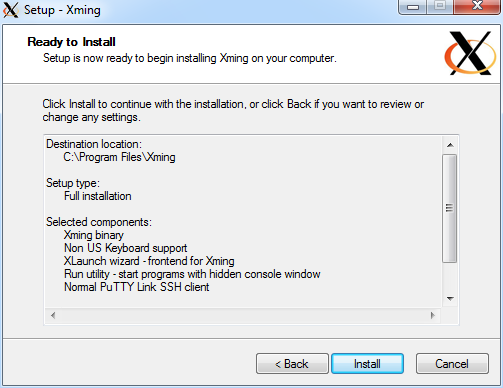
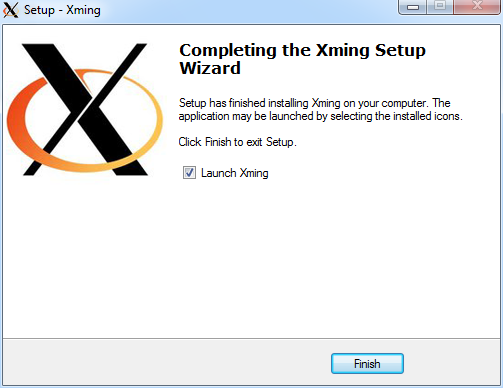
- You're now ready to run Xming, start it up and you will likely see:
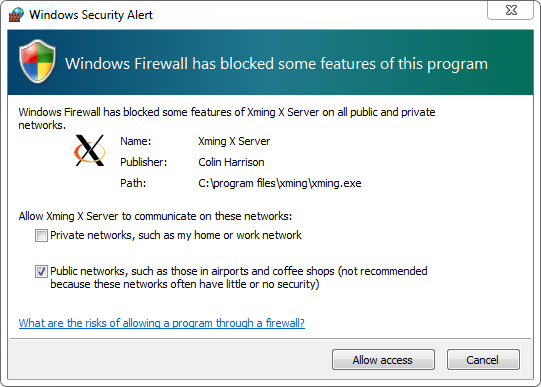
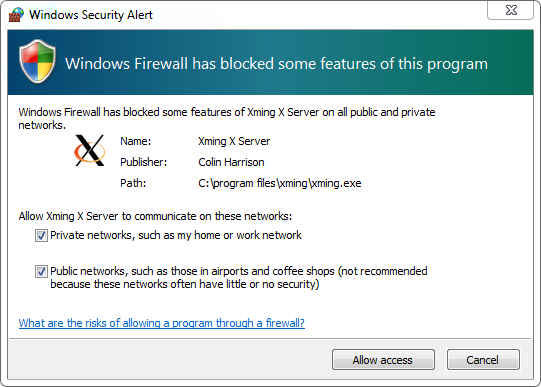
- Check Private networks and Allow access
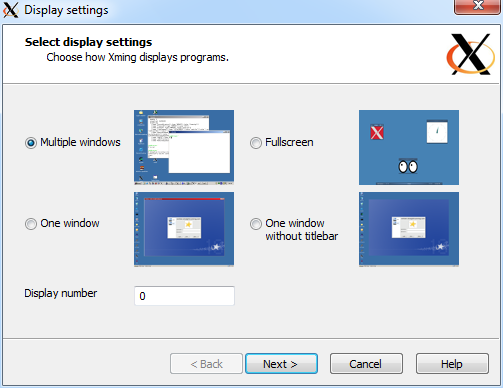
- Choose multiple windows
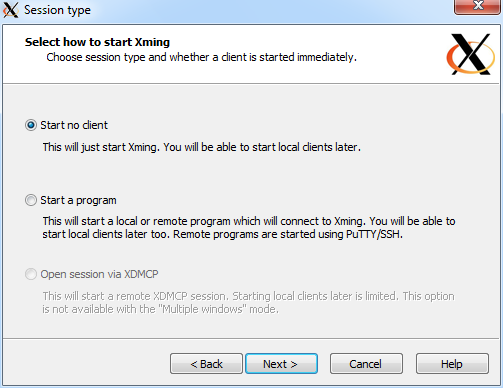
- Choose "Start no client"
- Accept the defaults
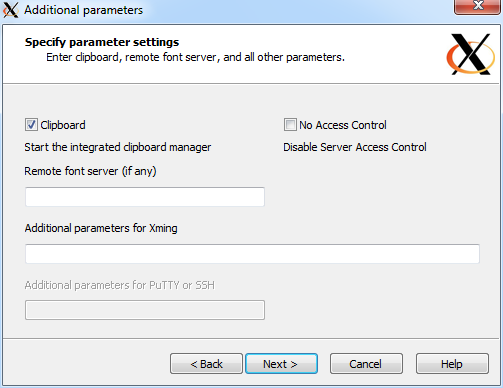
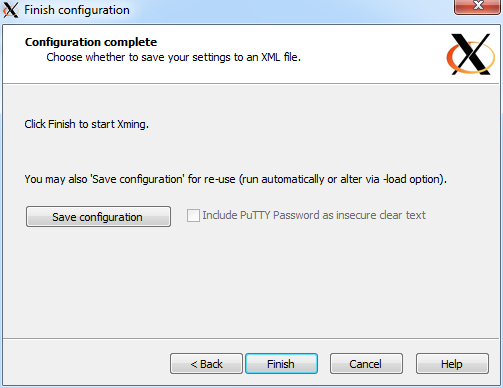
- Click Save Configuration so you don't have to answer these questions each time. Save it where you can find it if necessary, and press Finish.
- Xming should now be Running in the bottom right set of Icons on your screen
- To run it later, choose Xlaunch from your Start Menu