, in the Workbench window then click on "Edit..." as shown below.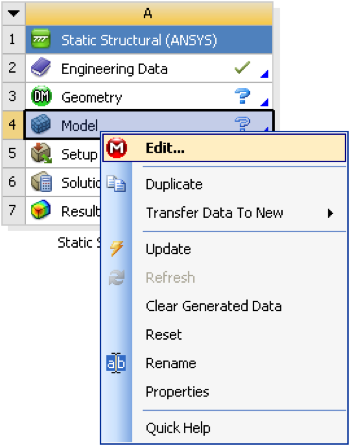
Expand "Model (A4)",
 , if it is not already expanded. Then, click once on mesh,
  .
.
Right click on model, , in the Workbench window then click on "Edit..." as shown below.
Expand "Model (A4)", , if it is not already expanded. Then, click once on mesh, .
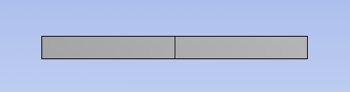
Next, expand sizing under "Details of "Mesh"" if it is not already expanded. Finally, change the element size to 2 meters and click enter. The total length of the bar is 4 meters, and the element size was set to 2 m, thus the mesh will be composed of two elements. (On a side note, if ten elements were desired, then the element size would be set to 4m/10=0.4m.) Then, click on Update,  . At this point you should see, a similar image to the one below.