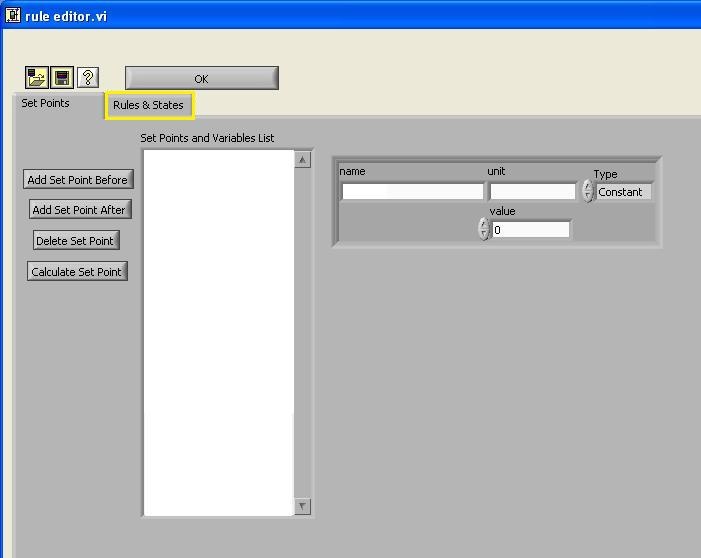
In this tutorial, you will learn how to use "Edit Rules" configuration. Once you click the edit rules button, a dialog box will pop-up. The default of the interface is on the Set Points tab.
Click on the edit rules tab to edit rules.
A set point is a value that
The first step that you need to do is to add a new set point by clicking "Add Set Point" button. ON and OFF set points are added and set for 1 and 0, respectively.
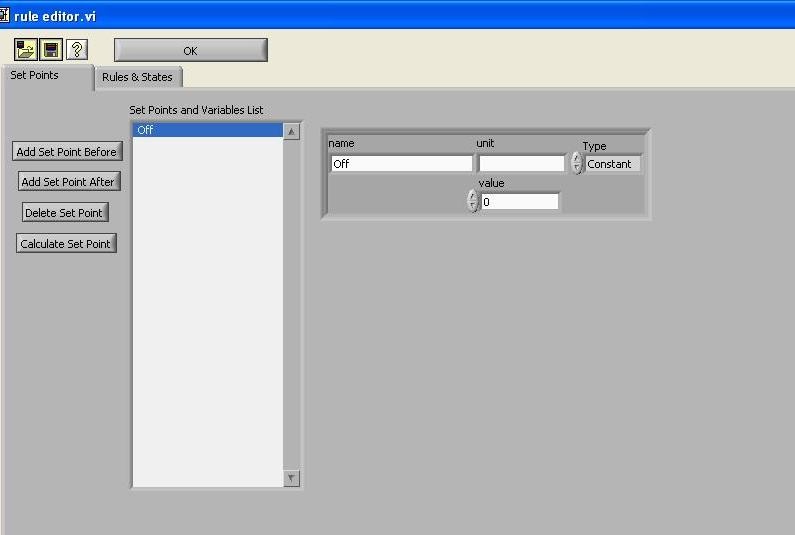
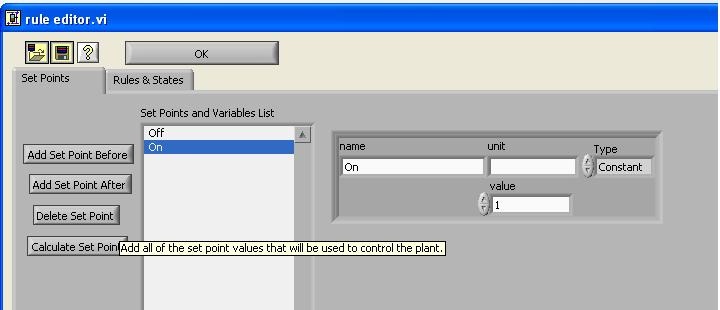
As you can see in the column, other important set points are added, depending on the experiments that are going to be conducted.
You can set the process control software to control the speed of a peristaltic pump. The first step is to set up the pump with the desired pump tubing.
The next step is to connect the pump to interface with the computer. You can do this through a teethed cable that will connect and plug in the RJ45 cable (looks like an ethernet cable) to the persistaltic pump control portion on the stamp box (yellow).
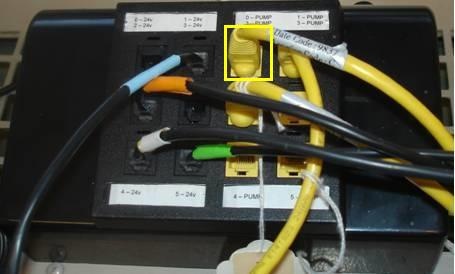
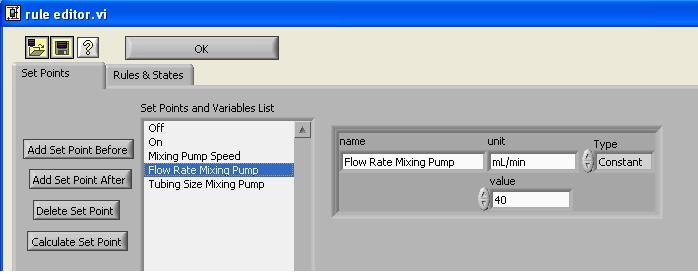
After you have made the pump connection, you want to program into the computer the flow rate of the pump. We can do this through what is known as VI code. Create a new setpoint and name the setpoint "Mixing Pump Flow Rate." Click on the setpoint and reset the type of setpoint from constant to variable.
Constant means that throughout the experimental run, the same value will be used by the computer to make calculations to run valves and pumps. Variables means that the computer will run a calculation before sending the signal to the stamp box.
Click on the folder icon to open the VI: peristaltic pump (mLpermin).vi under the file directory: \\Enviro\enviro\Software\Process Controller methods\Peristaltic Pump\peristaltic pump (mLpermin).vi . These steps are highlighted in the figure below.
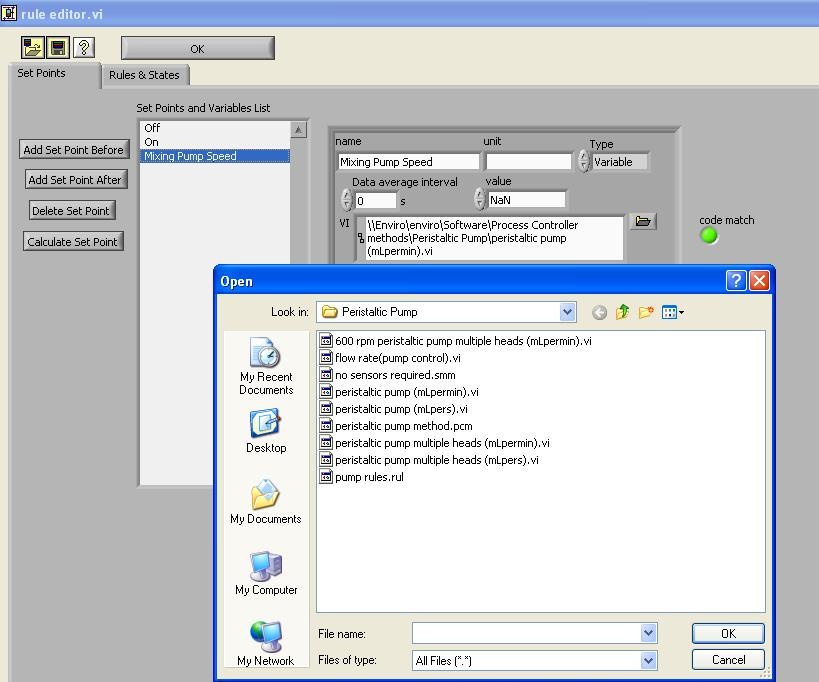
The purpose of this VI is to calculate the rpm speed of the pump. The rpm will set the flow rate supplied to the system based upon the tubing size. The computer will calculate the speed of the pump, but requires that you make two additional set points. Note: Put your set points in order of how they are calculated
Create two new set points: