On the right, there is a Graphic window. At the lower right hand corner of the Graphic window, click on the +Z axis to have a normal look of the XY Plane.
At Workbench, in the Beam cell, right click on Geometry, and click New Geometry... A new window, ANSYS Design Modeler will be opened. You will be asked to select desired length unit. Select Meter unit and click OK.
Like any other common CAD modeling practice, we start by creating a sketch.
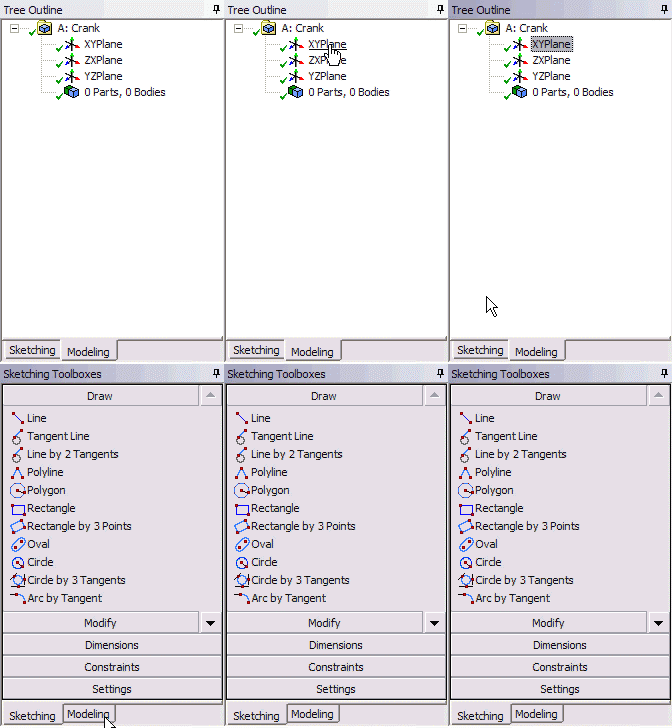
Start by creating a sketch on the XYPlane. Under Tree Outline, select XYPlane, then click on Sketching next to Modeling tab. This will bring up the Sketching Toolboxes.
Note: In sketching mode, there is Undo features that you can use if you make any mistake.
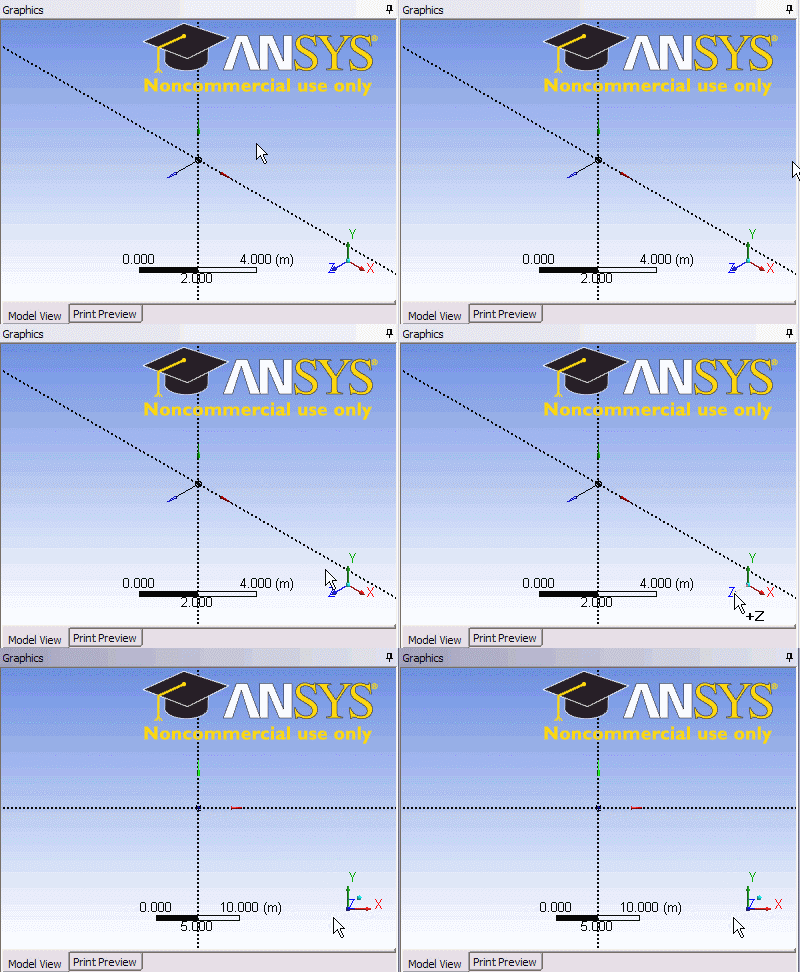
On the right, there is a Graphic window. At the lower right hand corner of the Graphic window, click on the +Z axis to have a normal look of the XY Plane.
See and rate the complete Learning Module
Go to all ANSYS Learning Modules