*** This version of Confluence is for testing only and contains a copy of content from June 29th 2026. No changes will be preserved. ***
| Table of Contents | ||
|---|---|---|
|
Look up fund details
Steps
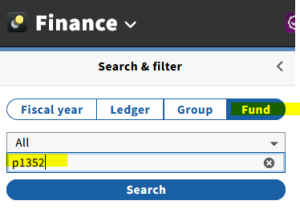
- Go to Finance App
- Choose "Fund" tab
- Enter fund number and click Search
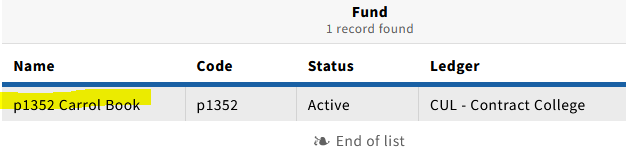
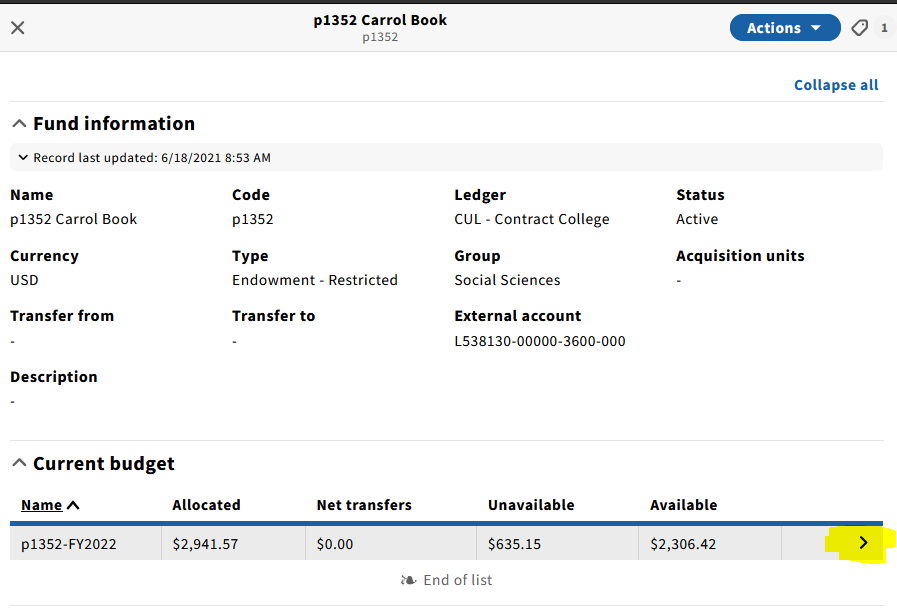
- Click on Fund name in search results to see Fund Information details
- Click on the right arrow to see more details.
Look up fund of record for continuations
Steps
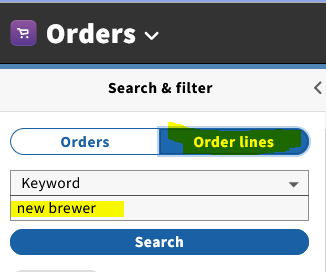
- Go to Orders app
- Choose Order Lines tab
- Type resource keywords and click Search
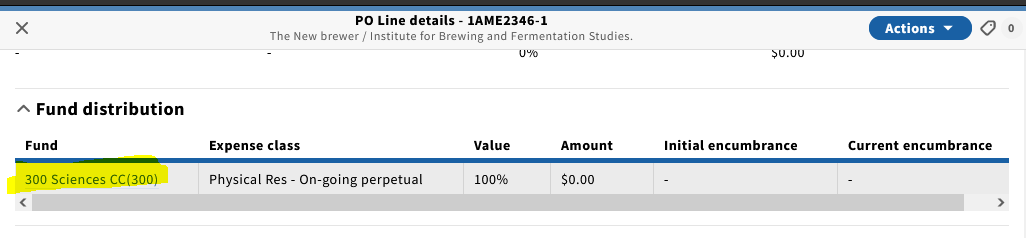
- There is a Fund code field, but you can also click on the record to see more details (PO Line details)
- Scroll down to see Fund Distribution, for example
Confirm invoice payment
Identify status of a firm order
See Collection Development Manual (FOLIO tab): https://guides.library.cornell.edu/cdmanual/folio