*** This version of Confluence is for testing only and contains a copy of content from June 29th 2026. No changes will be preserved. ***

Install Mercurial using the virtualenv tool that is outlined in the Installing Django documentation, but replacing "django" with "mercurial". It is recommended that you create a separate instance/virtual host for running a mercurial server to isolate the environment.
Once installed you'll need to create a ".wsgi" script that looks something like:
...
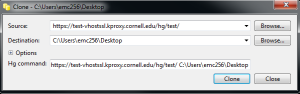
From your Mercurial client Instead of using your NetID password use the WebDav key (i.e. "WAA...").
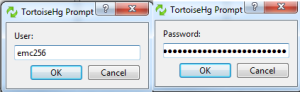
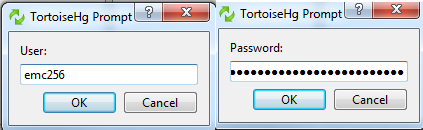
When you need to sync the change back do the same steps of first going to "/davportal/".
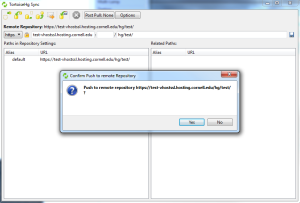
Creating push back to Mercurial server.
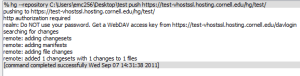
Confirmation showing the use of "/davportal/".
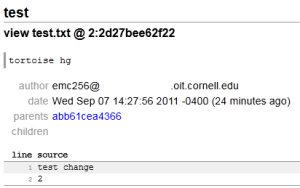
Checking back in the web interface you can verify that the change has been committed.
You can also request that kproxy be enabled for your Mercurial server.