...
...
...
...
Mesh
Open the Model
...
Assign Cornellium to The Beam
...
Specify the Element Size
...
Create Mesh
| HTML |
|---|
<iframe width="560" height="315" src="https://www.youtube.com/embed/m1USh43x9bA" frameborder="0" allowfullscreen></iframe> |
Degrees of Freedom
| HTML |
|---|
<iframe width="560" height="315" src="https://www.youtube.com/embed/iLNX1GRKhDU" frameborder="0" allowfullscreen></iframe> |
Go to Step 4: Physics Setup
...
| Info |
|---|
|
Although the mesh is created on the rectangular beam, what ANSYS really solves is just the line body. To view the line body, click on View and uncheck Thick Shells and Beams.
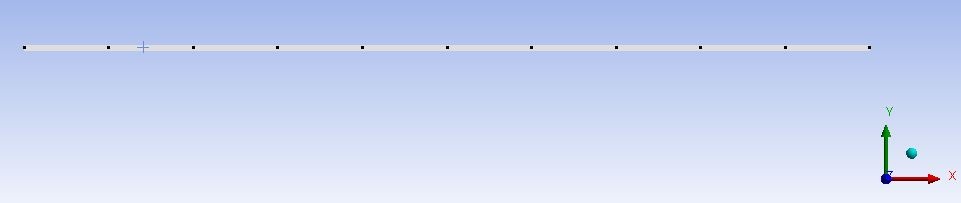 Image Removed Image Removed
click here for full view |
Go to Step 4: Setup (Physics)
See and rate the complete Learning Module
Go to all ANSYS Learning Modules
 Sign-up for free online course on ANSYS simulations!