- Go to “Settings” → “Authorization roles”, this will pen the Role management window.
| 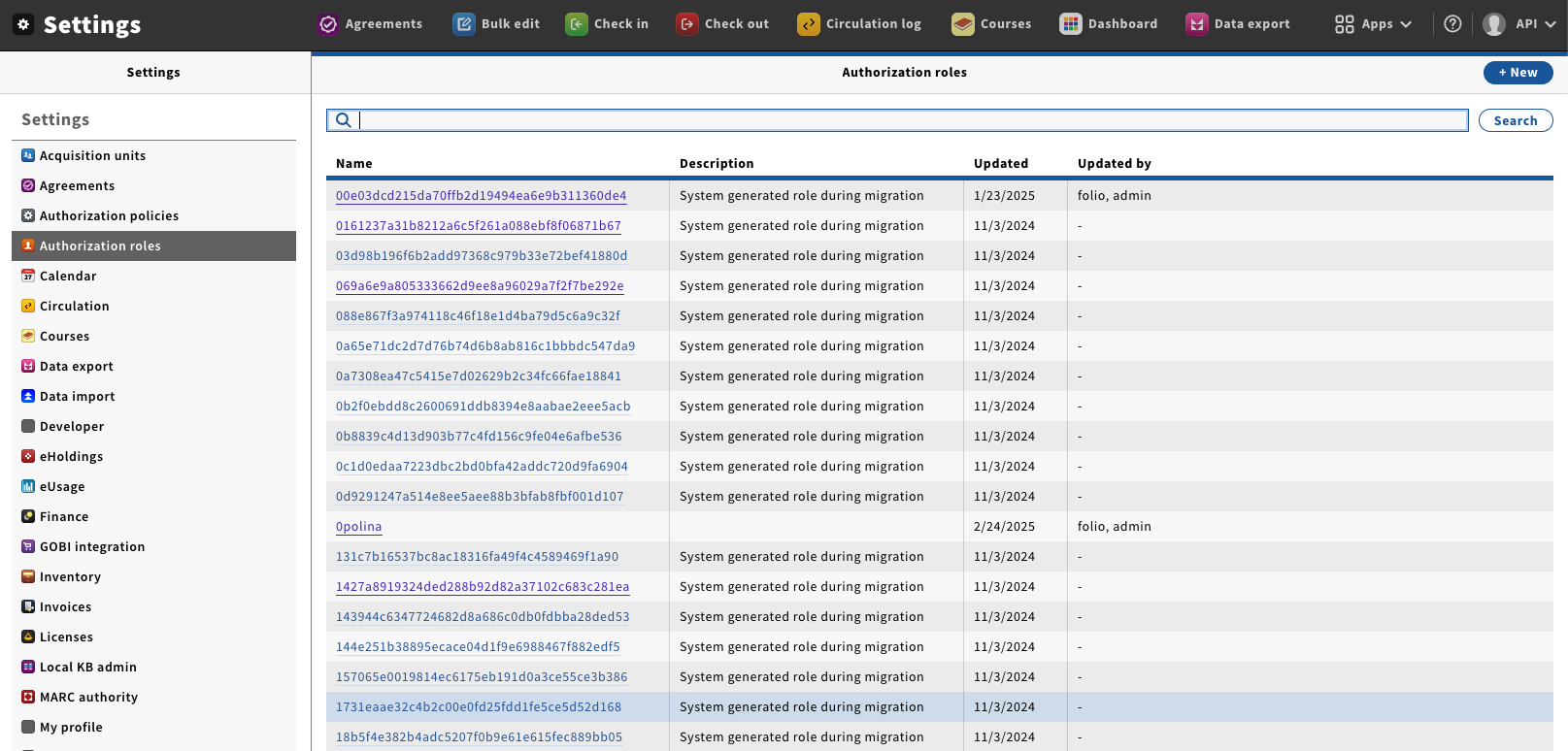 Image Added Image Added
|
- Click on the name of Role you wish to edit; this will open the detail's pane.
- The different sections shown on this panel are:
- Capability Sets—The currently assigned Capability sets
- Capabilities—The currently assigned Capabilities.
- Assigned users—The users who currently have this Role assigned to them. You can also add and remove this role to Users from this section.
| 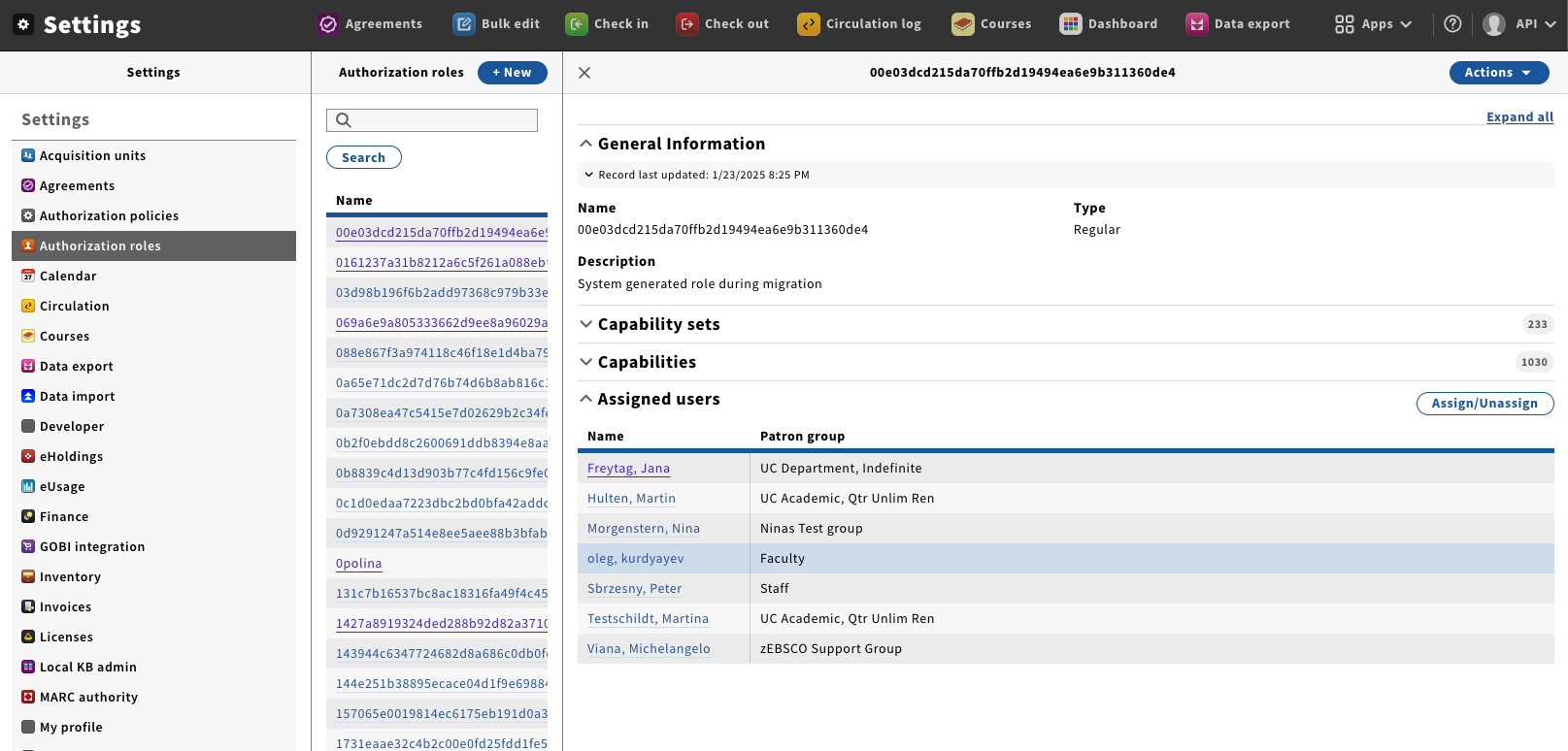 Image Added Image Added
|
- From the Action menu select “Delete”.
| 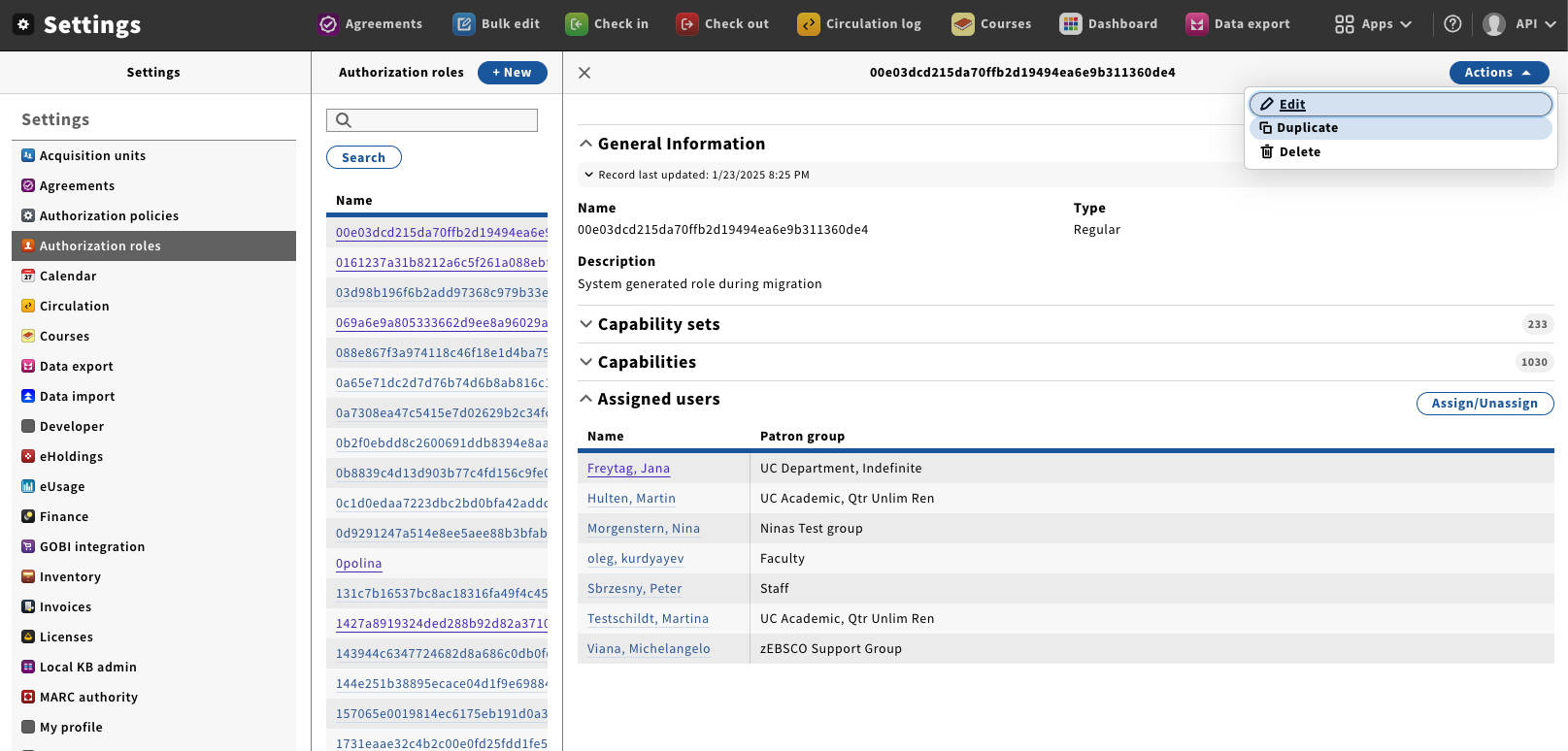 Image Added Image Added
|
- A delete confirmation box will appear asking if you are sure that you would like to delete the current role.
Once you click on “Delete” the role will be removed from the system and can not be recovered. | 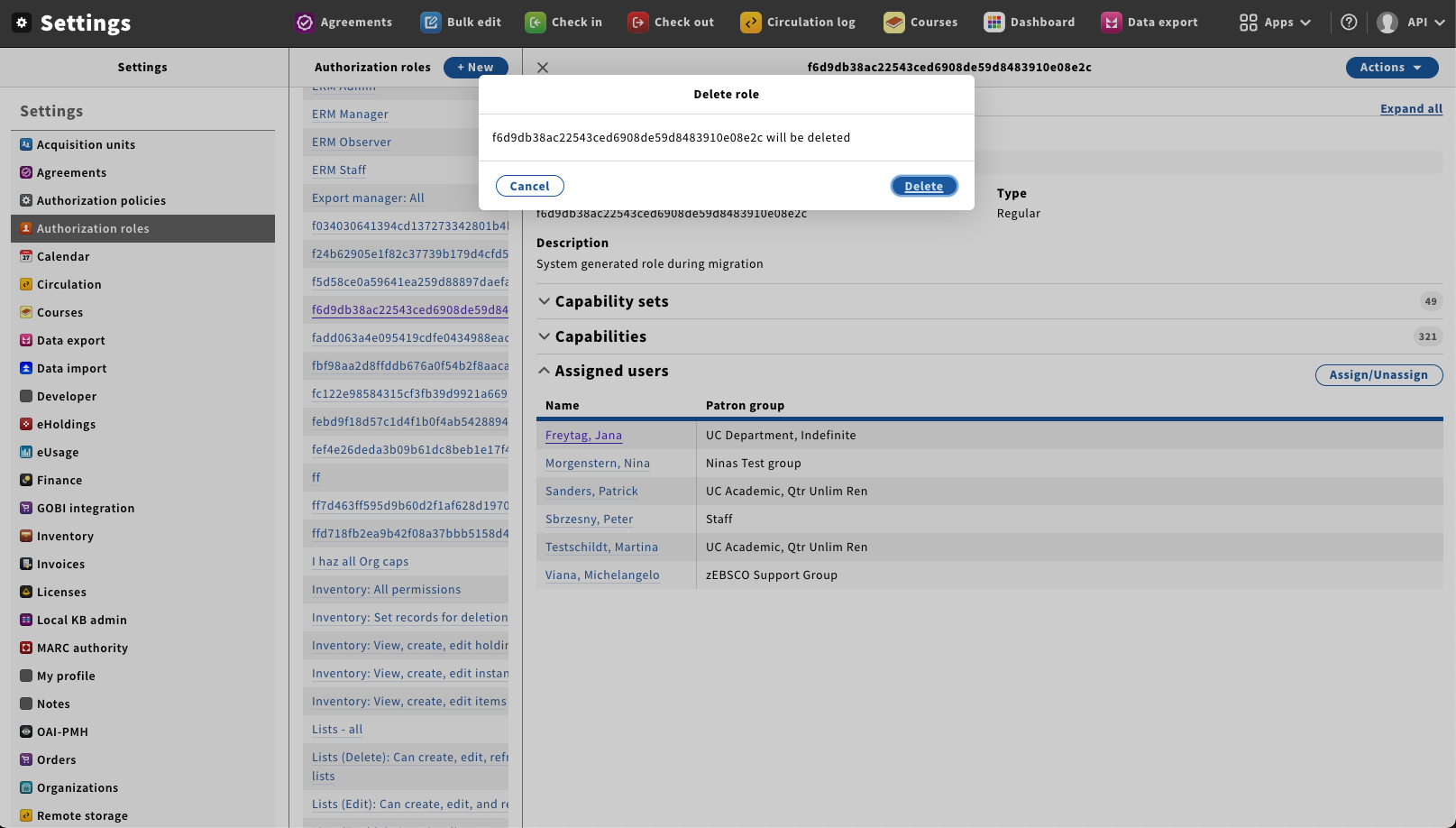 Image Added Image Added
|
