The S drive is shared space for the Web Services and UX Team (currently Thomas Deneuville tcd55, Deb Muncey and Lin Xue). Any changes to the team is made by emailing AAD help with the change.
...
S drive details:
Access:
- View your computer drive space and open the "AAD Dept Share"
(if you do not see the drive, contact aad help to have them add you to the "AAD Web Services" share)
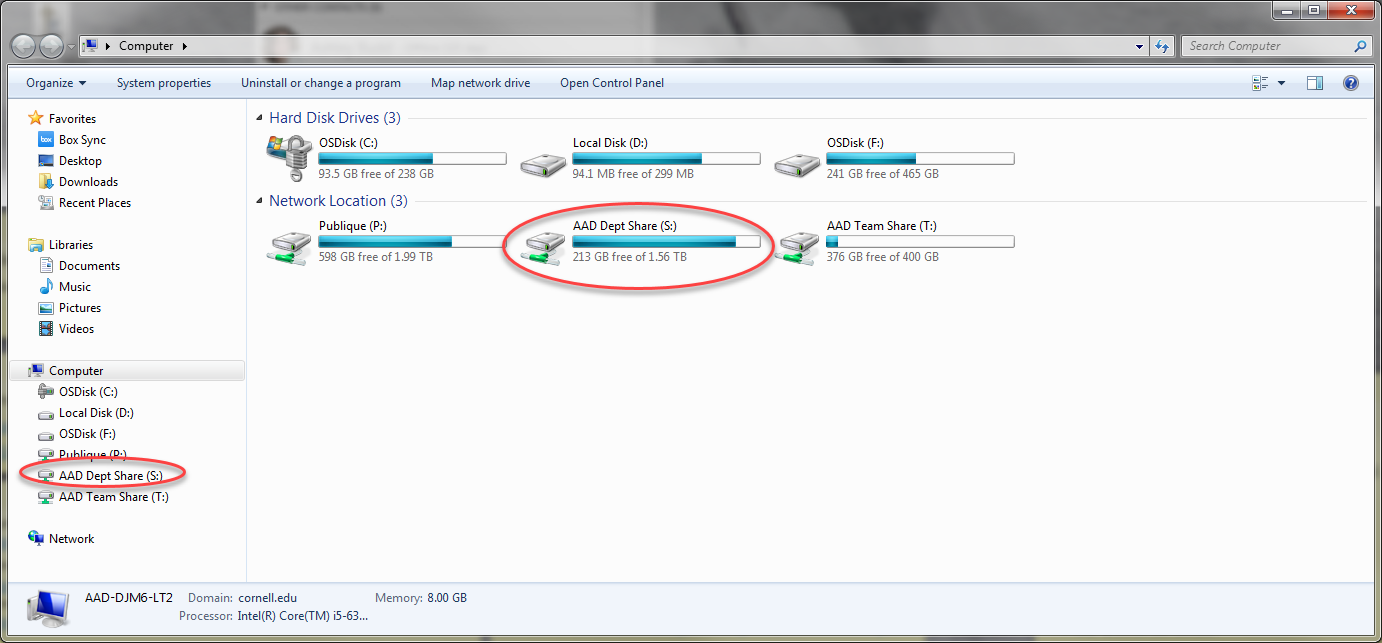
Open the Web Services folder
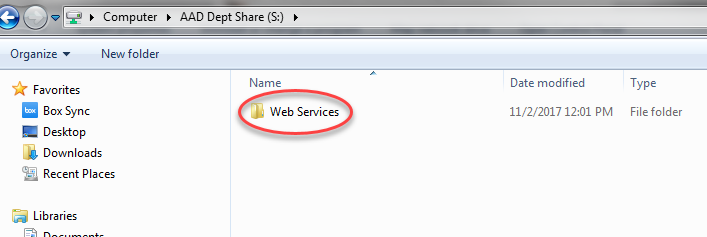
Current archived files:
- The old production website: alumni.cornell.edu and giving.alumni.cornell.edu (replaced August 2017) are inside the htdocs folder.

- htdocs folder contains (alumni.cornell.edu and giving.alumni.cornell.edu) with several supporting folders and alumni.orig
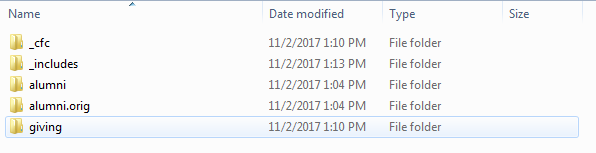
Current archived filesCopying large/numerous files using "UnstopCpy":
- If you need to copy large amounts of files to or from the S drive you can use the "UnstopCpy_5_2_Win2K_UP" which is inside the "Web Services" folder.
 Image Modified
- Start the application (choose run at the security warning).
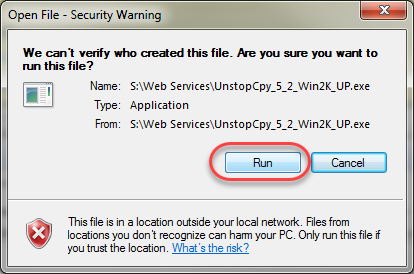 Image Modified
- Browse to the source files and the target files area and "Copy".
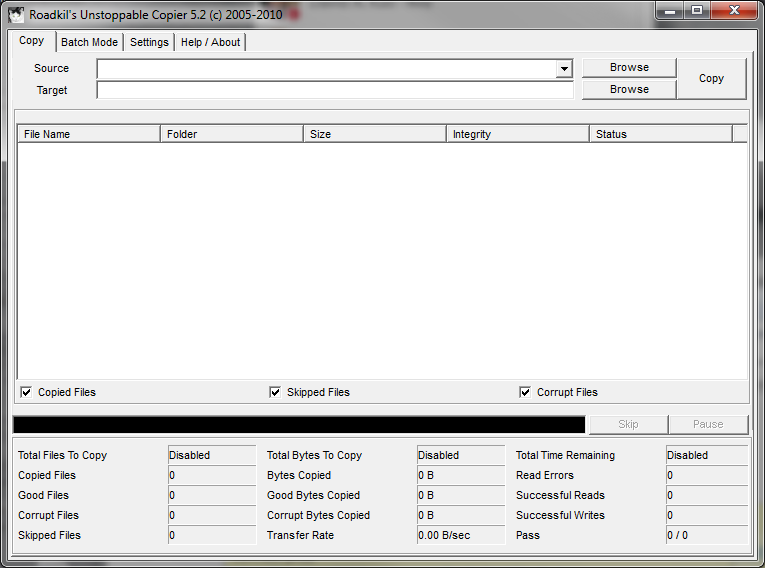 Image Modified
- This will copy all the files indicated without further prompting.
...
