 Sign-up for free online course on ANSYS simulations!
| Include Page | ||||
|---|---|---|---|---|
|
| Include Page | ||||
|---|---|---|---|---|
|
Numerical Solution
We need to find the reaction force at the frictionless support. Right click on Solution (B5) > Insert > Probe > Force Reaction.
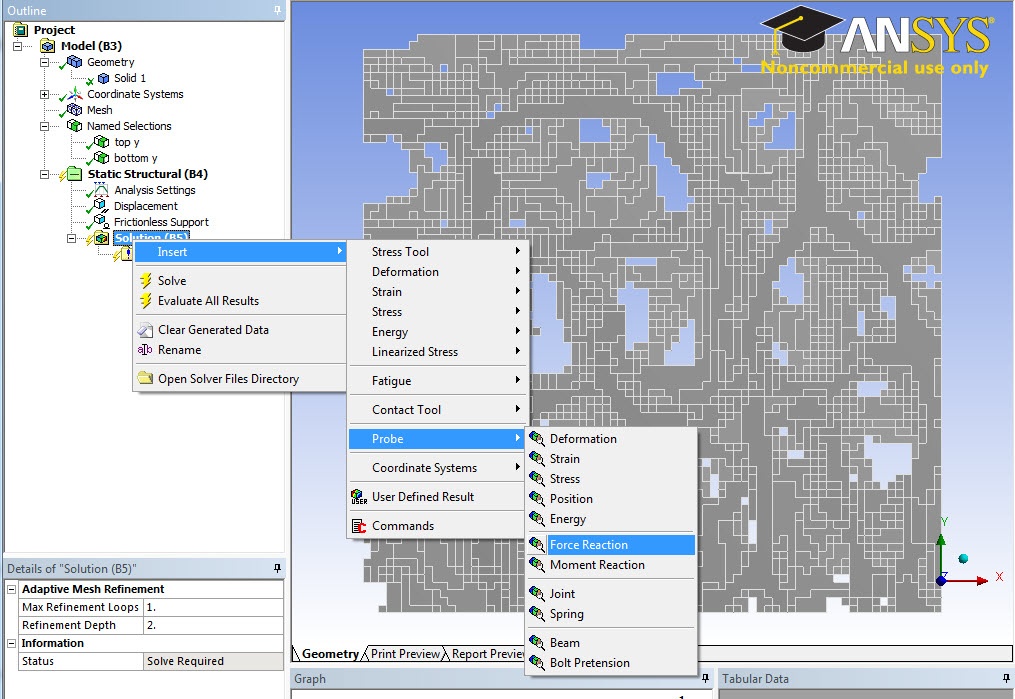
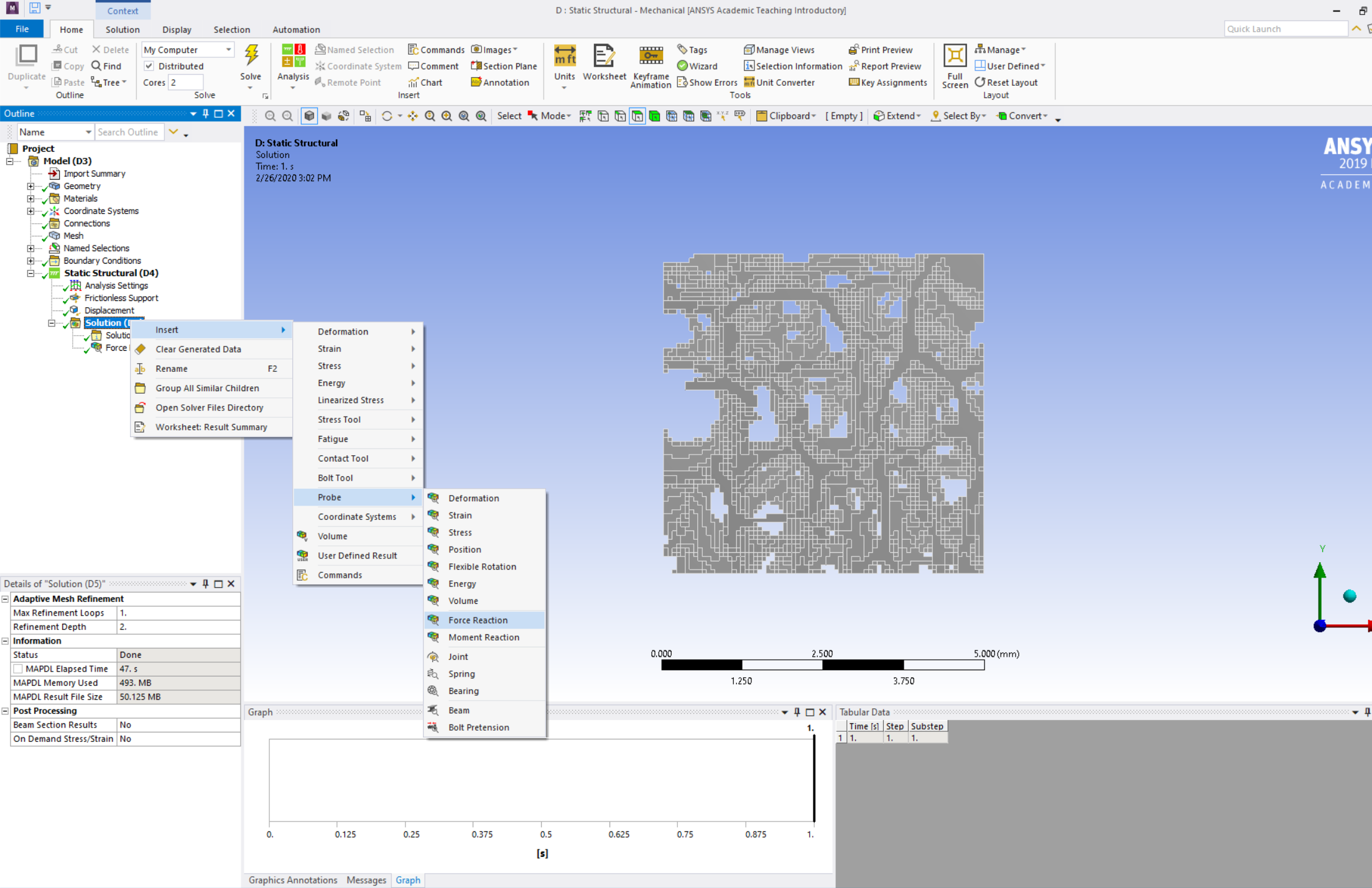
In "Details of Force Reaction", Select Boundary Condition for Location Method and Frictionless Support for Boundary Condition.
...
| Info | ||
|---|---|---|
| ||
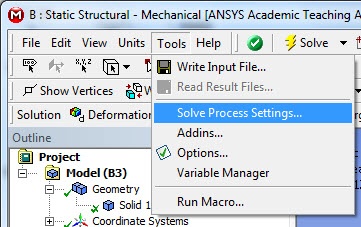
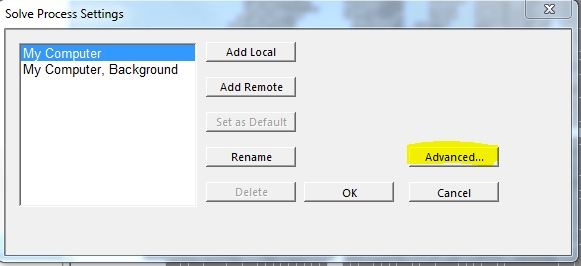
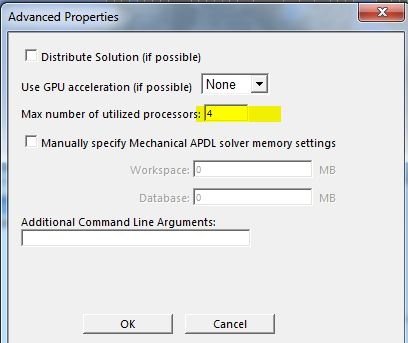
You have the option to use multiple processors on the Swanson workstations. Click on Tools > Solve Process Settings. In Solve Process Settings, click on Advanced. In the Advanced properties, Solution and change the Max number of utilized processorscores from 2 to 4. This is the maximum number of processors you can use in Swanson.
|
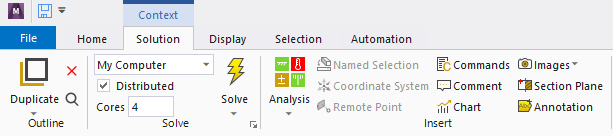
You may click on  to
to  to start the simulation.
Go to Step 6: Numerical Results
...