*** This version of Confluence is for testing only and contains a copy of content from June 29th 2026. No changes will be preserved. ***

...
Unit: Serials Management
Date last updated: 3 1/1513/2024 26
Date of next review: Mar Jan. 20252027
...
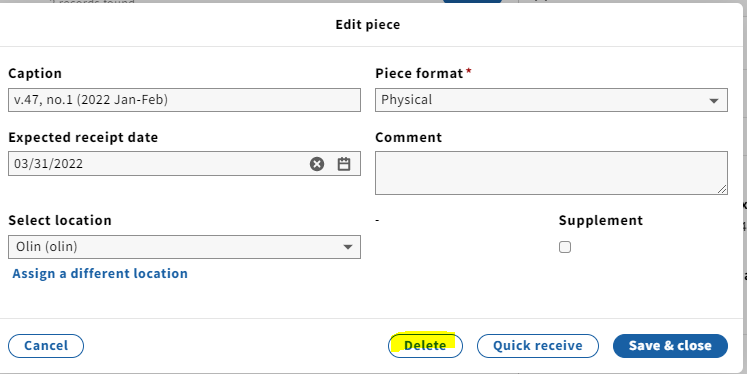
1. In the Receiving app record of the cancelled serial, delete all pieces populating the Expected field by clicking each individual piece (if we know we won't be receiving the issues) and selecting Delete.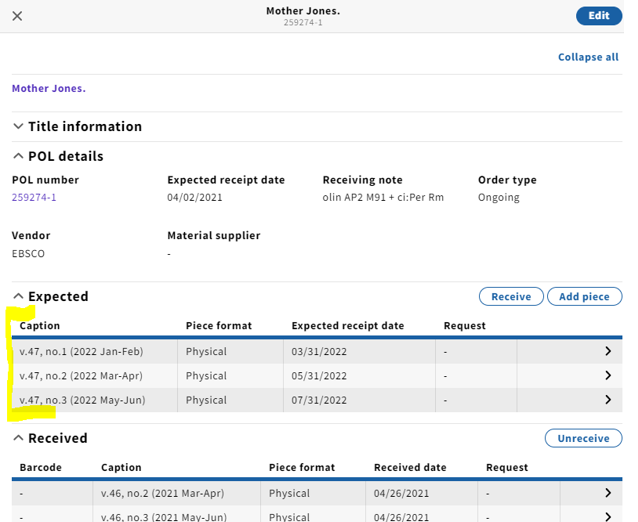
...
6. Scroll down to Holdings notes, click Add note, select Note for type and add the public cancellation statement. Leave the staff only toggle unchecked since this note should be visible to the public.

7. Scroll down to Acquisition and update Receipt status to Not currently received for a cancelled subscription.
...
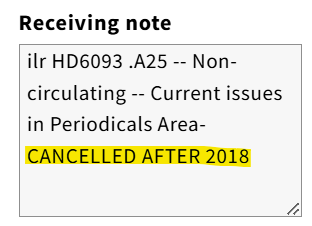
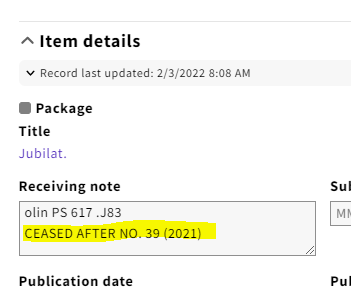
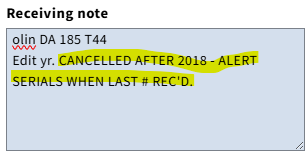
13. You'll want to indicate that the ongoing order has been cancelled after a given year in the Receiving note field. If we are still waiting for print issues before the completion of the final year, add the note: CANCELLED AFTER ... - ALERT SERIALS WHEN LAST # REC'D.
14. Scroll down to PO line details, and change both the Receipt status and Payment status (as long as the last invoice has been paid) to Cancelled from the drop-down menu.
...
