 Sign-up for free online course on ANSYS simulations!
| Include Page | ||||
|---|---|---|---|---|
|
| Include Page | ||||
|---|---|---|---|---|
|
Mesh
...
...
The mesh file can be downloaded here.
To import the mesh file into your project, Right-Click Mesh on the Project and go to Import Mesh File ... > Browse... . Then locate the file you just download.
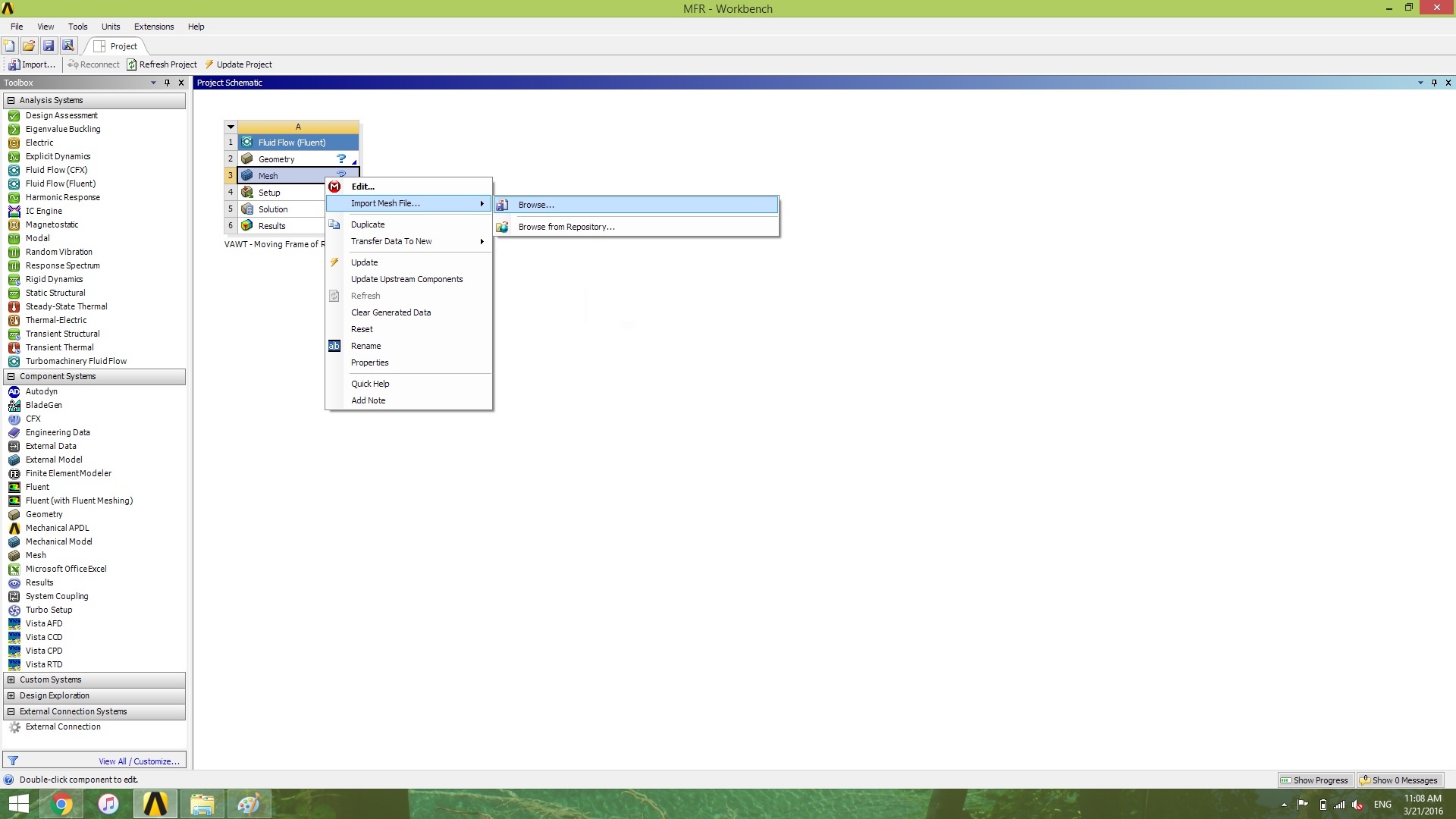
After the green check mark has appeared, it's time to begin the actual FLUENT part!
Go to all (ANSYS or FLUENT ) Learning Modules