*** This version of Confluence is for testing only and contains a copy of content from June 29th 2026. No changes will be preserved. ***

...
Note: If there is an error message says "cannot import name 'Markup' from 'jinja2', you can try to fix it through the means provided by ImportError: cannot import name 'Markup' from 'jinja2'. (Basically type python3 in terminal, then type 'from jinja2.utils import markupsafe', then 'markupsafe.Markup()'. The error will likely to be fixed.
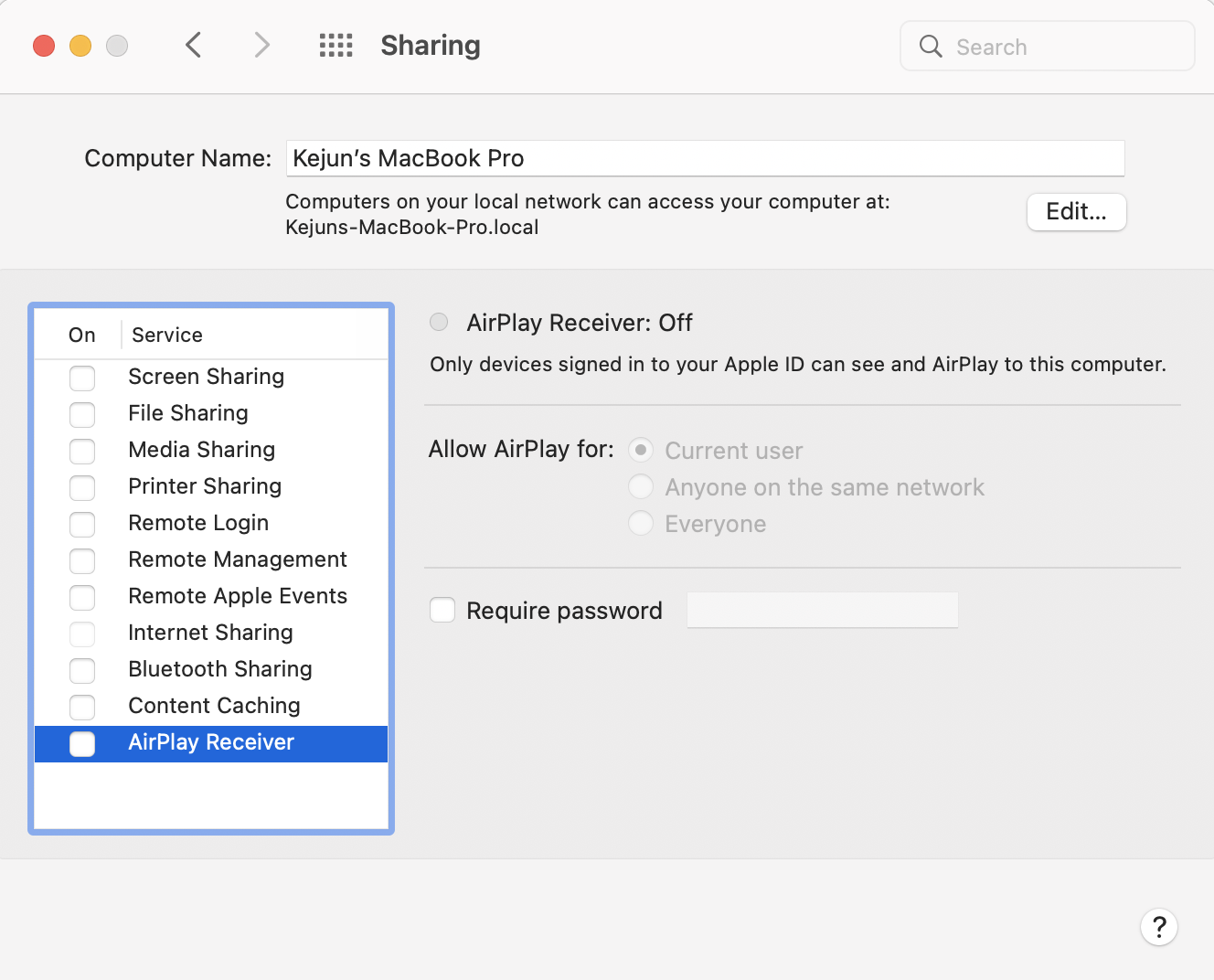
If you are using Mac and get an error message when running the container for the first time, saying "Ports are not available: listen tcp 0.0.0.0:5000: bind: address already in use", it is likely that your Mac AirPlay server is running on this port (even when you try to kill -9 the process, it restarts automatically). To solve this problem, deactivate the AirPlay Receiver by:
Go to System Preferences › Sharing, and unchecking AirPlay Receiver to release port 5000
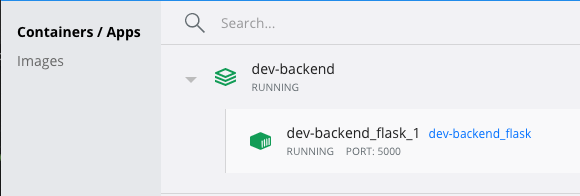
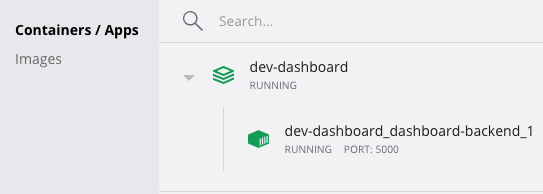
You should see a new container running.
...
