*** This version of Confluence is for testing only and contains a copy of content from June 29th 2026. No changes will be preserved. ***
...
Next you will be prompted to enter the password you created when establishing your biohpc account. You should now be connected to the BioHPC server and able to interact with the server through terminal commands!

Connect to EC2 instance via 'EC2 Instance Connect'
Steps:
- Login to aws portal using the link: https://signin.aws.cucloud.net/
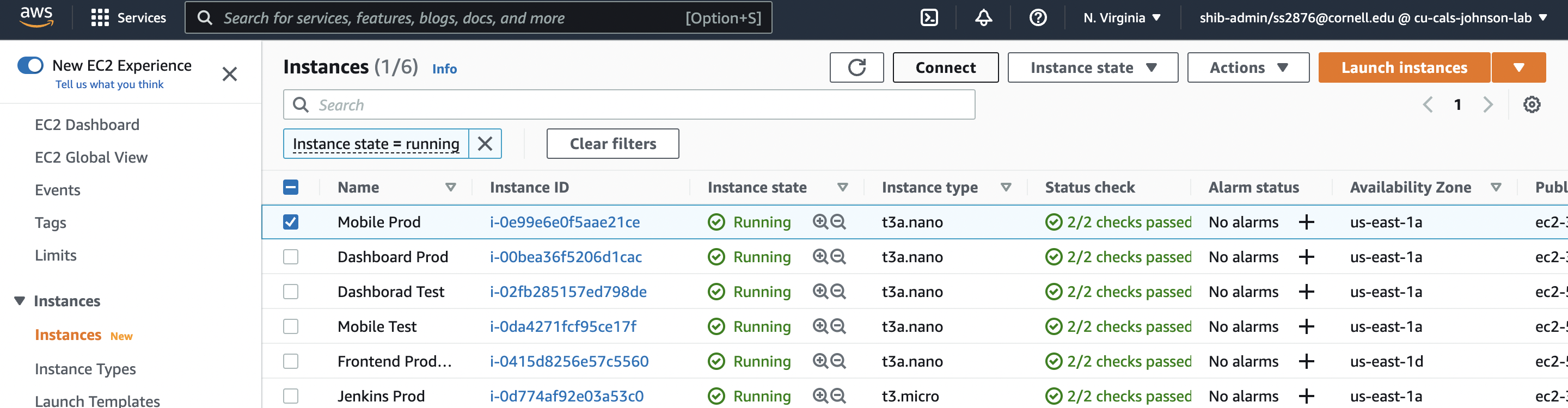
- Search for EC2 in the search bar present on the top of the page
- Click on Instances(running)
- Select the instance you want to connect to and press the 'Connect' button
- Select the EC2 Instance Connect tab and press the connect button to directly connect to the EC2 instance