*** This version of Confluence is for testing only and contains a copy of content from June 29th 2026. No changes will be preserved. ***

Preconditions:
C2326
C659
Steps:
Select open invoice
In invoice line accordion click "Add"
Search for purchase order line
select purchase order line
Click save
Expected results:
Note: You will see a warning popup if the currency or the vendor of the invoice and POL don't match
...
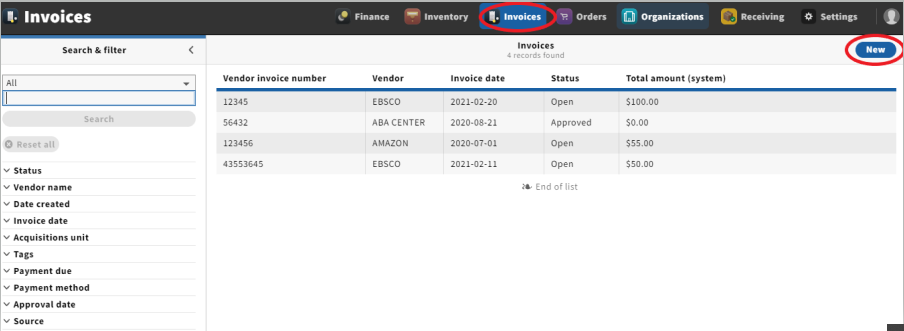
1. Open the invoices app from the menu bar
2. Click "new"
Expected result: User will be brought to "Create vendor invoice" screen
3. Fill out all required fields and any other desired information