*** This version of Confluence is for testing only and contains a copy of content from June 29th 2026. No changes will be preserved. ***

-----------------------------------------------------------------------------------------------------

Selecting the "Updates" tab now will take you to the "Progress List" instead of the "Update List".
This list shows only records that have been assigned until the last submit or discard has been activated.
(Example: If you are processing a record, have submitted or discarded the Work address but not the Home address. If you refresh the "Progress List" the Work address will have been remove from the list.)
This list does not update on it's own, to refresh select the "Progress List" or "Updates" tabs.
-------------------------------------------------- Progress List ---------------------------------------------------
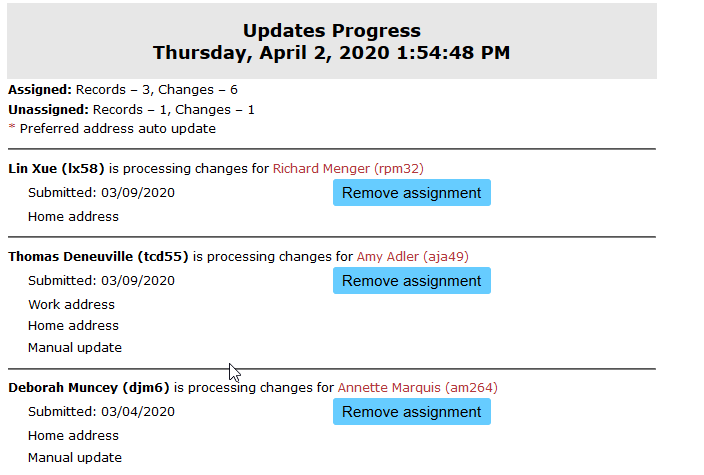
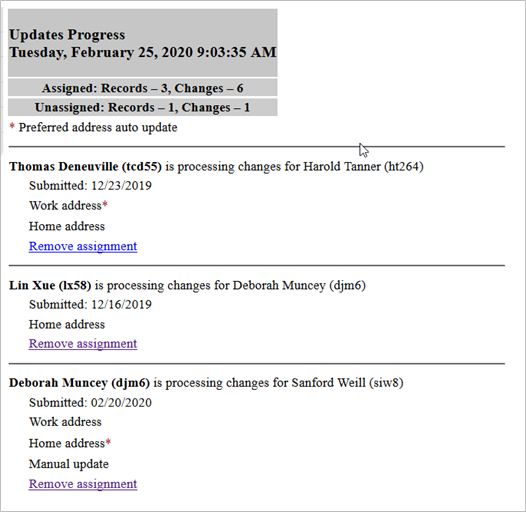
The Progress List
* This list does not show in submitted date sort order.
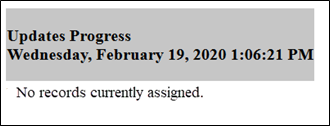
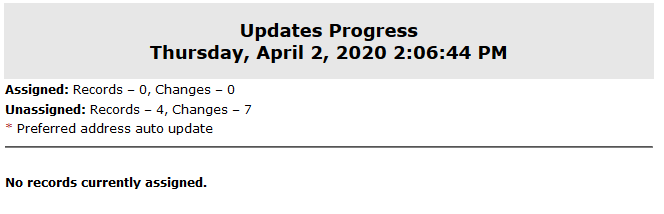
This message will only show when all records have been processednone are currently assigned.