*** This version of Confluence is for testing only and contains a copy of content from June 29th 2026. No changes will be preserved. ***

...
Adding the user to the webdav –
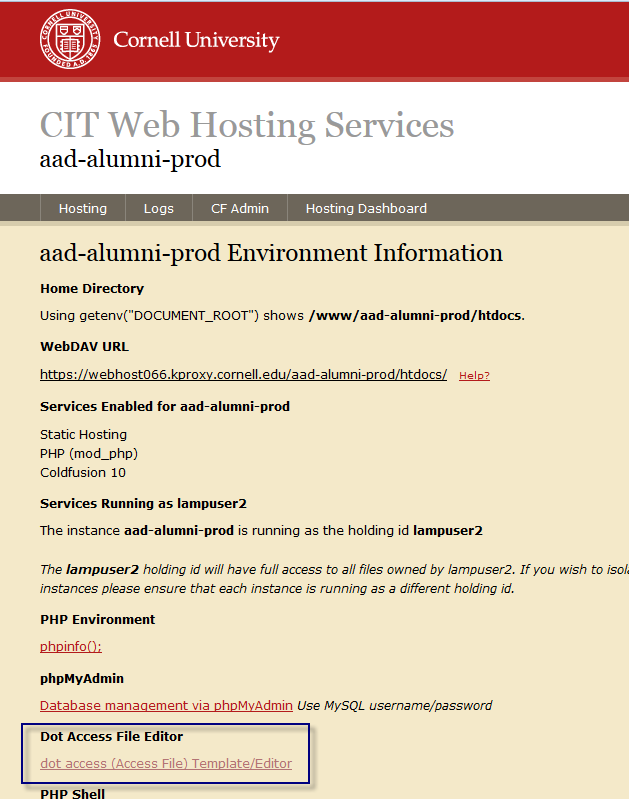
The URL for the webdav access is https://webhost066.hosting.cornell.edu:8243/ . You might want to build a “My Tool” for it. If you do not have access to the page, but should, contact Deb Muncey (should I change this to "alumniwebmaster@cornell.edu?) who can work with CIT to issue access to the page. The link should bring you to a page that looks like the image below.
Clicking that link should bring you to a page that looks like the following image.
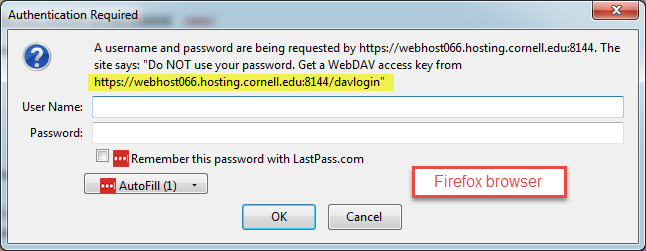 or
or 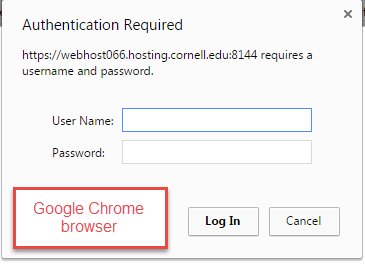
Depending on what site you need to grant access to, the Intranet or the Alumni Affairs Page, will change what link you need to click. For the Alumni Affairs page click “alumni”, for the Giving page click “giving” and for the Intranet click “intranet”.
Clicking
| Info |
|---|
| Content by Label | ||||||||||||||||||
|---|---|---|---|---|---|---|---|---|---|---|---|---|---|---|---|---|---|---|
|
...