*** This version of Confluence is for testing only and contains a copy of content from June 29th 2026. No changes will be preserved. ***

Every new instance on a Cornell Stack VM will be assigned a new Holding ID. You can find this Holding ID on the Splash page of your instance,
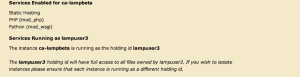
or by logging into the Hosting Dashboard, locate the VM the instance is running on - or find the Instance name under the Instances tab. Click on Edit and halfway down the page you'll see the Holding ID (runas) option.
By default the first instance will be assigned lampuser1. All subsequent instances will increment up by one (lampuser2, lampuser3, and so on).
...
