Sign-up for free online course on ANSYS simulations!
...
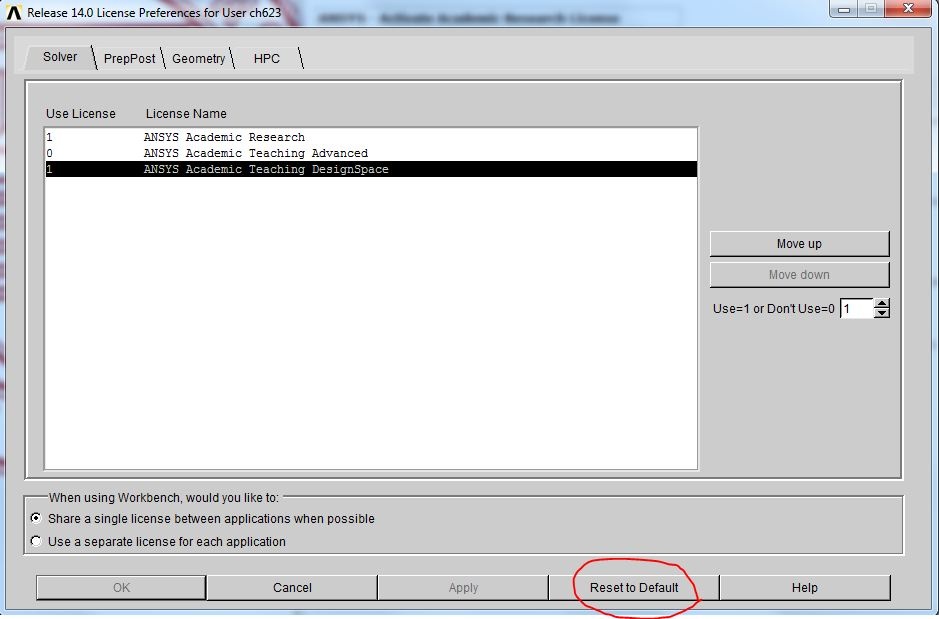
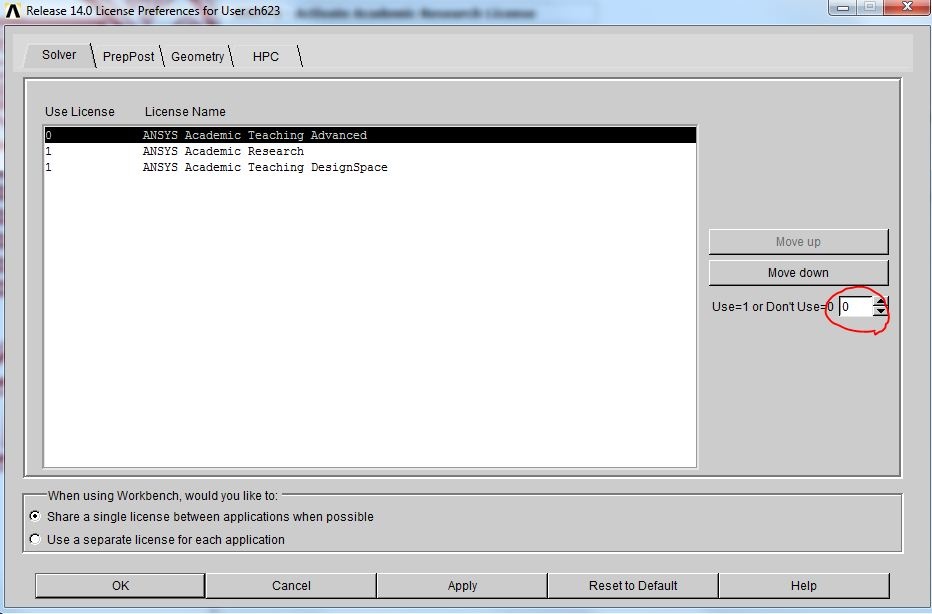
In the license preference window, select ANSYS Academic Teaching Advanced and disable it by changing the number from 1 to 0.
Select on ANSYS Academic Research and click on move up.
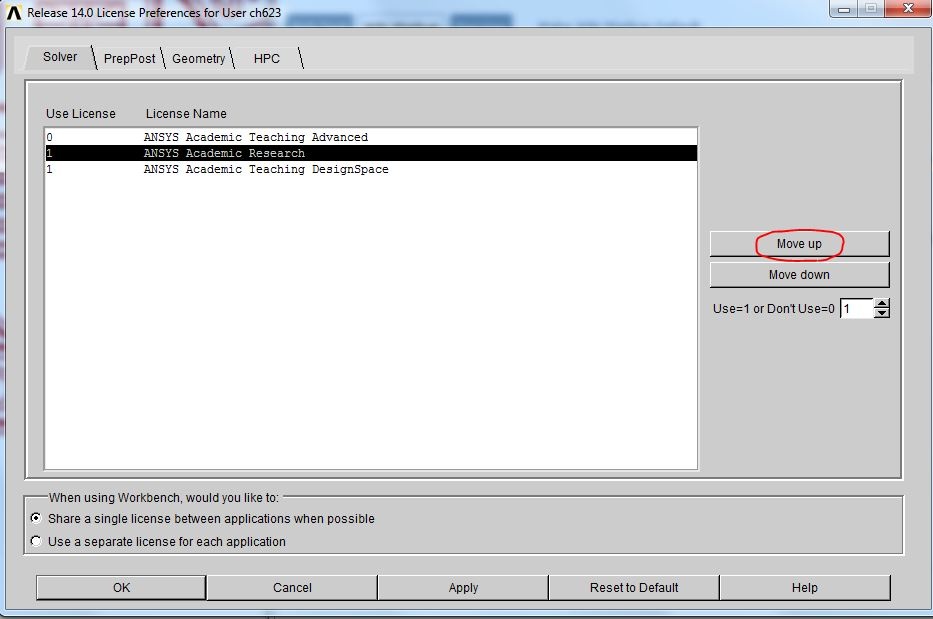
Click on Apply to save the changes. Click on OK to exit the License Preference window.
| Info | ||
|---|---|---|
| ||
Remember to restore the default license after you are done with the research license. |