Sign-up for free online course on ANSYS simulations!
...
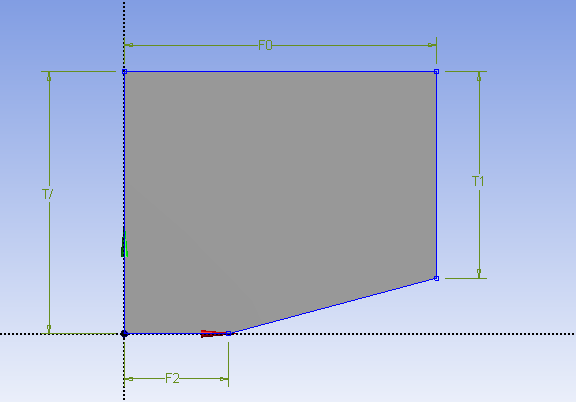
When the dimensions have been correctly applied, the geometry should look like this:
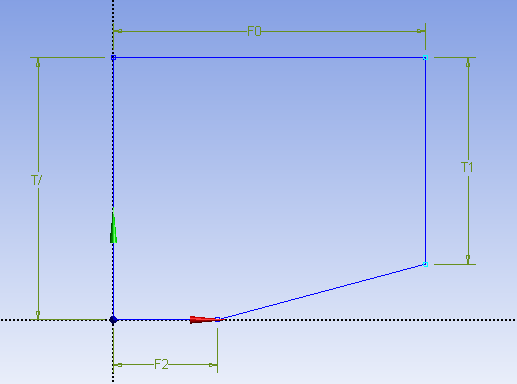
Create Surface
Next, we need to create a surface from the sketch. In the menu tool bar, select Concept > Surface from Sketches. In the graphics window, select and line of the sketch. Next, in the details window, select Geometry > Apply. Finally, press