*** This version of Confluence is for testing only and contains a copy of content from June 29th 2026. No changes will be preserved. ***

...
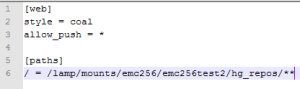
To place Mercurial behind CU WebAuth you'll need to modify your VirtualHost include to specify:
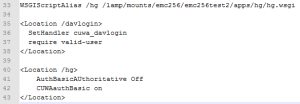
This configuration will allow un-authenticated users the ability to download and require CU WebAuth to update content. This does not do any type of authorization checks. It is expected that you would want to customize for your environment (i.e. specify a permit for authorized users).
From the client you'll need to first visit the "/davlogin/" URL.
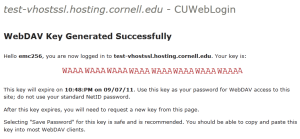
From your Mercurial client Instead of using your NetID password use the WebDav key (i.e. "WAA...").
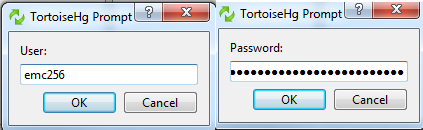
When you need to sync the change back do the same steps of first going to "/davportal/".
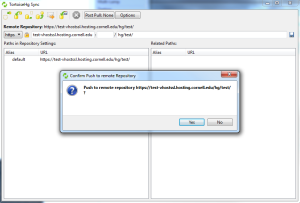
Creating push back to Mercurial server.
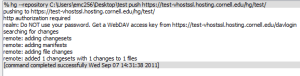
Confirmation showing the use of "/davportal/"
