 Sign-up for free online course on ANSYS simulations!
...
Finally, create a third edge sizing, and select the rounded edges as the geometry. Again, select Type > Number of Divisions, and change Number of Divisions to 100. Select Behavior > Hard. This time, we will will select the third Bias option: Bias > - — ----- — -. Again, we will select Bias Factor to be 70not bias the edges.
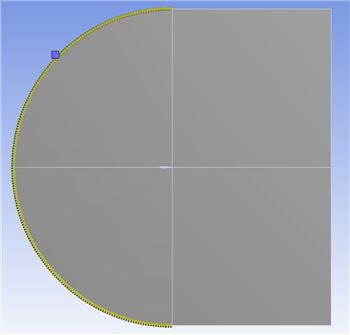
Now, select Mesh > Generate to generate the mesh. It should look like this.
...