*** This version of Confluence is for testing only and contains a copy of content from June 29th 2026. No changes will be preserved. ***

...
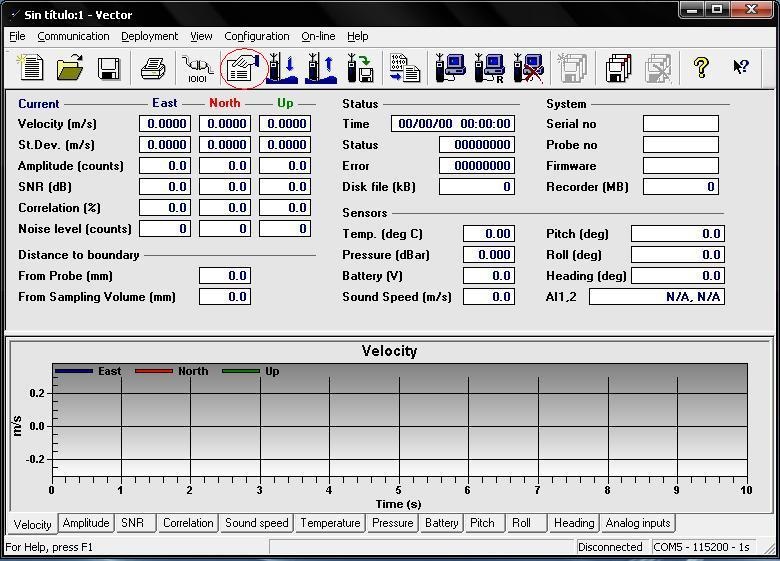
This is what you click to configure the ADV.
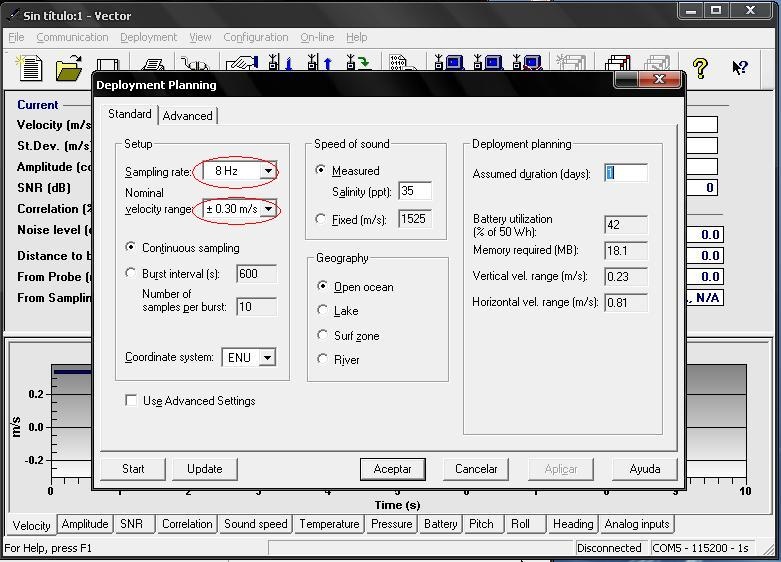
This is the configuration page. We used a sampling rate of 16 Hz and a velocity range of 1.0 m/s.
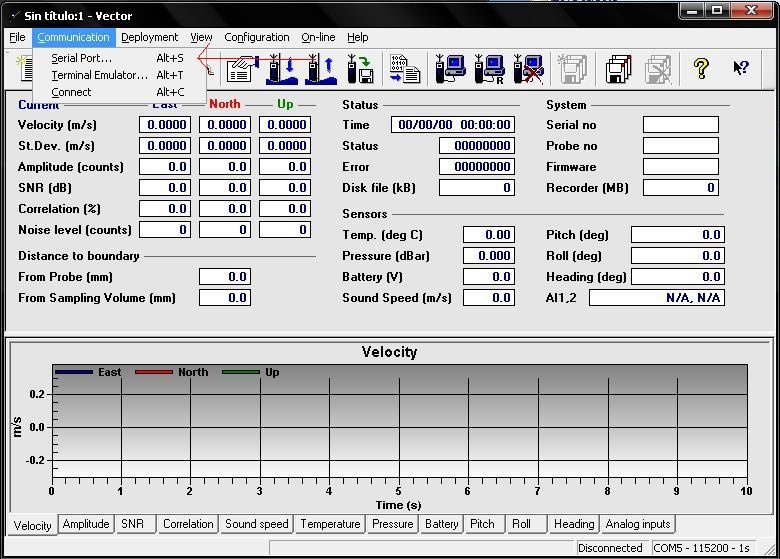
This is where you click to ensure that your computer is communicating with the ADV.
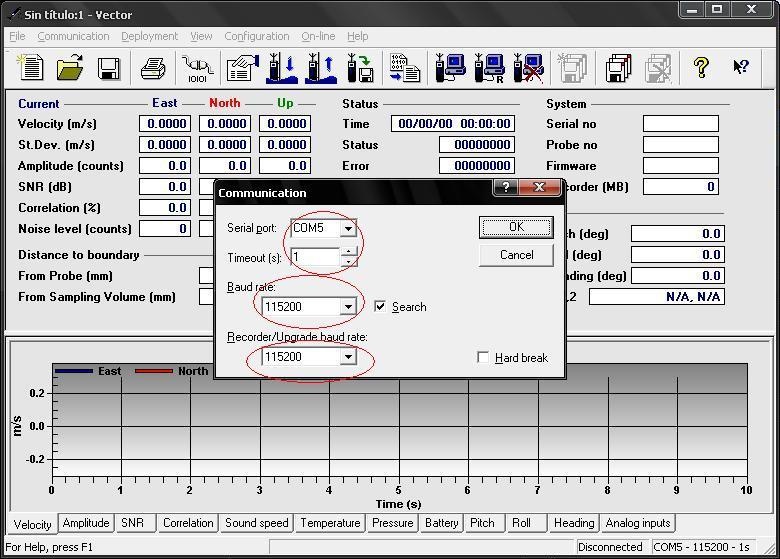
It is important to make sure that the port that the program is reading from is the same port that the ADV is connecting to on your computer. Also, make sure that the baud rates are the same.
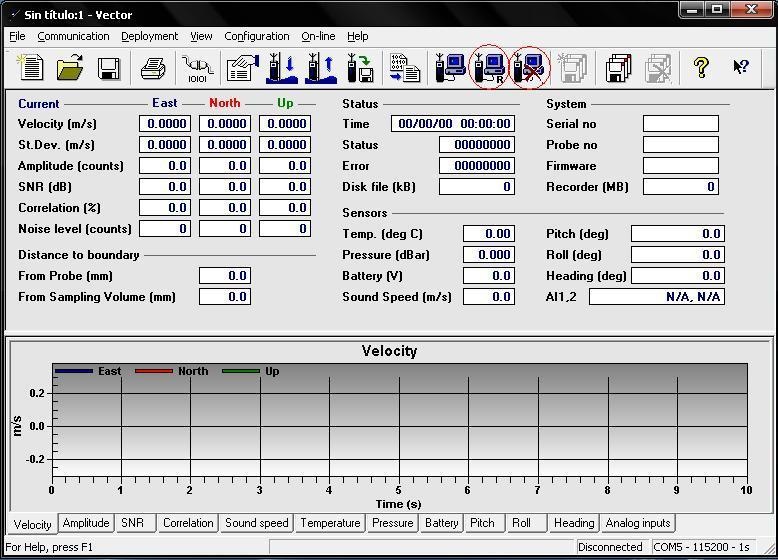
This is where you click to record data. The left circle indicates what you click to record data. The right circle indicates where you click to terminate the recording of data.