 Sign-up for free online course on ANSYS simulations!
...
| Panel |
|---|
Author: Rajesh Bhaskaran, Cornell University Problem Specification |
Step 4: Setup (Physics)
If you have skipped the previos previous mesh generation steps 1-3, you can download the mesh by right-clicking on this link. Save the file as plateBL.msh.
...
Select Laminar under Model and click Edit.
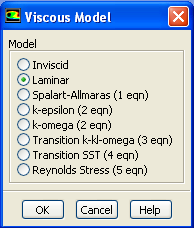
We want to leave the default value so you can click Cancel.
...
Double click air or select it and click Create/Edit. Make sure air is selected under Fluid Materials. Set Density to 1.00 and Viscosity to 1e-4 so that we can get Re of 1e4.
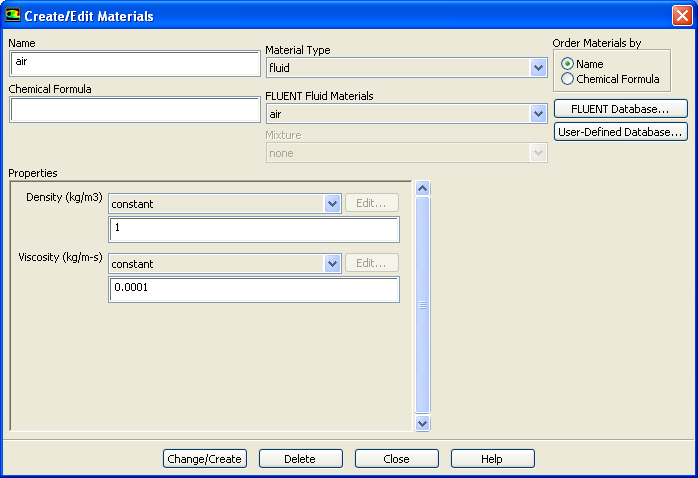
Higher Resolution Image
Click Change/Create.
...
Problem Setup > Boundary Conditions
> Operating Conditions
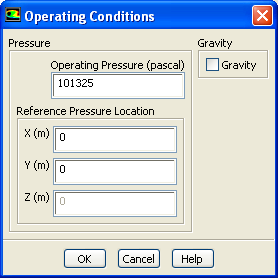
Use the default value. Click OK.
...