*** This version of Confluence is for testing only and contains a copy of content from June 29th 2026. No changes will be preserved. ***

...
picture of pressure sensor connected to larger tank
...
Navigate back to the configuration screen and click on "Sensor configuration and calibration" as shown in the figure below.
...
The path directory to find this calibration file is: enviro\enviro on enviro\Software\Data Server\Sensor Calibration\7 kPa
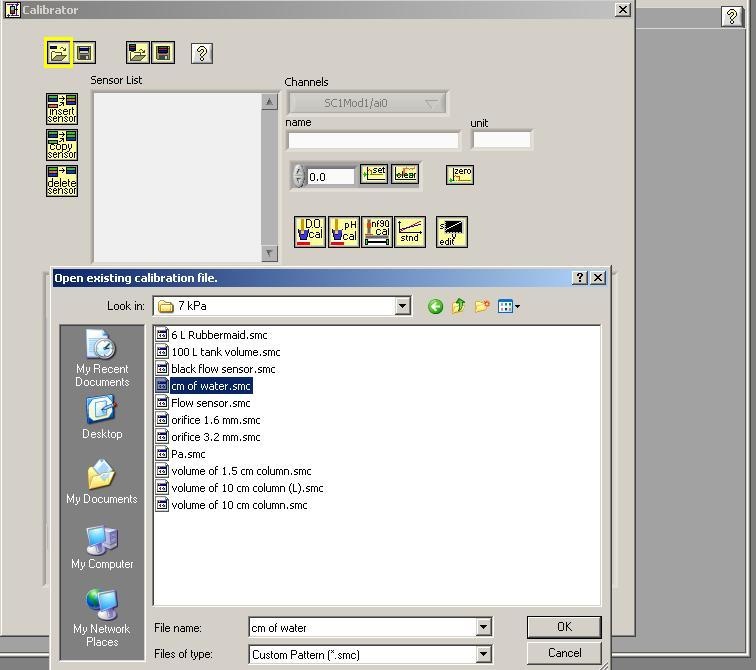
The next step is to take note of where you plugged in the sensor. It should be plugged into the top row and there should be a number value above.